














Match it with:
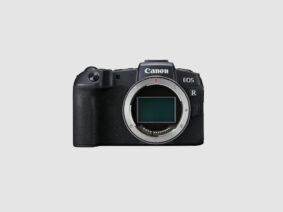
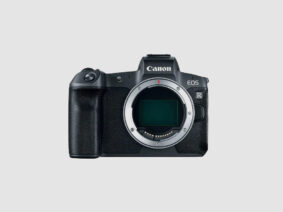

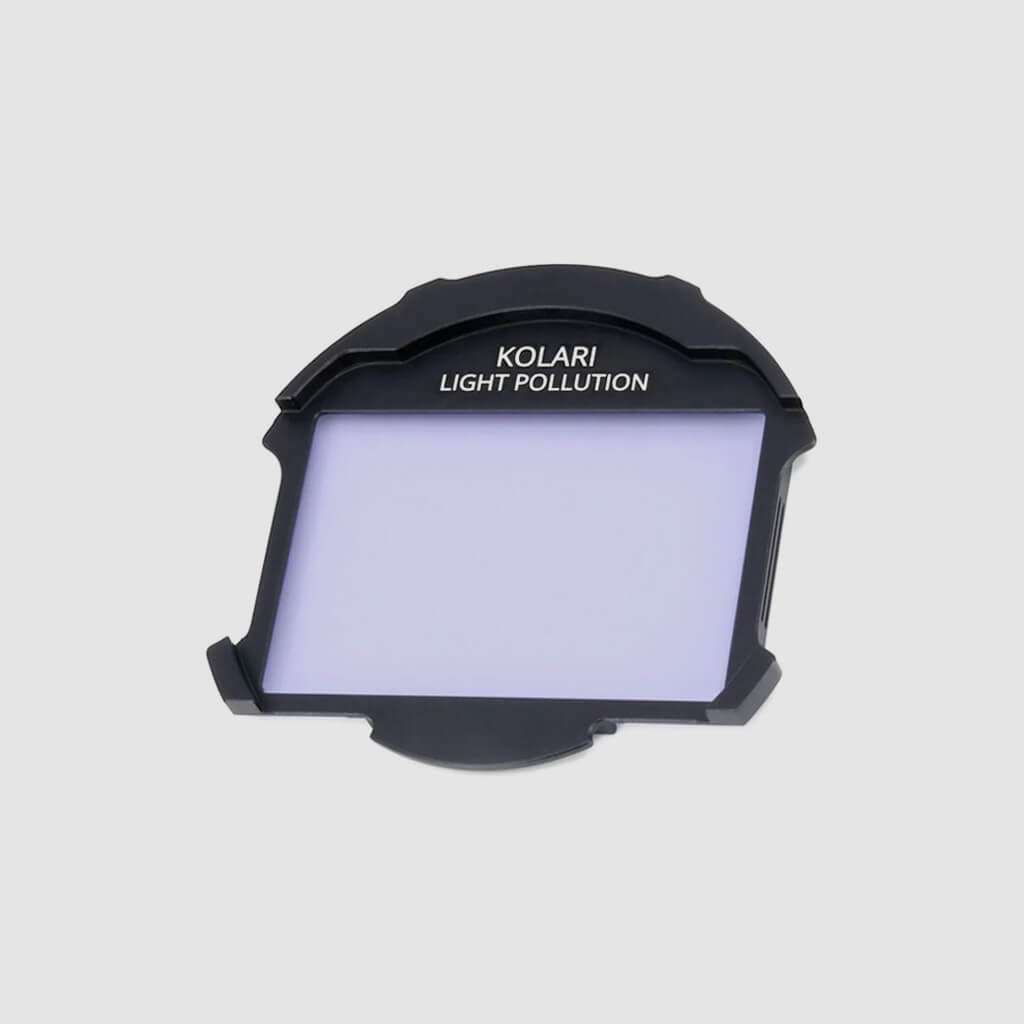
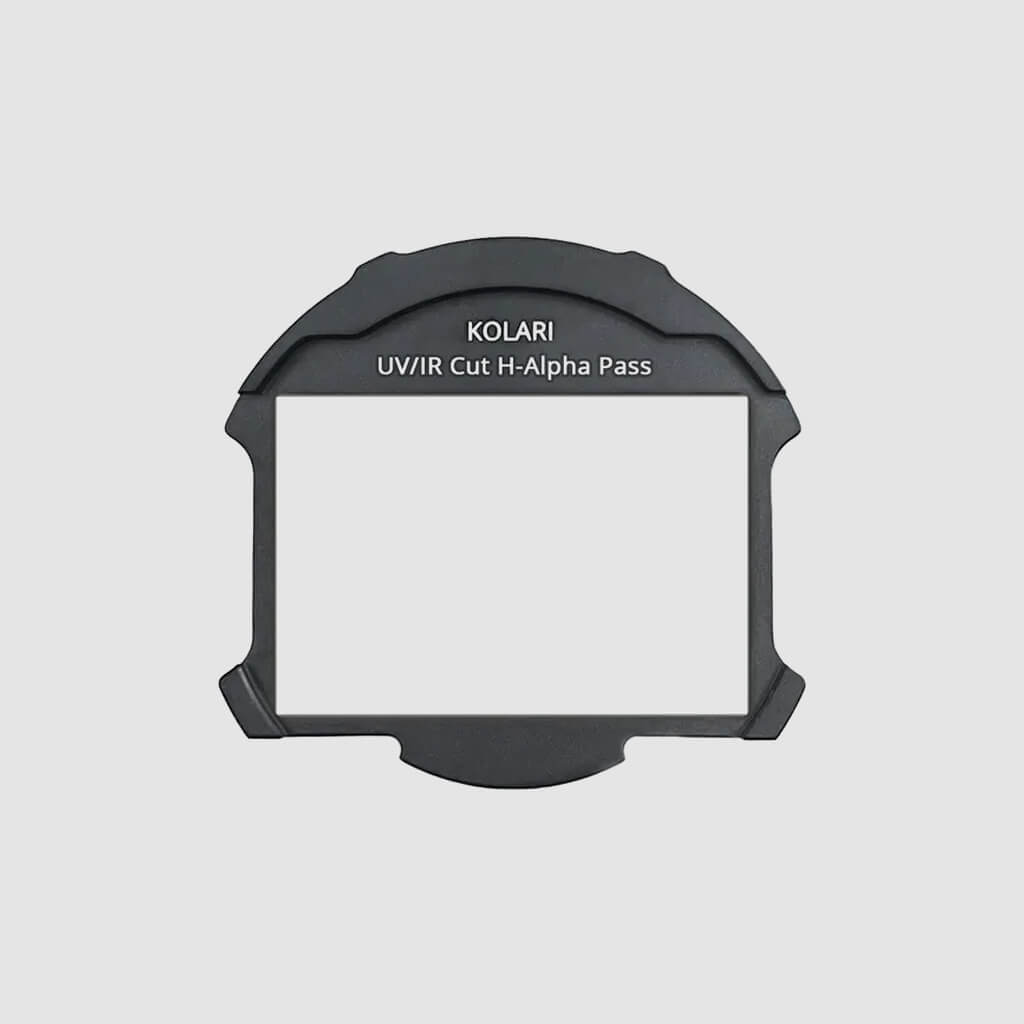
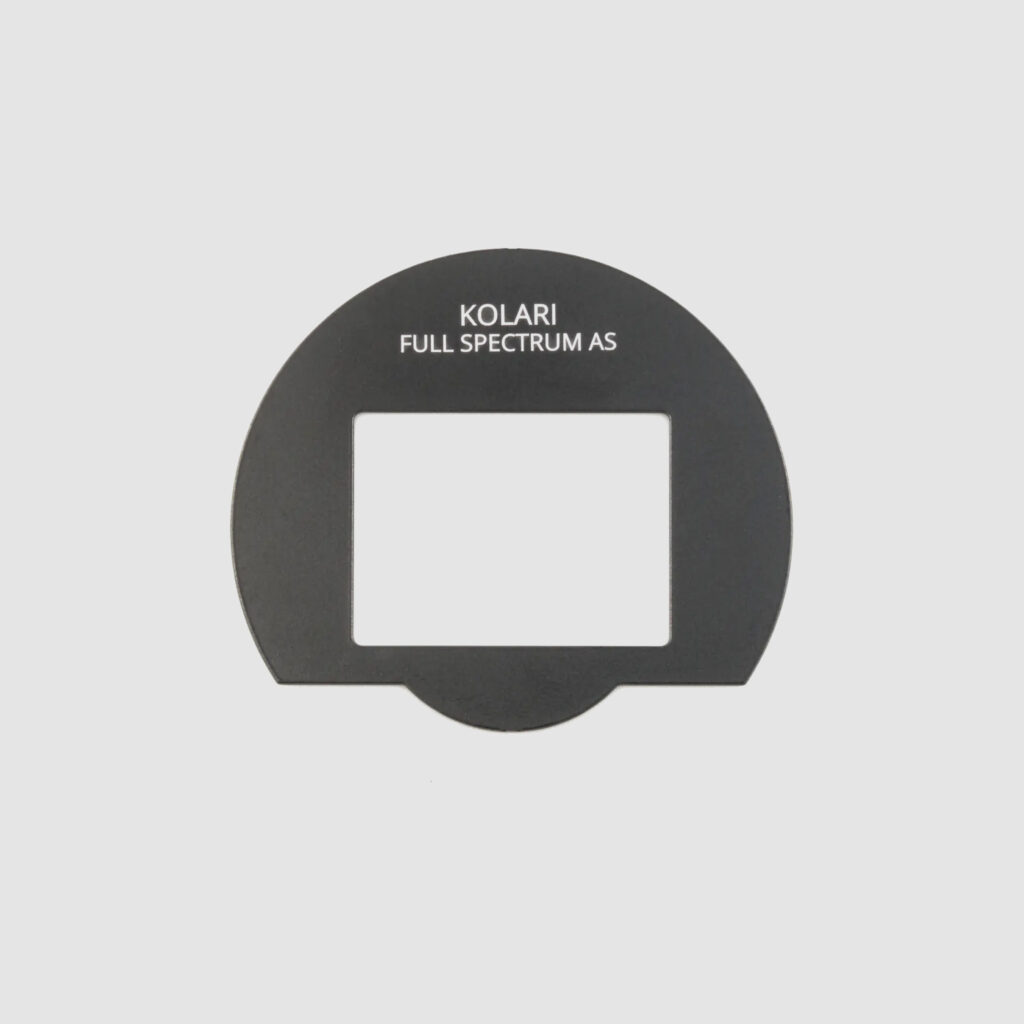
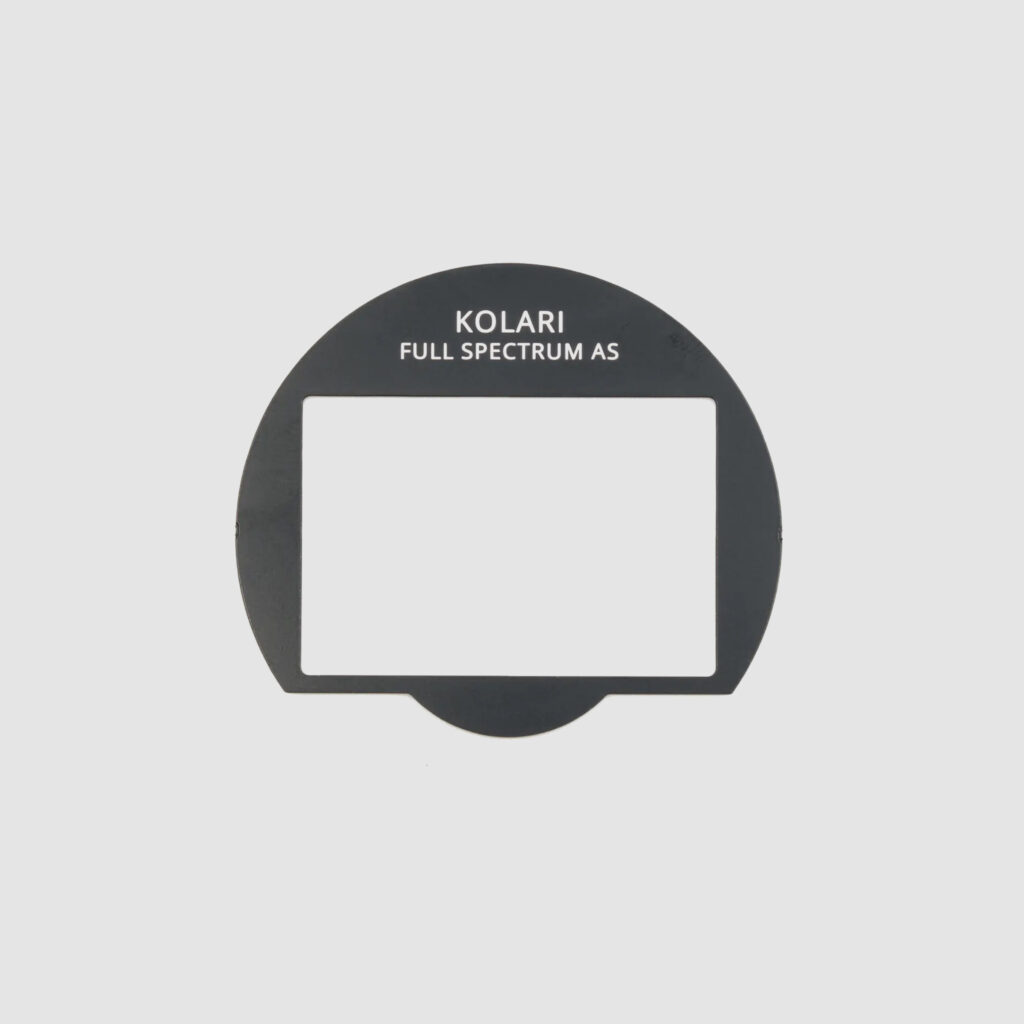
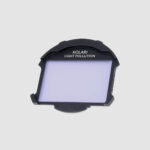
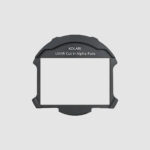
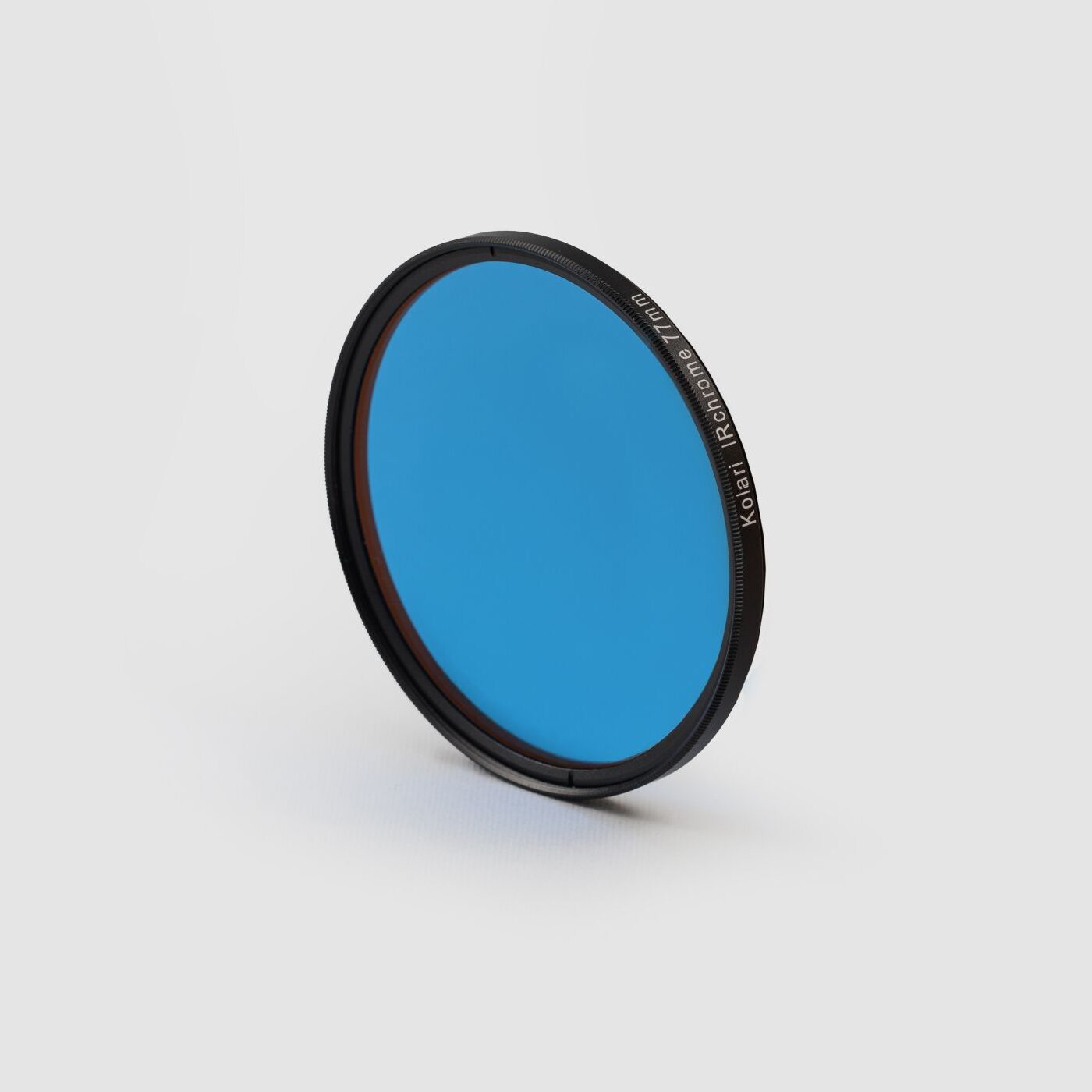
Our Kolari Magnetic Clip-in Filters for RF-Mount (Astro) provide several filter options to help enhance your Astrophotography images. Engineered with Kolari’s professional-level optics, these filters are available in two options: UV/IR Cut H Alpha Pass, and Light Pollution Filter.
Crafted with the premium optical glass we’re known for, our Kolari Magnetic Clip-in Filters for RF-Mount are finished with advanced anti-reflective and anti-smudge hard coatings to boost light transmission and reduce flares and ghosting. These multi-coated filters are also hydrophobic, dust-resistant, and scratch-resistant, making them easy to clean and built to withstand the demands of any shooting environment.
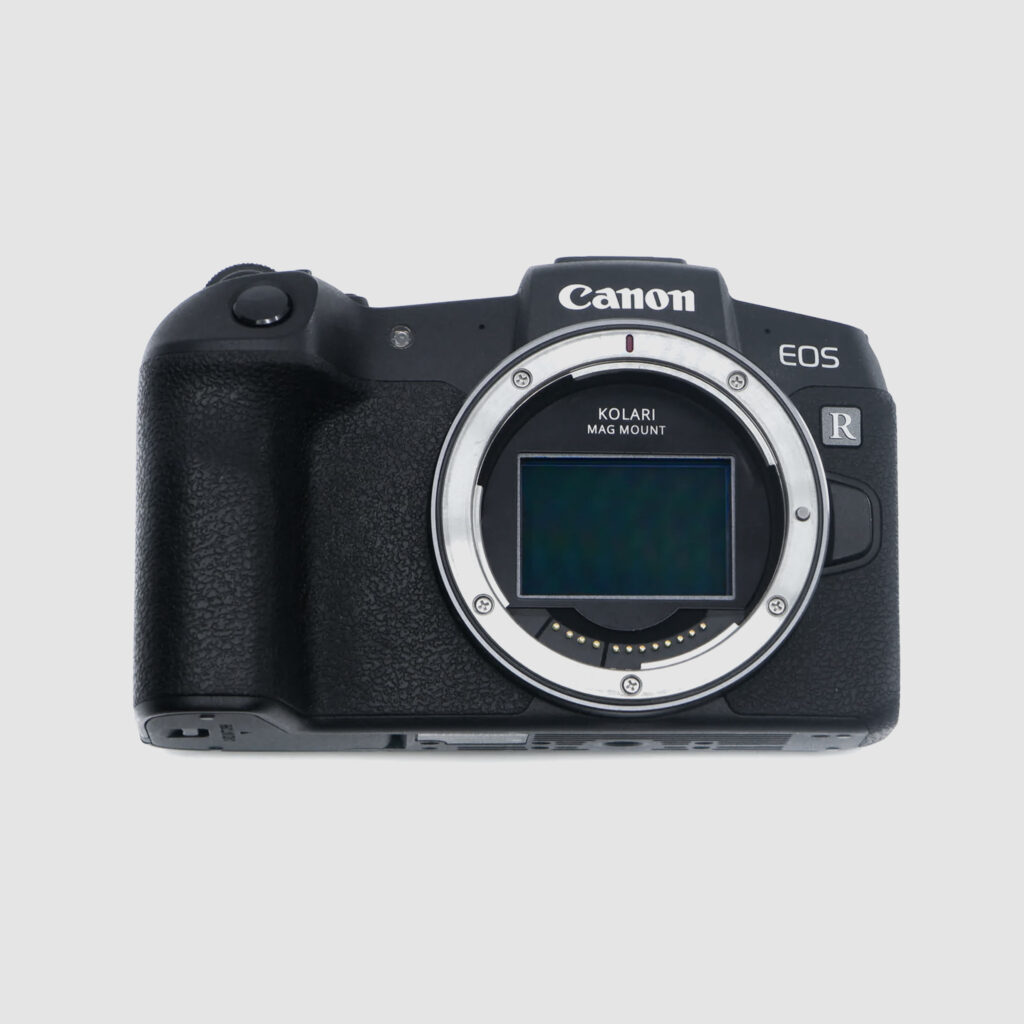
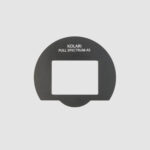
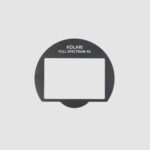
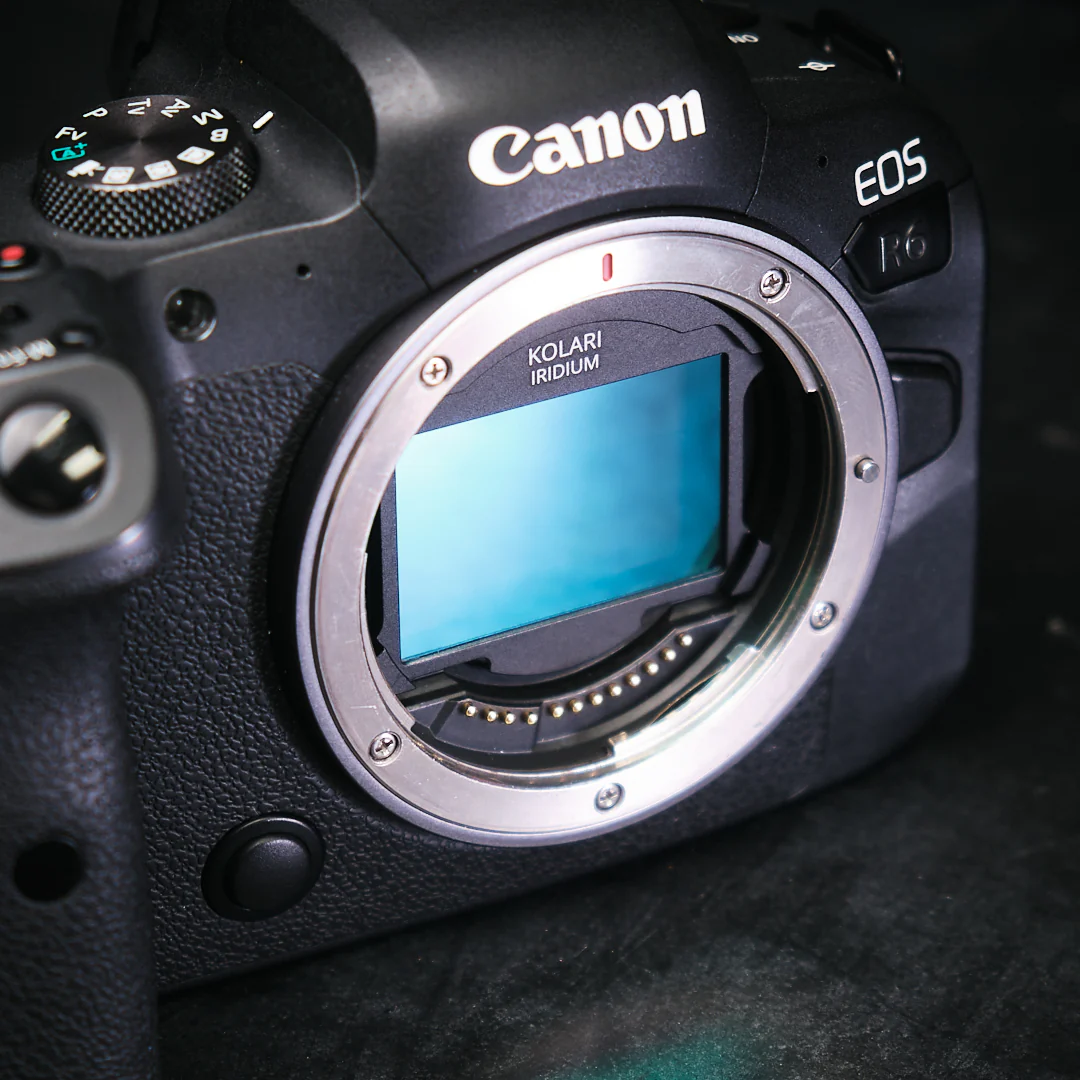
Each filter is housed in a precision CNC-machined aluminum magnetic frame designed for Canon RF-mount cameras. This rear-mounted solution works seamlessly with lenses that lack front filter threads and can also be paired with external lens filters, allowing for flexible, multi-layered filtration setups.
For even more versatility, you can pair these filters with our Kolari EF-EOS R Drop-In Filter Mount Adapter, allowing for three total layers of filtration.
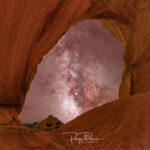
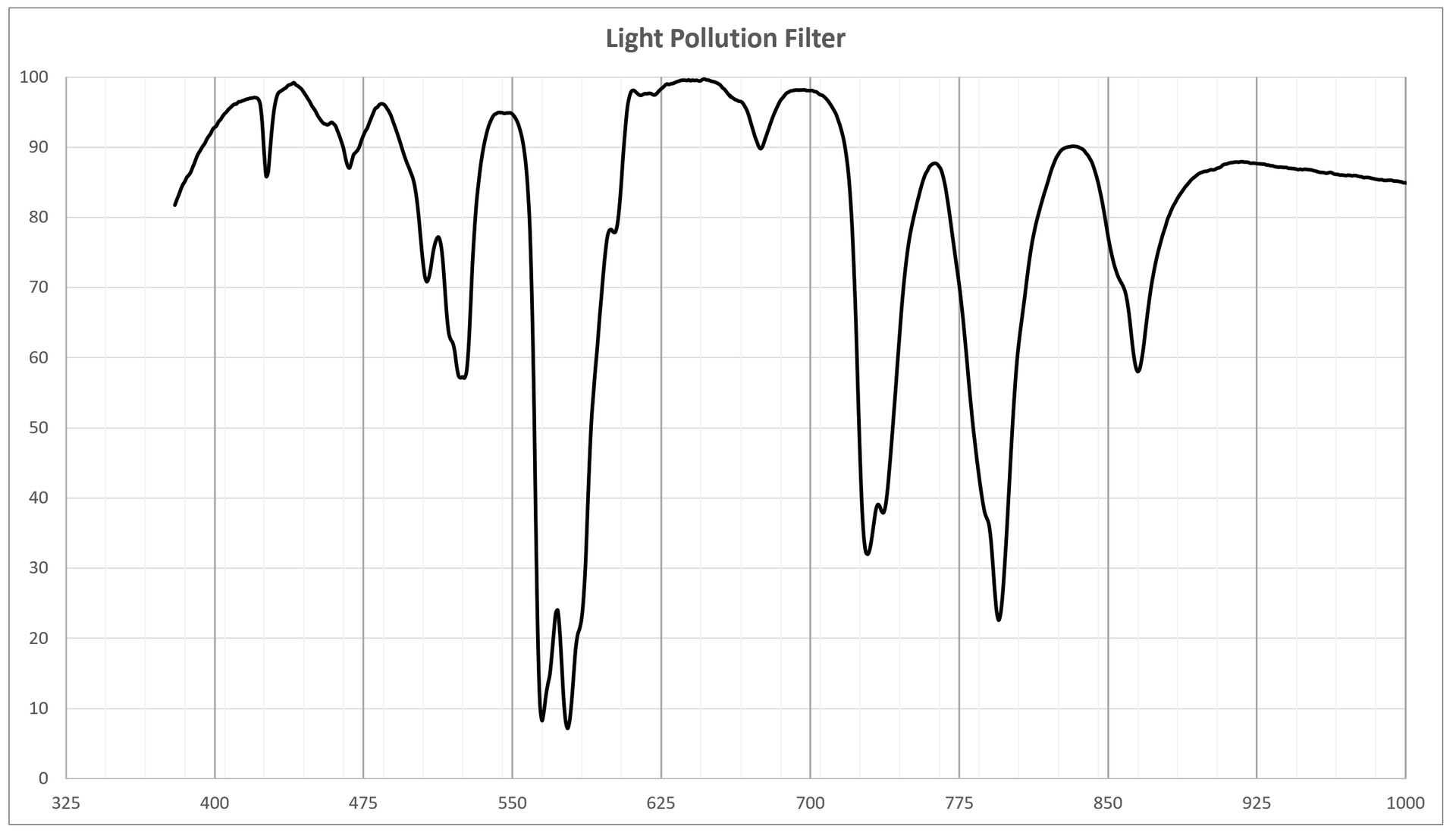
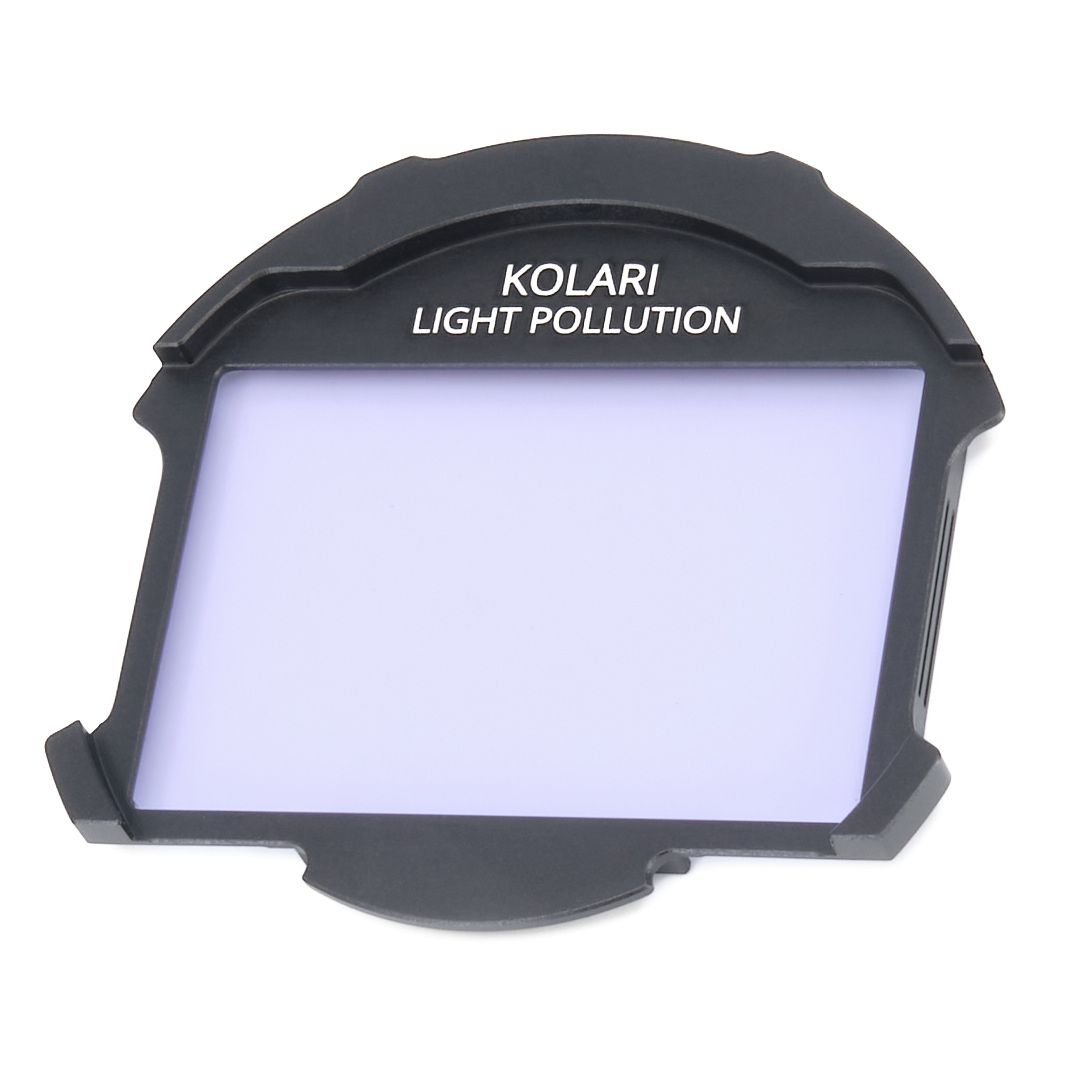
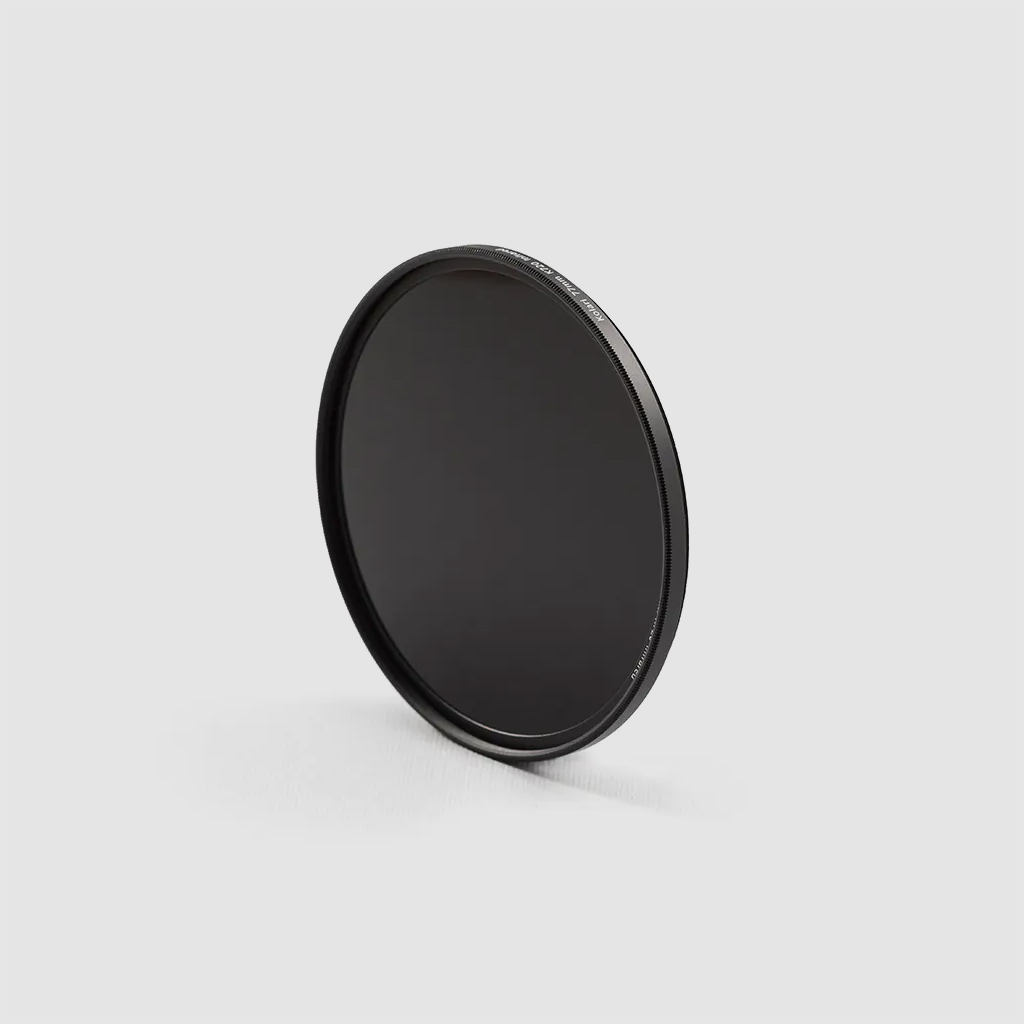
Our Light Pollution Filter is designed to enhance night sky photography by selectively blocking the most common wavelengths emitted by artificial lighting, such as streetlights, mercury vapor, and sodium lamps. By reducing this unwanted glow, the filter helps restore natural contrast to the night sky, making stars, nebulae, and other celestial objects stand out with greater clarity.
Perfect for astrophotographers shooting in urban or suburban environments, this filter enables deeper exposures, improved color balance, and more defined detail in your images.
This filter is compatible with both stock and full-spectrum cameras.
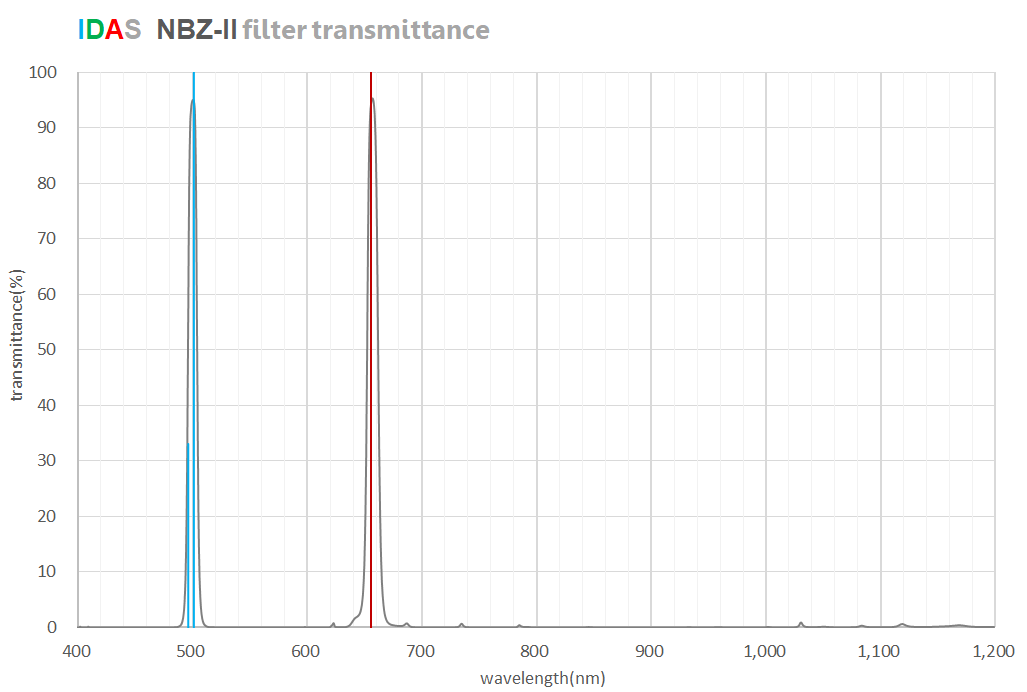
The Nebula Booster NBZ-II is a specialized filter designed to enhance deep-sky imaging. With a 10nm H-alpha narrowband and an 8nm OIII narrowband, this filter provides superior contrast and detail for capturing nebulae and galaxies.
Unlike competitive 7nm or narrower filters that lose significant transmittance in fast optical systems (around F2), the NBZ-II maintains 80% or more transmittance under the same conditions.
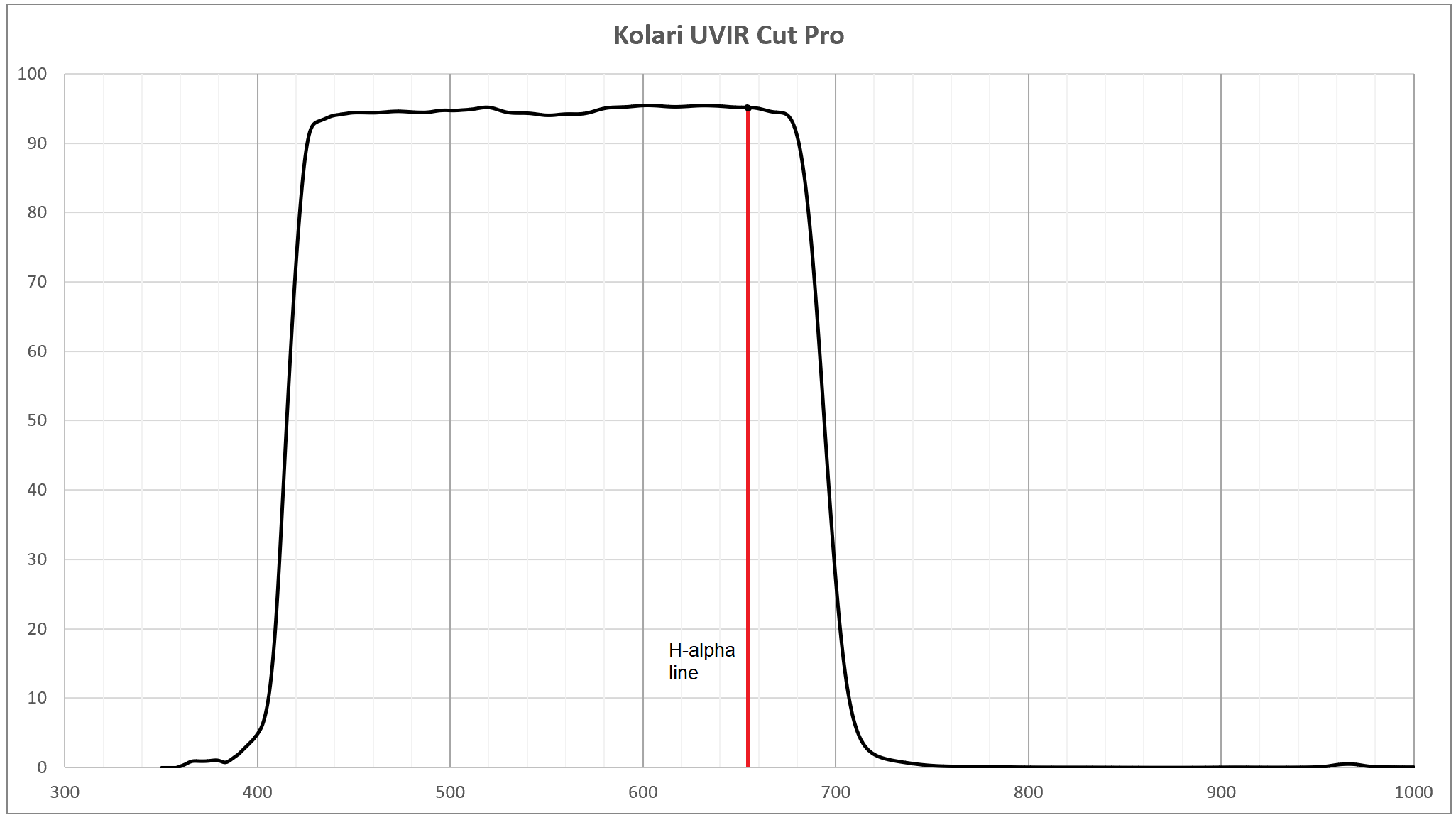
Our UV/IR Cut Filter (H-Alpha Pass) is specially designed for astrophotographers using full-spectrum converted cameras. It blocks unwanted ultraviolet and infrared light while allowing critical emission lines—specifically H-alpha (656nm) and Sulfur II (672nm)—to pass through, making it ideal for capturing deep-sky objects like nebulae with enhanced clarity and detail.
With a similar transmission profile to our standard UV/IR Cut Hot Mirror, this version offers an expanded spectral window tailored for emission line imaging. When paired with a full-spectrum modified camera, it delivers over 4× greater sensitivity to the H-alpha line and more than 6× greater sensitivity to Sulfur II compared to an unmodified stock camera. This dramatic boost in signal allows for shorter exposures, finer details, and better contrast in faint astronomical targets.
While designed with astrophotography in mind, this filter is also effective at minimizing IR contamination when used with stock unconverted cameras that experience residual IR leakage.
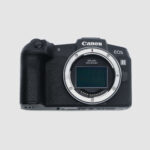
Our Astro Clip-in Filters for Canon RF are compatible with Canon EOS RP, Canon EOS R, Canon EOS R1, Canon EOS R3, Canon EOS R5, Canon EOS R6, Canon EOS R6 Mark II, Canon EOS R6 Mark III, Canon EOS R8, Canon EOS R7, Canon EOS R10, Canon EOS R100, and Canon EOS C50.
For proper fit, alignment, and long-term reliability, all Kolari R Clip-In Filters must be used with our magnetic mounting plate on every supported Canon EOS camera.
The magnetic mounting plate is required on all models to ensure secure retention, consistent positioning, and to protect the camera baseplate during installation and removal.
Canon EOS R7 and Canon EOS R10 are compatible with standard, slim, and ultra-slim clip-in filters. Canon EOS R100 is compatible with slim and ultra-slim clip-in filters only. Ultra-slim frames provide the best overall compatibility on APS-C cameras.
Filter stacking is supported using ultra-slim plus ultra-slim or ultra-slim plus slim combinations only. When stacking an ultra-slim and slim filter together, the ultra-slim filter must be installed first.
Canon EOS R50 is not supported at this time.
Some Canon RF and RF-S lenses are not compatible due to rear element clearance, including Canon RF-S 18-150mm, Canon RF-S 10-20mm, Canon RF 28mm f/2.8, and Canon RF 28-70mm f/2.8. These lenses are not compatible with standard or slim clip-in filters.
Speed boosters are not supported. The Metabones EF to RF Speed Booster Ultra 0.71x is not compatible with Kolari clip-in filters, and other speed boosters may also be incompatible.
Astrophotography Warning: Astrophotography thoroughly tests the optics of any camera system and lens. Ultrawide lenses are particularly challenging because of the high rear incidence angles involved where any additional glass has the possibility of inducing a field curvature which can cause corner sharpness on a lens-by-lens basis; this effect is most noticeable at wide apertures. While this should always be a consideration with any ultra wide lens, we typically only see issues with astrophotography where the target subject is a series of geometrically perfect points of light at infinity, shot at wide apertures.
We understand that Astrophotography can be challenging, but don’t worry, we have many resources and tutorials available for astrophotographers.
Here are a few of our most popular tips and tricks below:
Choosing a Full Spectrum or H-alpha Conversion for Astrophotography
Packing for Wilderness Backpacking for Astro and Infrared Photography
Narrowband Hydrogen Alpha Filters for Landscape Astrophotography












Reviews
There are no reviews yet.