







Match it with:
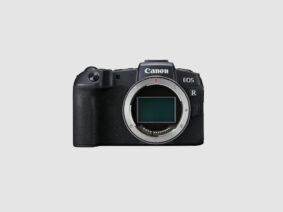
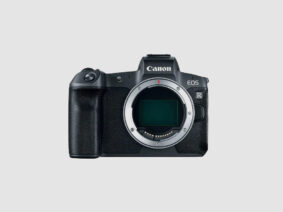

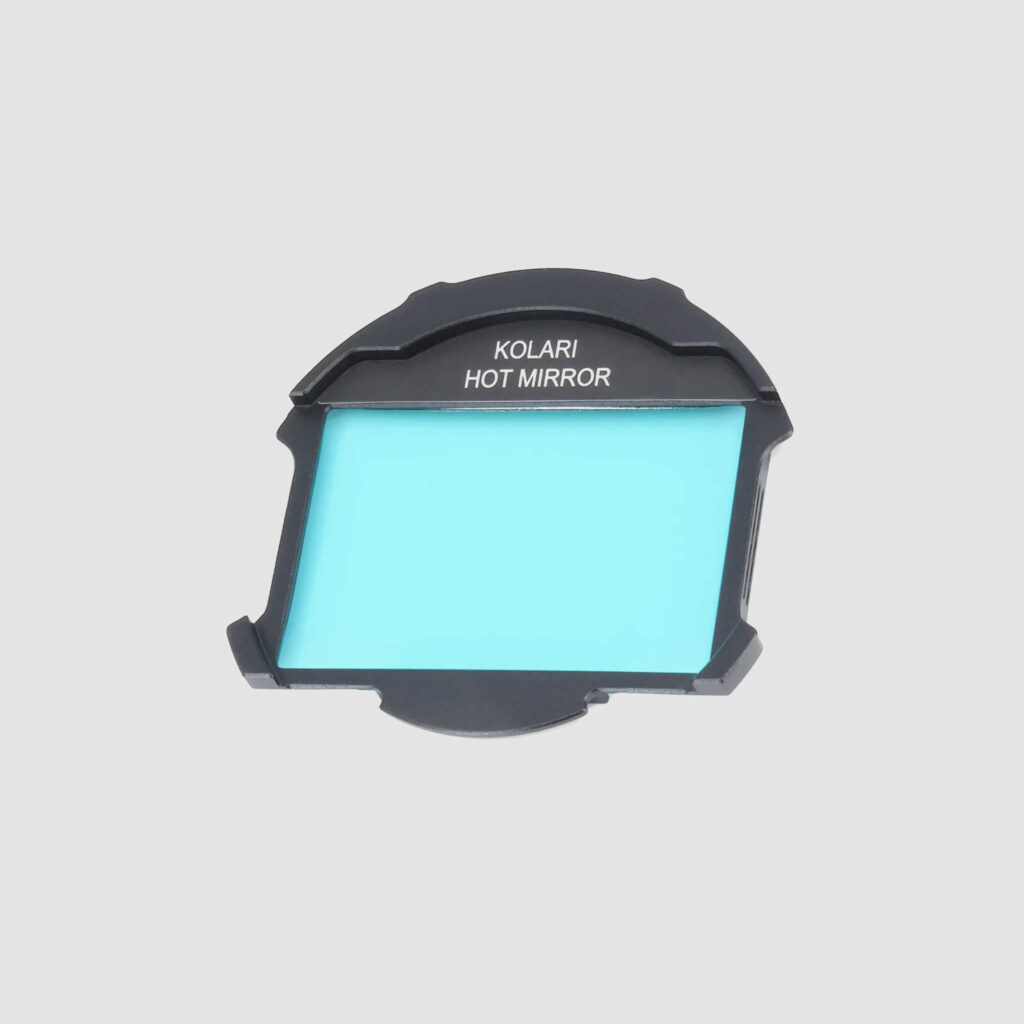
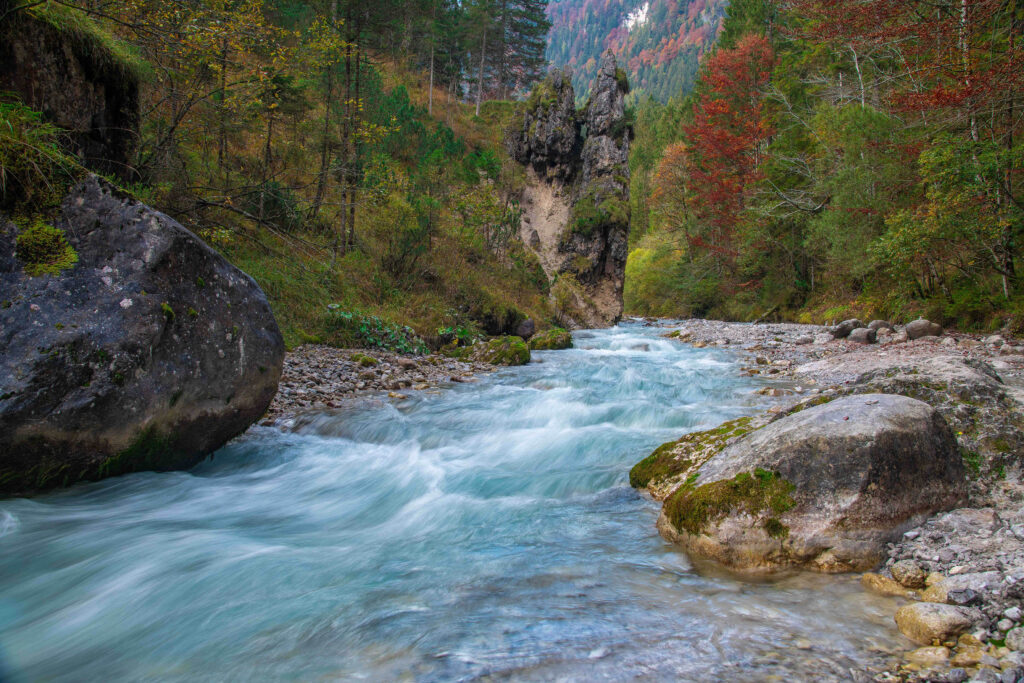
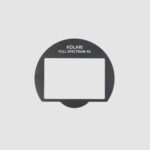
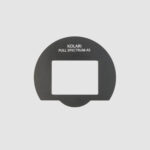
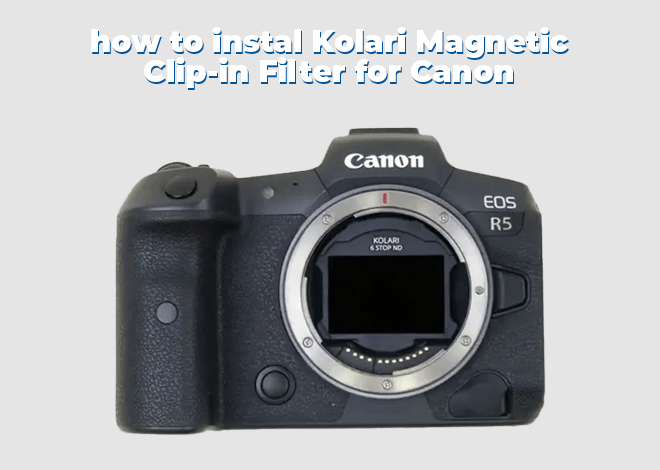
Kolari Magnetic Clip-in Filters For Canon RF-Mount (Hot Mirror) are designed to block ultraviolet and infrared light while allowing only visible wavelengths (400–700nm) to pass through. This makes it essential for photographers using full-spectrum cameras who want to shoot in normal visible light. By cutting out these unwanted wavelengths, the Hot Mirror Filter restores natural color accuracy, improves sharpness, and delivers true-to-life results.
Engineered with the professional-grade optics that Kolari is renowned for, these filters are securely housed in a CNC-machined aluminum magnetic frame designed to maximize lens compatibility. This universal solution fits perfectly with lenses lacking filter threads and can be paired with external lens filters for added filtration effects.
For even more versatility, you can pair these filters with our Kolari EF-EOS R Drop-In Filter Mount Adapter, allowing for three layers of filtration.
Compatible with Canon RF cameras. (See compatible cameras below)
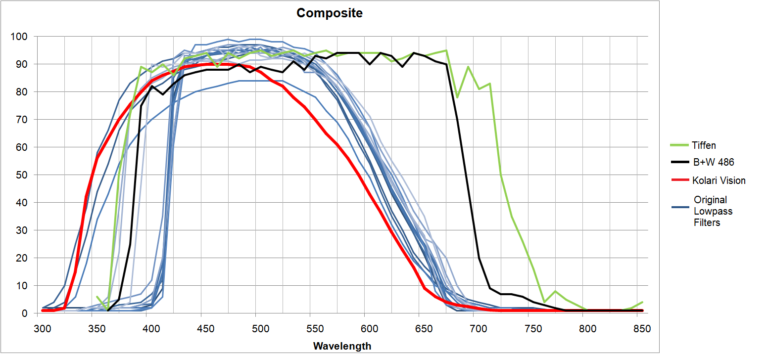
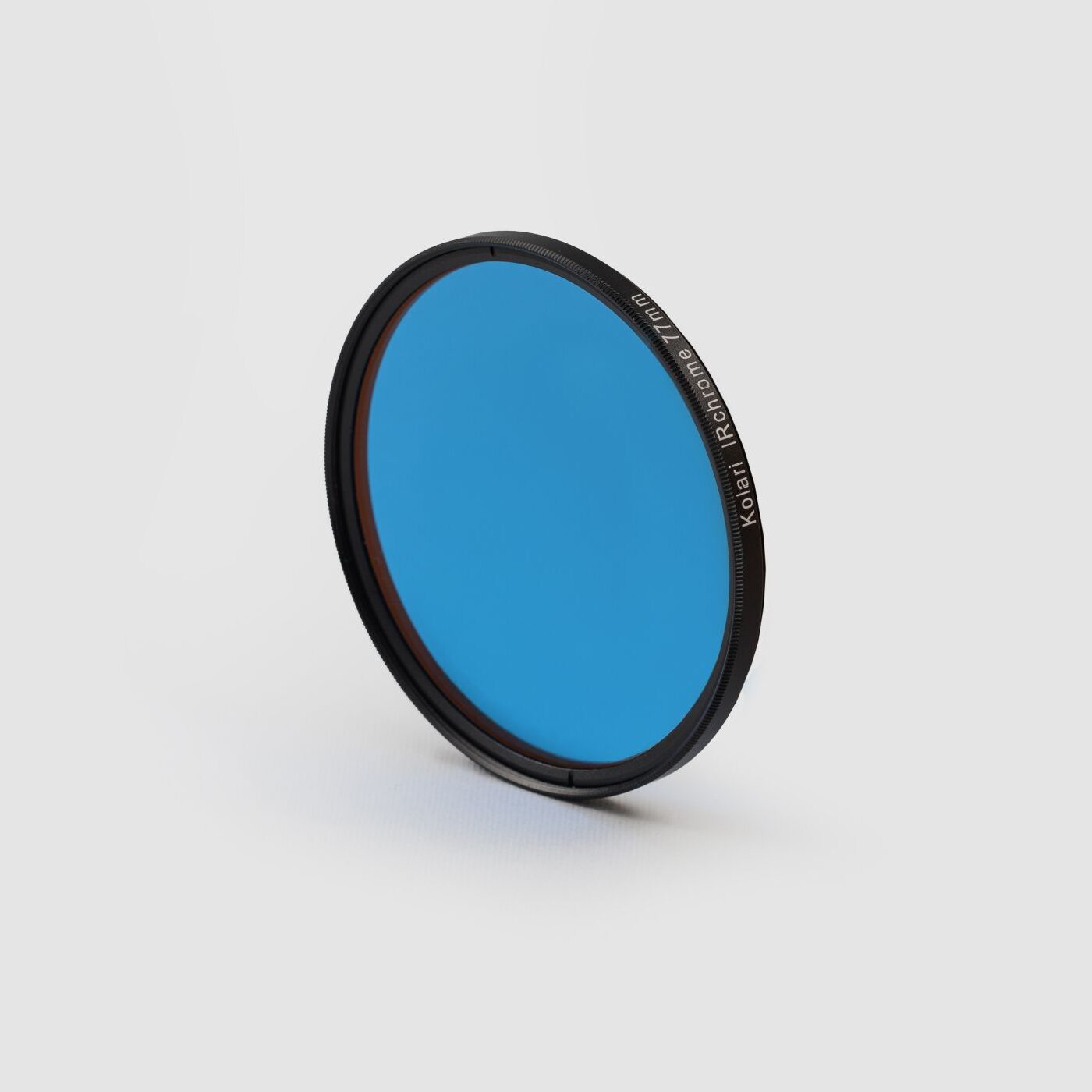
Also known as a lowpass filter or UV/IR cut filter, our UV/IR Cut Color Correcting Hot Mirror Filter blocks infrared light and some UV, and allows a full spectrum converted camera to take normal pictures. Our hot-mirror filters include an anti-reflective corrosion resistant coating, which reduces artifacts and increases durability of the filter in humid regions.
This is the first filter designed specifically for use with a full spectrum or two spectrum converted camera and was designed with a similar transmission of the hotmirror filters that cameras normally employ. Because of its design, it allows for normal use of the camera with all of the regular white balance presets still working. You will notice the color of this filter is blue, unlike other hotmirror filters that are clear. This is a good thing, the original lowpass filters found in cameras are this same shade of blue, this is a visual confirmation that the filter is blocking the same wavelengths.
A note about wide angle: Unlike the B+W 486 filter (a popular hotmirror filter), this filter does not block light by interference, but instead uses absorbtion. This means that regardless of the angle of incidence, the color will not change. The B+W 486 will cause color changes on wide angles around the edges, ours will not.
The filter requires no exposure compensation.
Not all camera lowpass filters have the same transmission. Ours is designed with aggressive IR blockage to eliminate IR leak on all camera models.
A common question that people have while converting their camera to full-spectrum is whether or not they can still shoot in “regular light.” The short answer is yes, you absolutely can. The long answer is that with an external filter that’s designed to cut UV and IR light, the image will be taken within the visible light spectrum but some filters can just be a bit off in auto white balance.
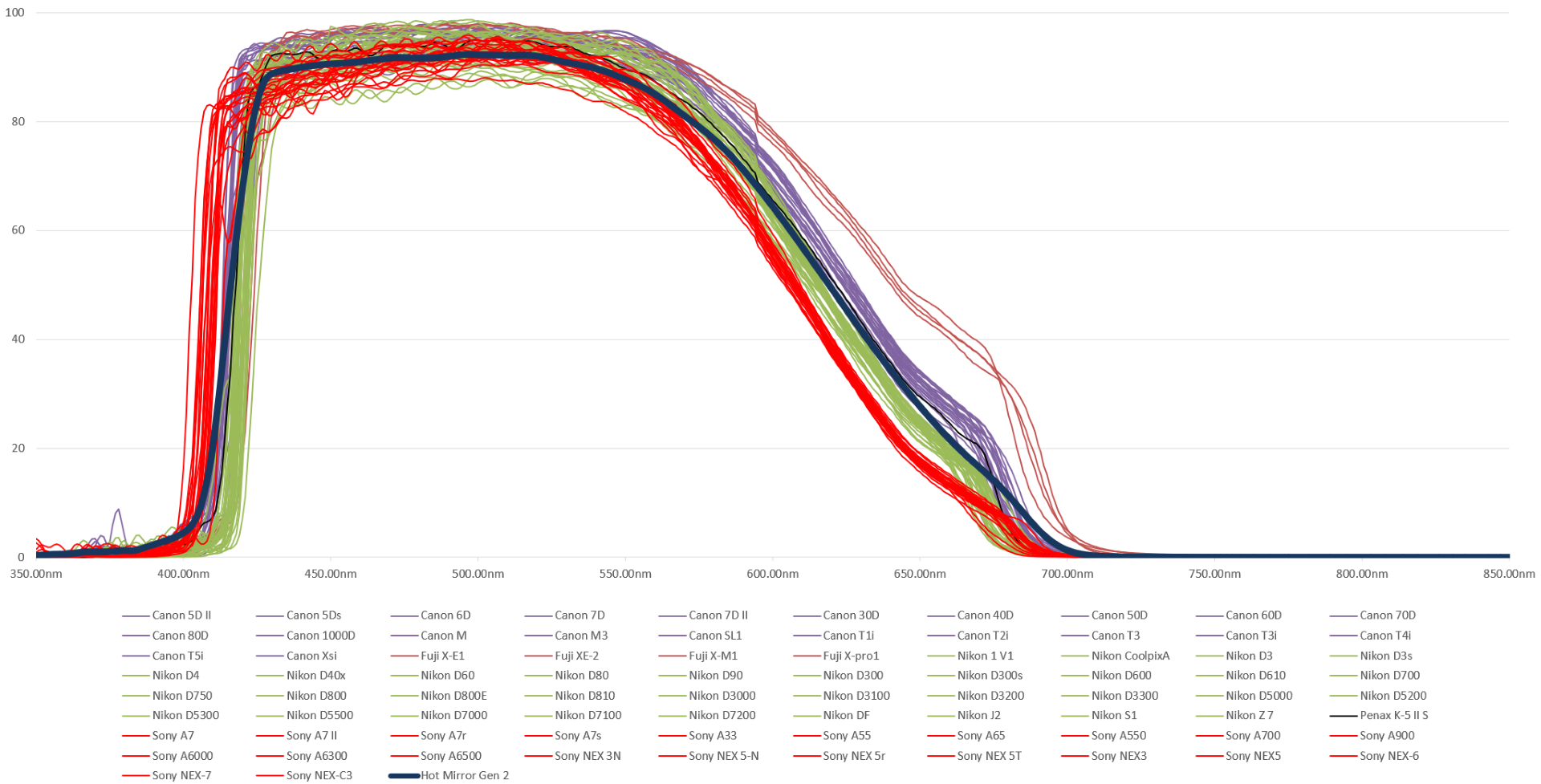
This is exactly why we’re proud to introduce the next generation of filters of its kind, the Kolari Hot Mirror Pro 2. With more than 50 layers of optical coating put on over a 10 hour period, each Hot Mirror Pro 2 is made with quality and precision in mind.
When we introduced our original hot mirror filter, we optimized the spectral response to match the cameras that were on the market at the time as closely as possible. Now almost 10 years later, cameras have changed and our filter manufacturing capabilities have improved. We may have had the best hot mirror on the market already, but we’ve taken things a step further and outdone ourselves with the Hot Mirror Pro 2. We can now achieve even higher color accuracy and virtually identical performance to stock cameras with an auto white balance.
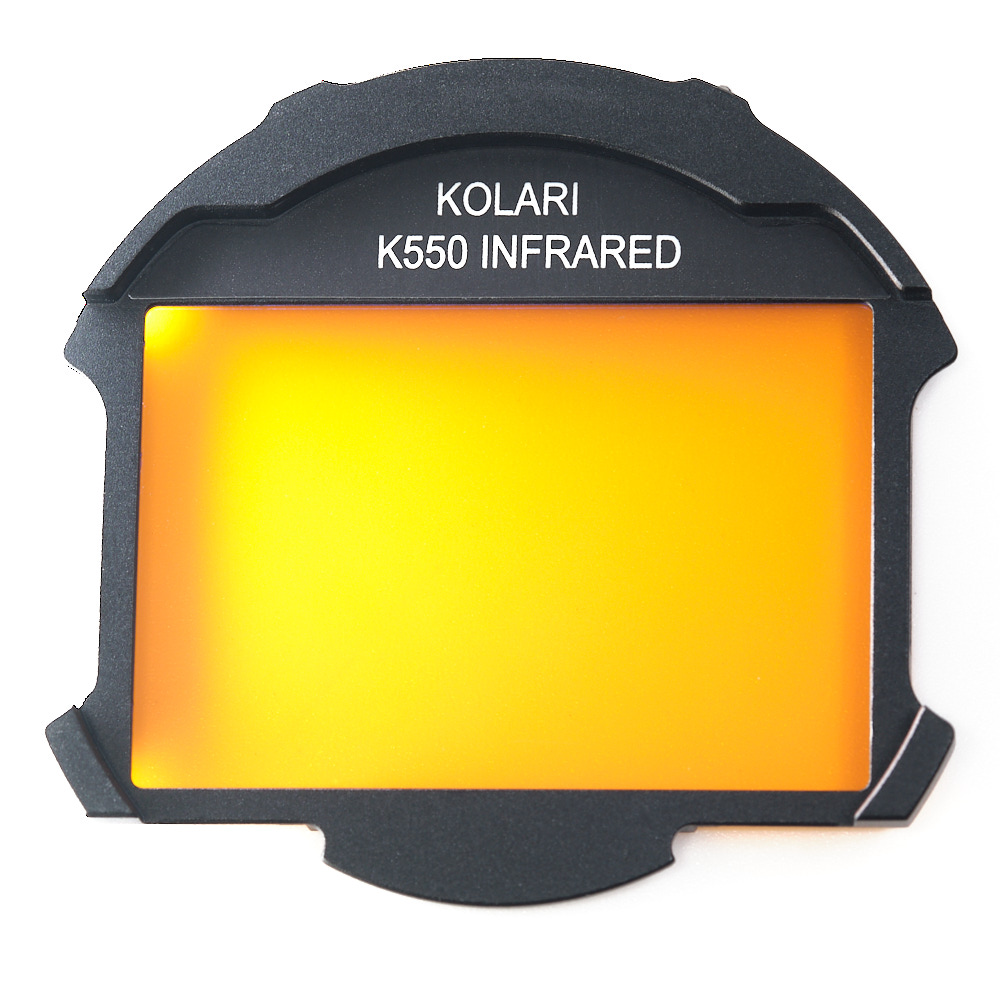
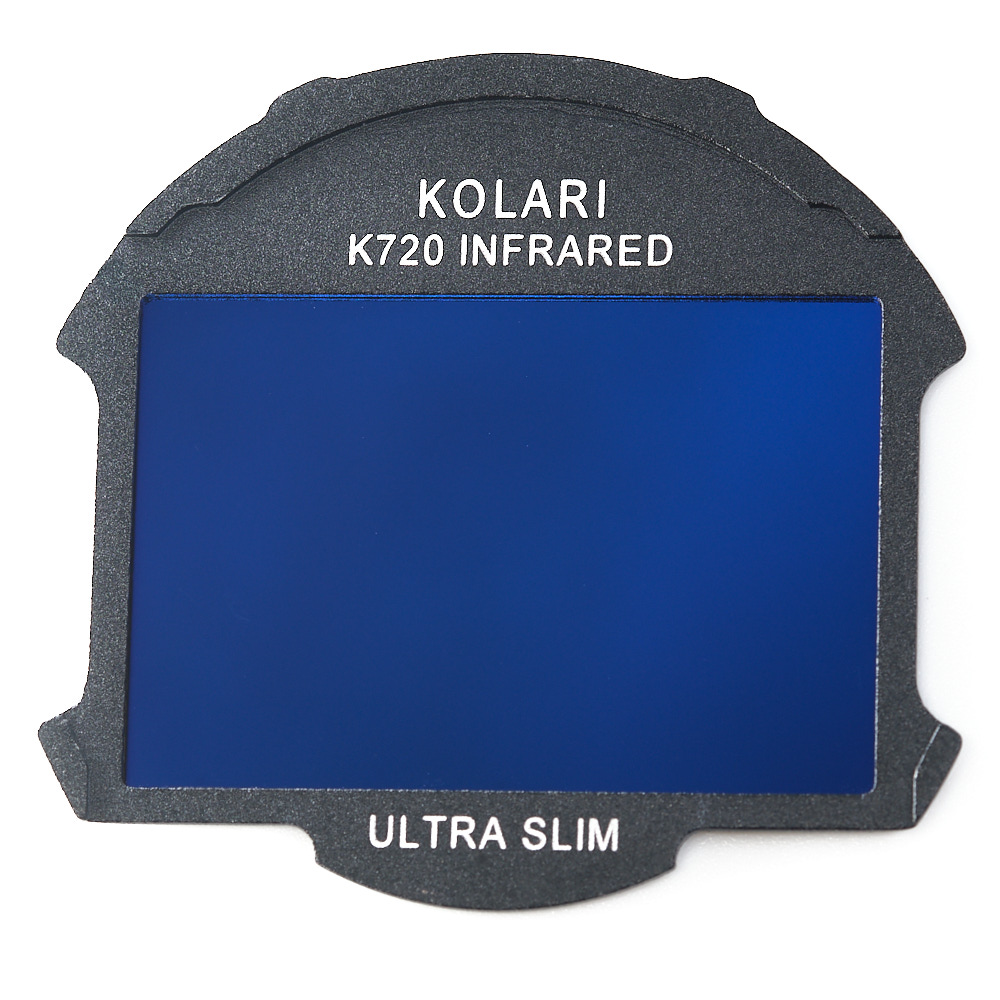
Our infrared filters require a full-spectrum converted camera and will not produce the intended effects on stock, unmodified cameras.
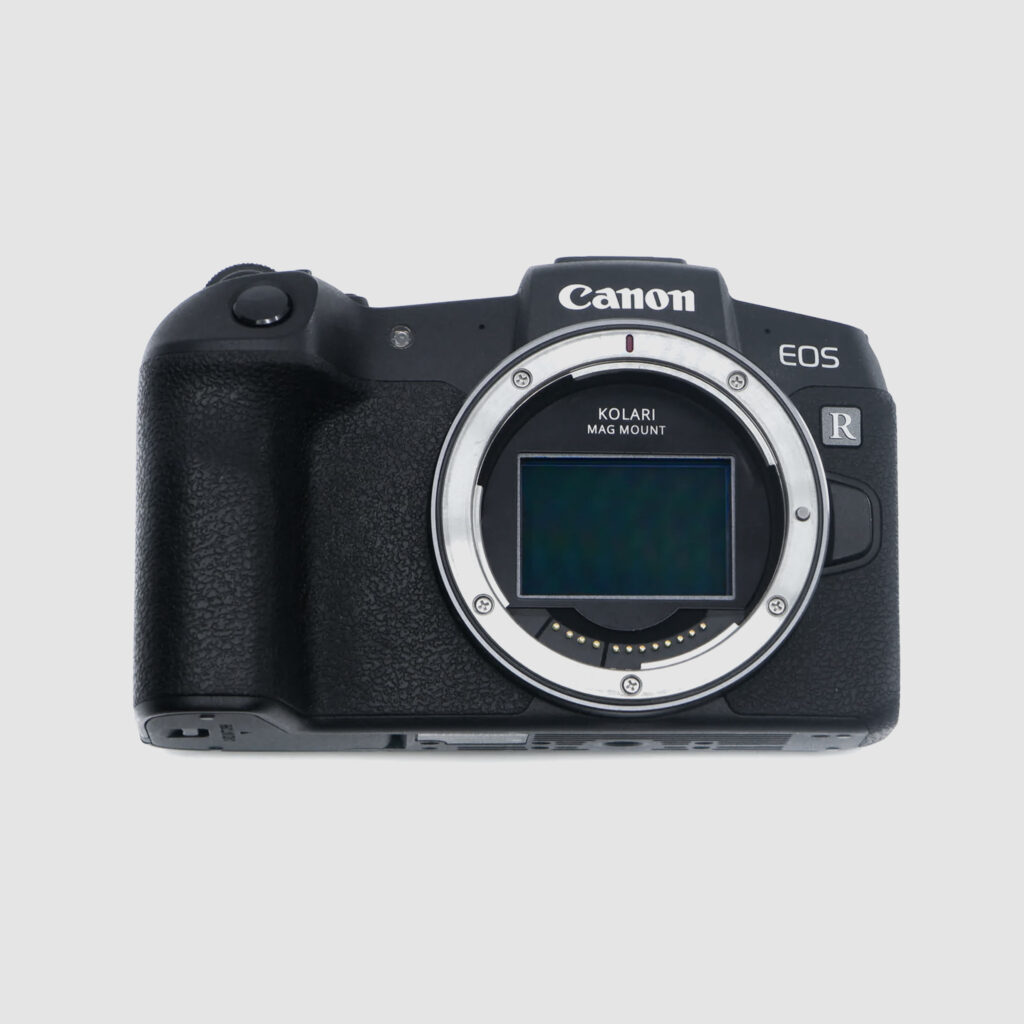
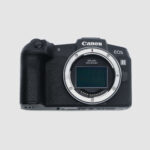
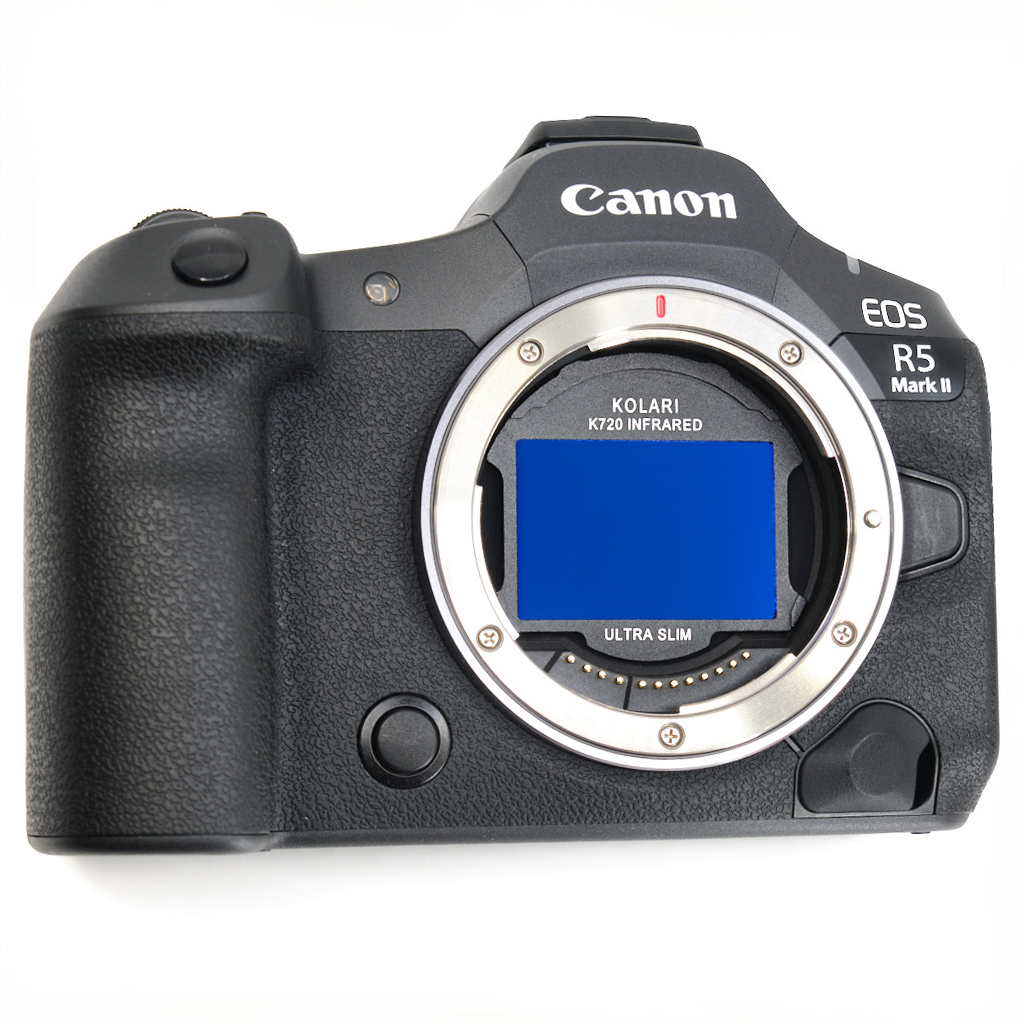
Our UV/IR Cut Clip-in Filters for Canon RF are compatible with Canon EOS RP, Canon EOS R, Canon EOS R1, Canon EOS R3, Canon EOS R5, Canon EOS R6, Canon EOS R6 Mark II, Canon EOS R6 Mark III, Canon EOS R8, Canon EOS R7, Canon EOS R10, Canon EOS R100, and Canon EOS C50.
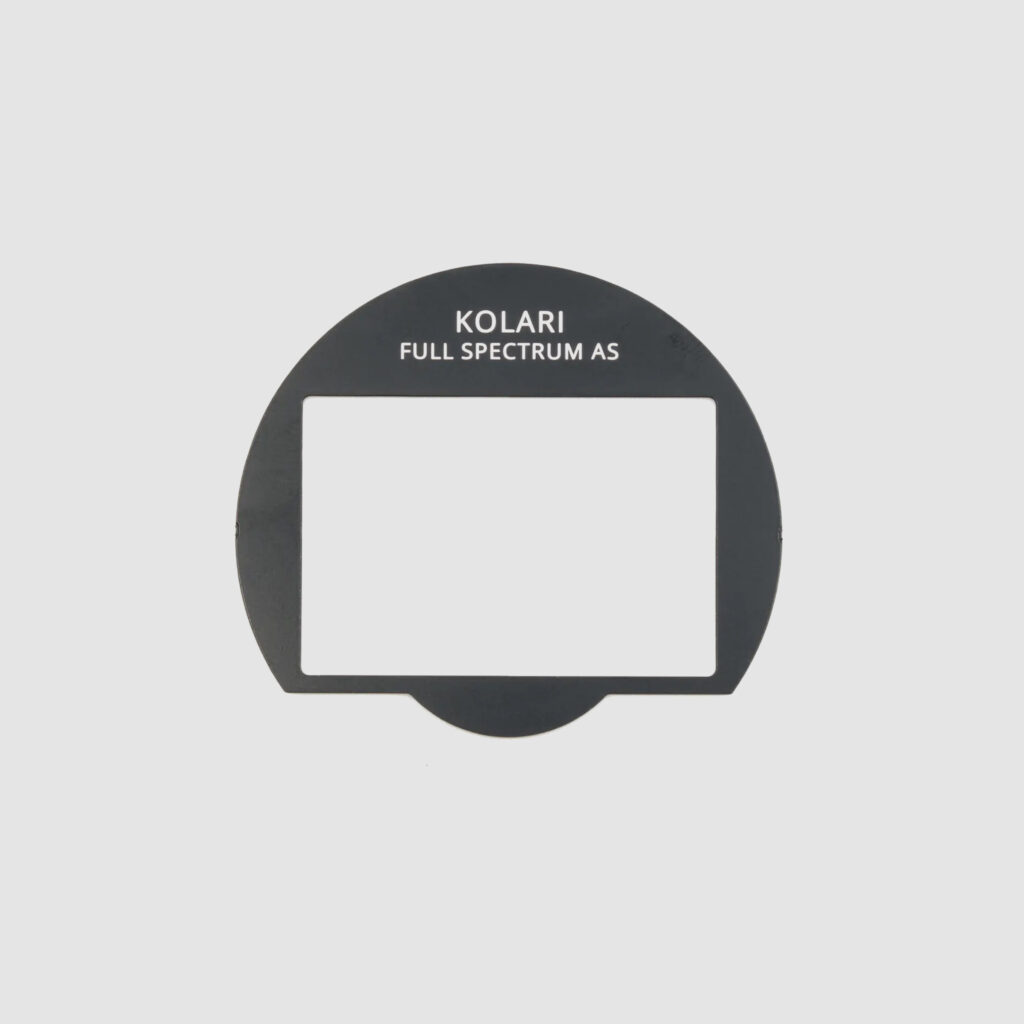
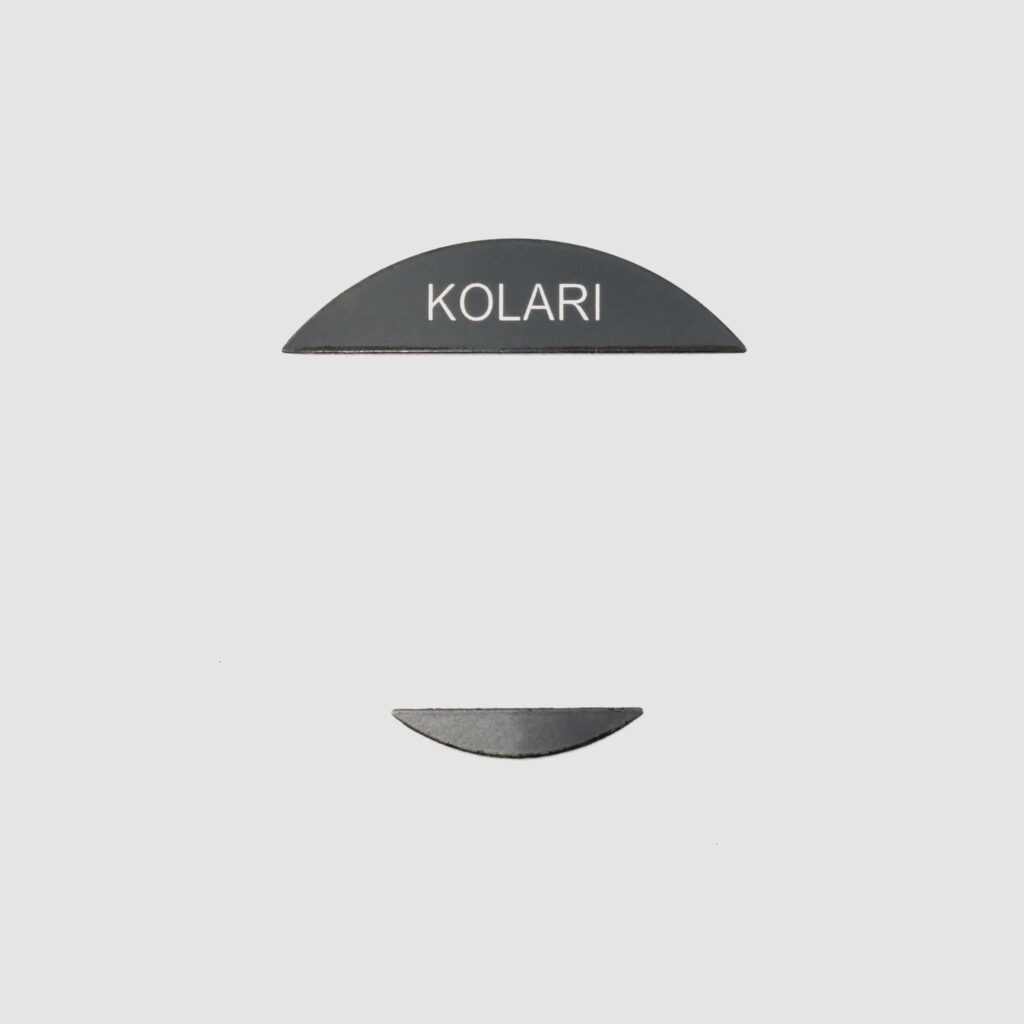
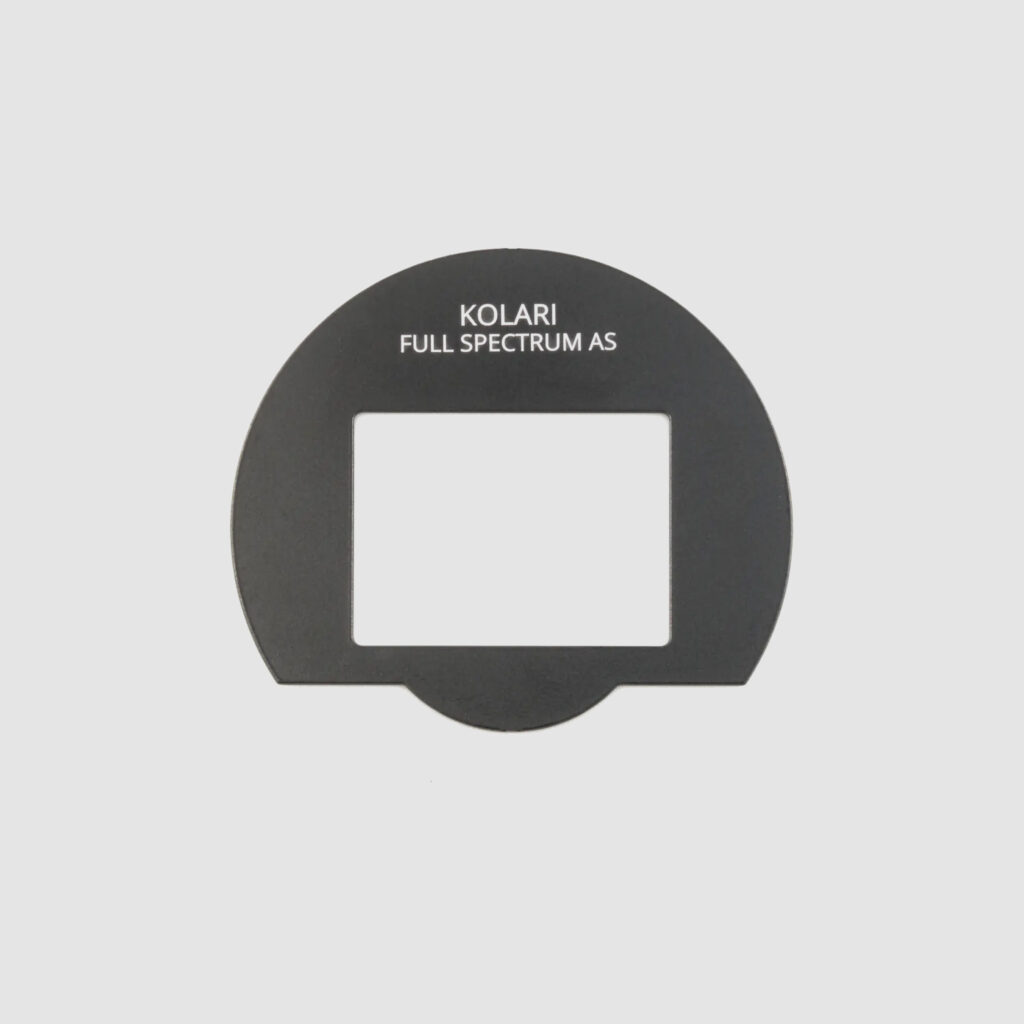
For proper fit, alignment, and long-term reliability, all Kolari R Clip-In Filters must be used with our magnetic mounting plate on every supported Canon EOS camera.
The magnetic mounting plate is required on all models to ensure secure retention, consistent positioning, and to protect the camera baseplate during installation and removal.
Canon EOS R7 and Canon EOS R10 are compatible with standard, slim, and ultra-slim clip-in filters. Canon EOS R100 is compatible with slim and ultra-slim clip-in filters only. Ultra-slim frames provide the best overall compatibility on APS-C cameras.
Filter stacking is supported using ultra-slim plus ultra-slim or ultra-slim plus slim combinations only. When stacking an ultra-slim and slim filter together, the ultra-slim filter must be installed first.
Canon EOS R50 is not supported at this time.
Some Canon RF and RF-S lenses are not compatible due to rear element clearance, including Canon RF-S 18-150mm, Canon RF-S 10-20mm, Canon RF 28mm f/2.8, and Canon RF 28-70mm f/2.8. These lenses are not compatible with standard or slim clip-in filters.
Speed boosters are not supported. The Metabones EF to RF Speed Booster Ultra 0.71x is not compatible with Kolari clip-in filters, and other speed boosters may also be incompatible.
We understand that post-processing IR images can be challenging at first but don’t worry, we have many resources and tutorials available for IR photographers. Here are a few of our most popular IR post-processing resources below:
Custom DNG Tutorial for setting a white balance for infrared photography – https://kolarivision.com/post-infrared-photo-editing/custom-dng-tutorial-setting-white-balance-infrared-photography/
INFRARED PHOTOGRAPHY FALSE COLOR TUTORIAL – https://kolarivision.com/post-infrared-photo-editing/infrared-photography-false-color-tutorial/
ADVANCED COLOR PROCESSING TECHNIQUES – https://kolarivision.com/post-infrared-photo-editing/enhanced-color-processing-techniques/
CLiR Infrared Photography Mastery – Complete IR Course and Software – https://kolarivision.com/product/clir-infrared-photography-mastery-complete-ir-course-and-software/
Infrared LUT Pack by Pierre-Louis Ferrer – https://kolarivision.com/product/infrared-lut-pack/















Reviews
There are no reviews yet.