Introduction
Nowadays it seems every digital camera on the market offers decent video capability. Since most of these cameras can be modified to capture infrared light, finding the right one to film infrared movies, regarding your expectation and your budget, may take some time. In this article, I analyzed three camera models representing three completely different types of camera for their infrared video recording ability. The models are:
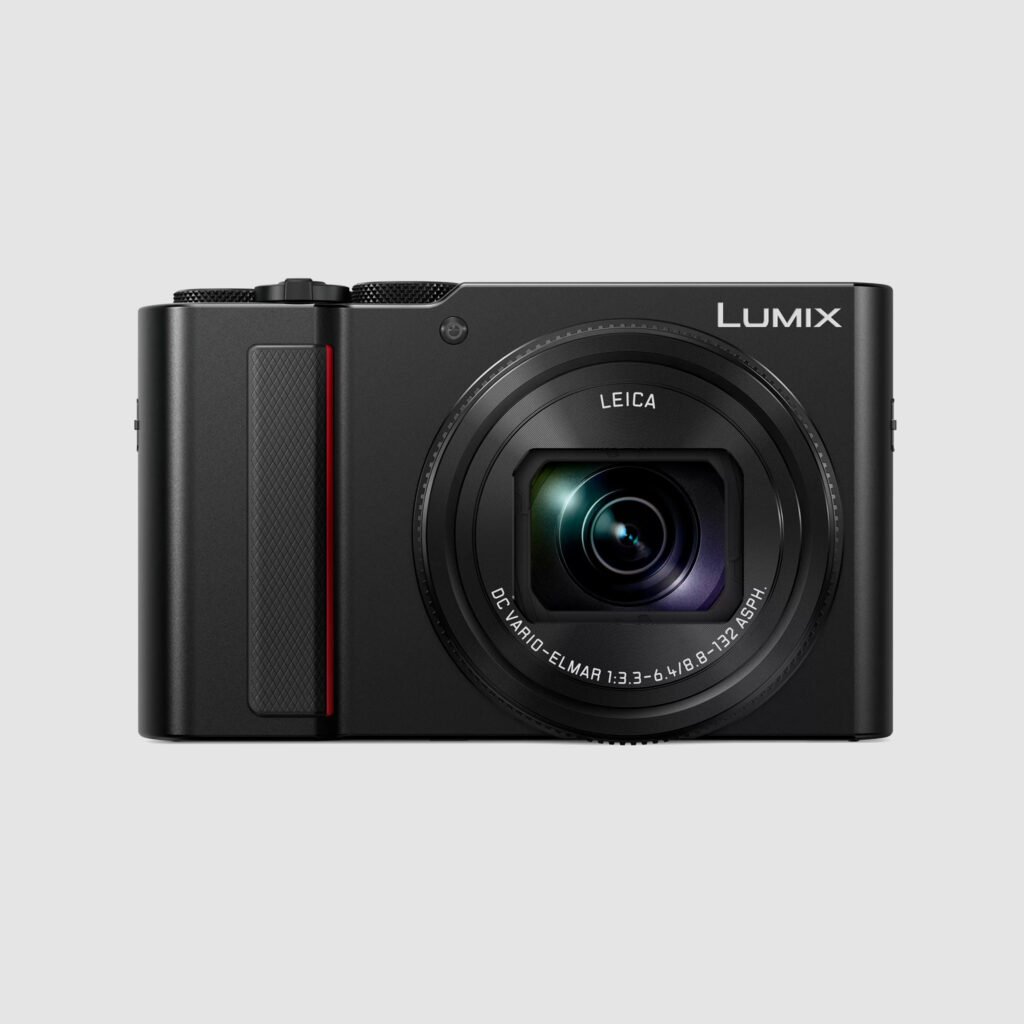
- Entry level compact camera: Canon G15
- Action cam: GoPro Hero4 Black edition
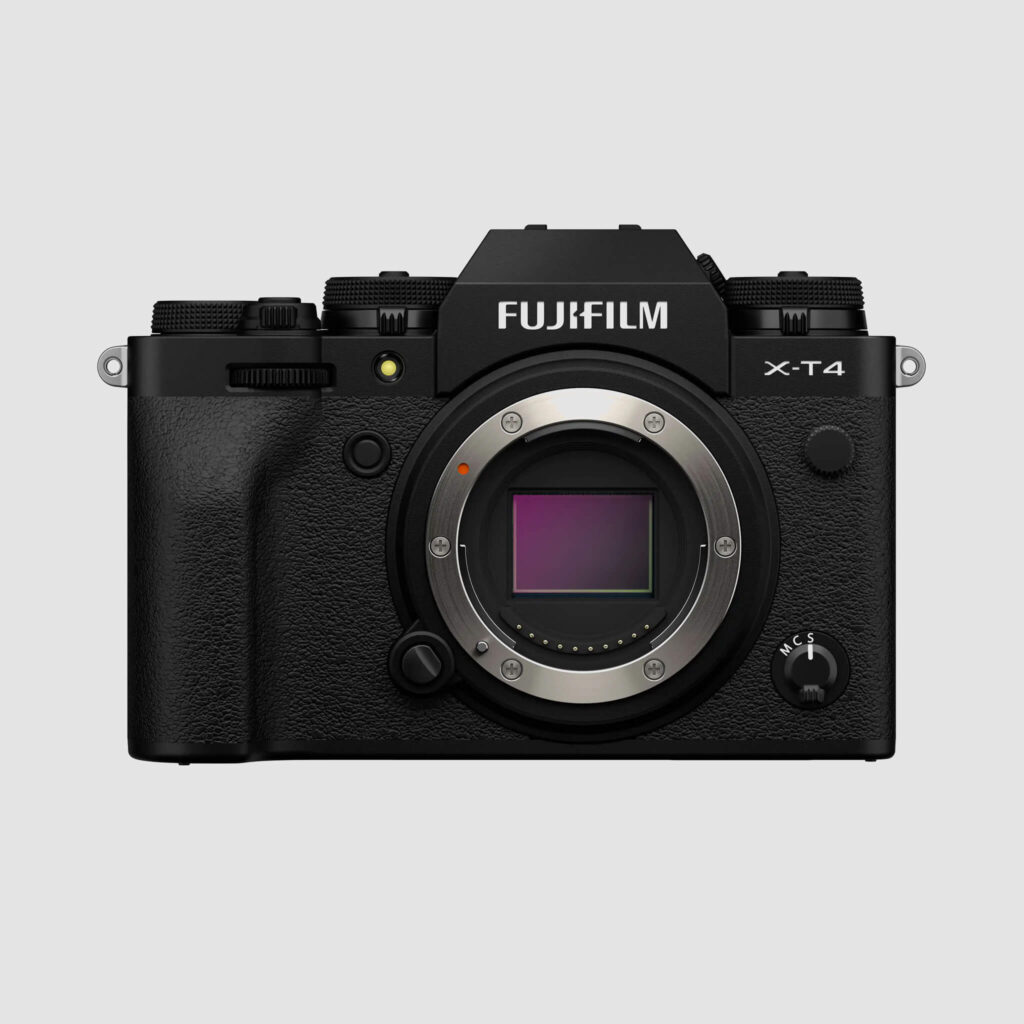
- Full-frame DSLR/mirrorless camera: Canon 6D
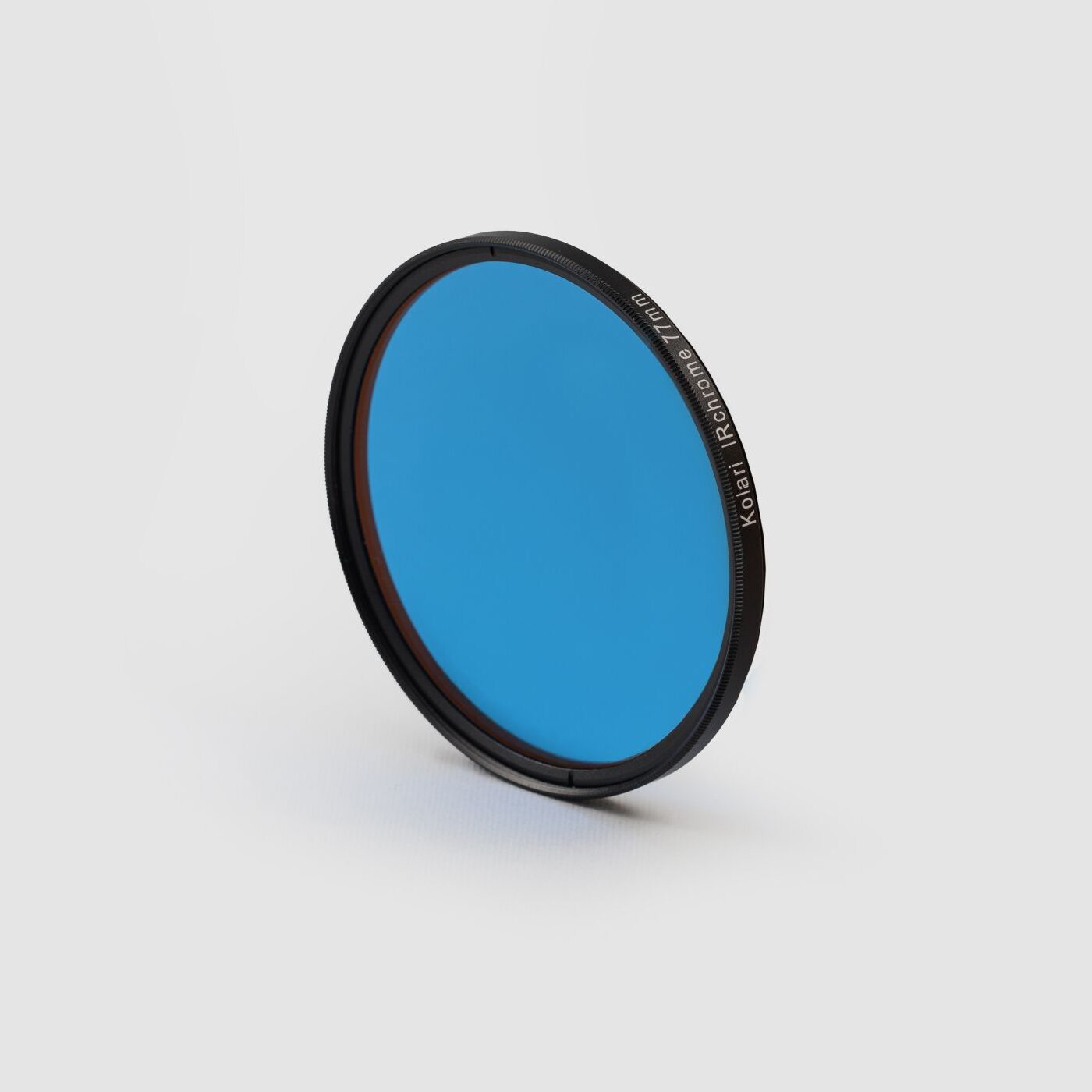
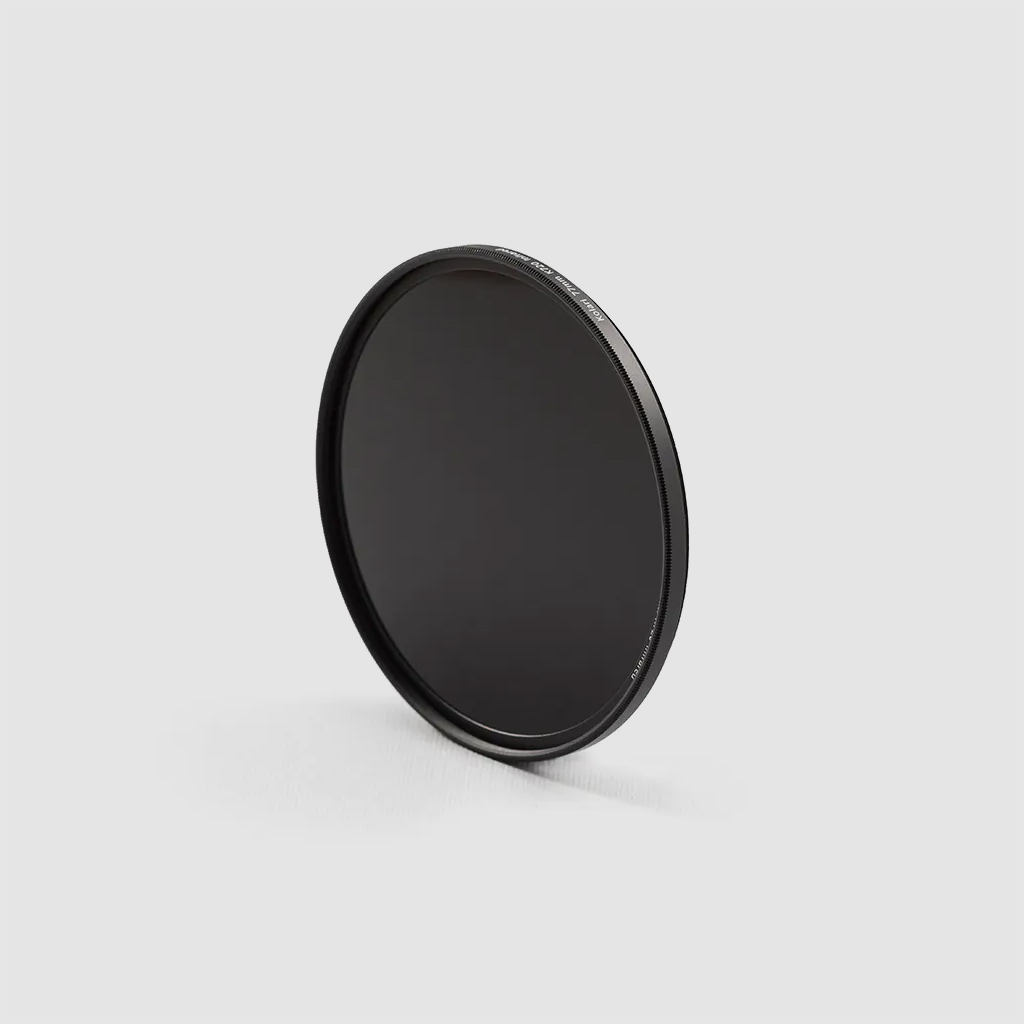
Each of these cameras is modified to capture full-spectrum and used in conjuction with five Kolari infrared filters: the 850nm, 720nm, 665nm, 590nm and NDVI Blue IR. Each camera-filter combination will be compared following the same protocol:
- 1920×1080 HD raw file with white balance adjustment analysis
- 1920×1080 HD processed file analysis
Each video file was filmed with the best frame rate/exposure for this resolution: 24fps for the Canon G15, 60fps for the GoPro Hero4 and 30fps for the Canon 6D.
All videos were processed in Adobe Premiere.
Entry level compact camera: Canon G15
Entry level compact cameras offer an affordable and lightweight solution with acceptable video options for under 300$. The Canon G15 is limited to 24fps at 1920x1080px resolution, but other models in this price range can record up to to 60fps. Just be sure the lens is infrared friendly and since they are not interchangeable. Also, if you want to shoot full spectrum, you’ll want to make sure the lens can adapt to filters or can at least be modified to do so.
1920×1080 HD raw file with white balance analysis at each wavelength
This video shows the videos files rendered directly out from the camera. Only the white balance adjusted (see the corresponding article for tips on how to adjust WB).
The sharpness is acceptable at each wavelength, especially a lack of sharpness is less noticeable in 1080 video than in full resolution still photographs. Some frames are a bit blurred since we’re limited to 24fps.
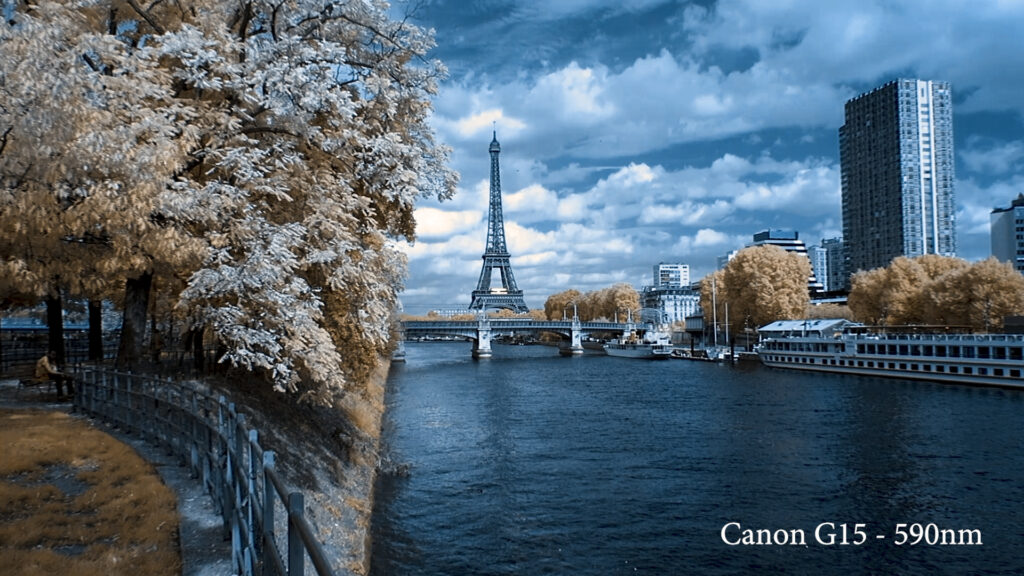
Here are some screenshots for each corresponding filter.
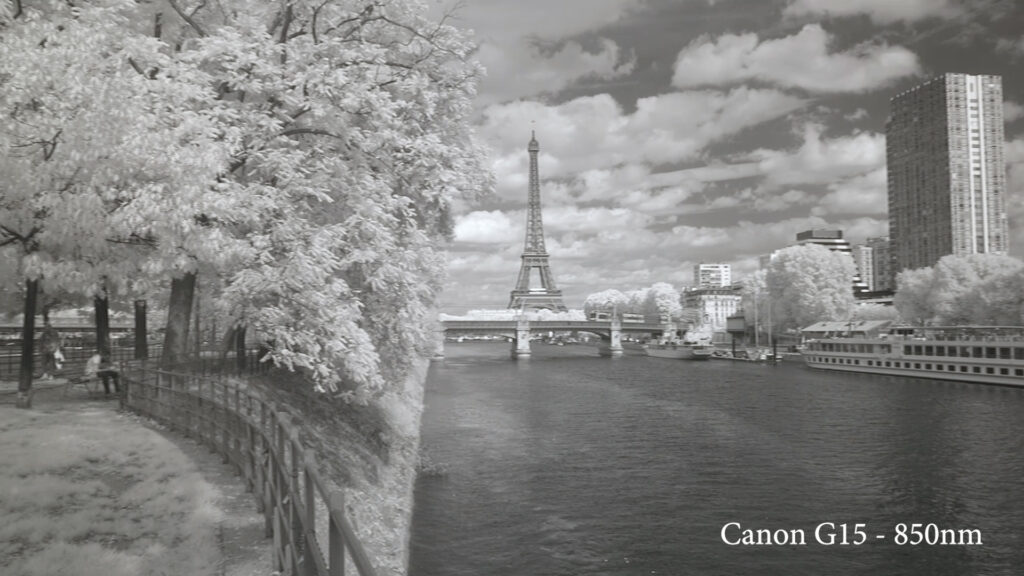
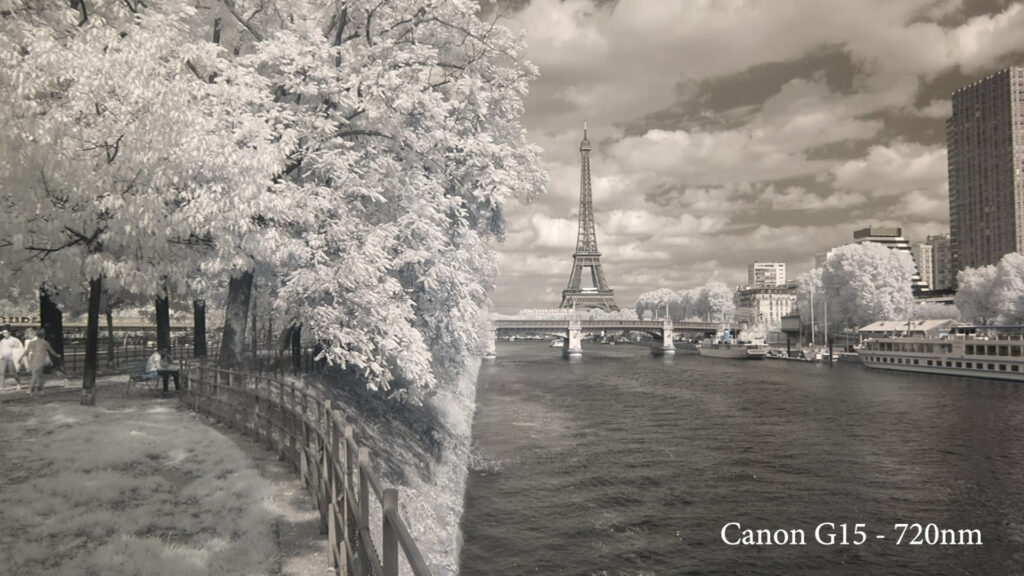
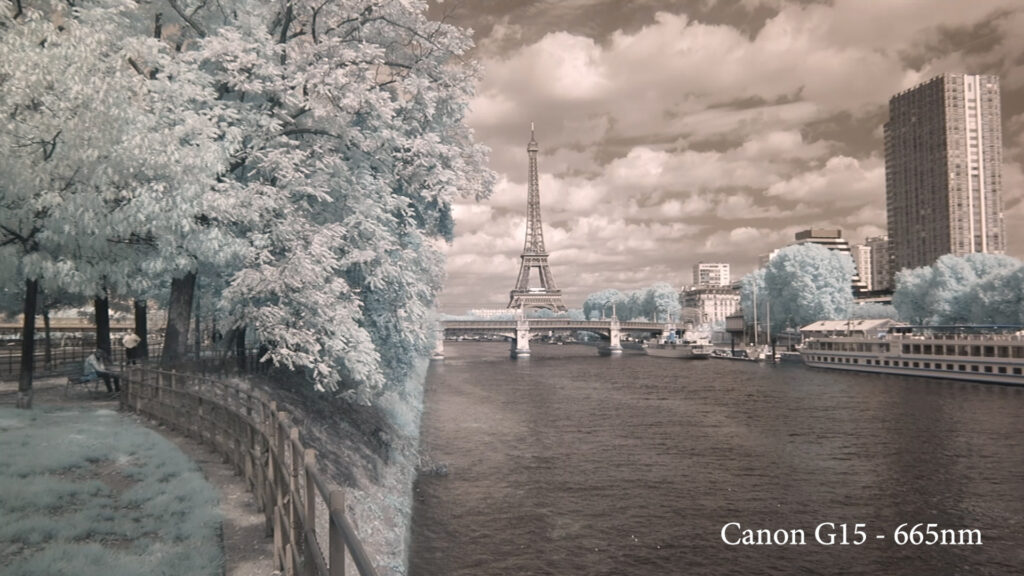
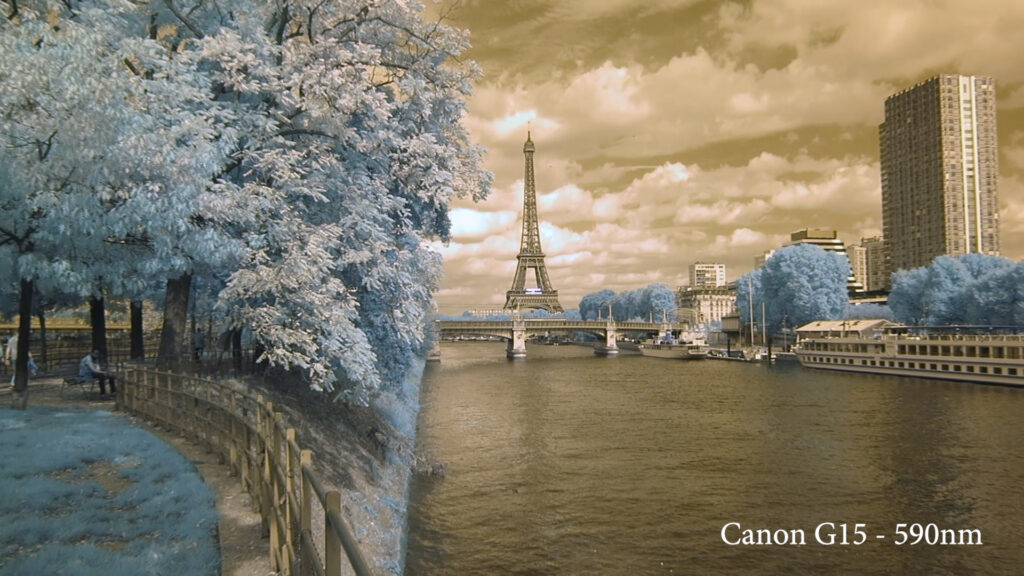
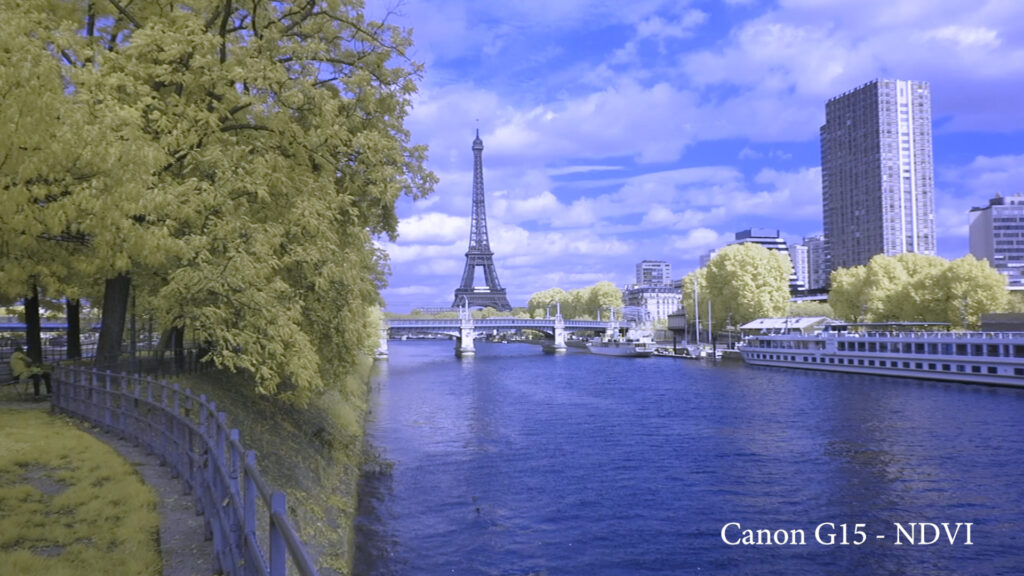
1920×1080 HD processed file analysis at each wavelength
This second part shows the same file rendered in Adobe Premiere with channel mixing and a contrast adjustment.
The dynamic range of the sensor impacts the rendering by overexposing the brightest parts of the video.
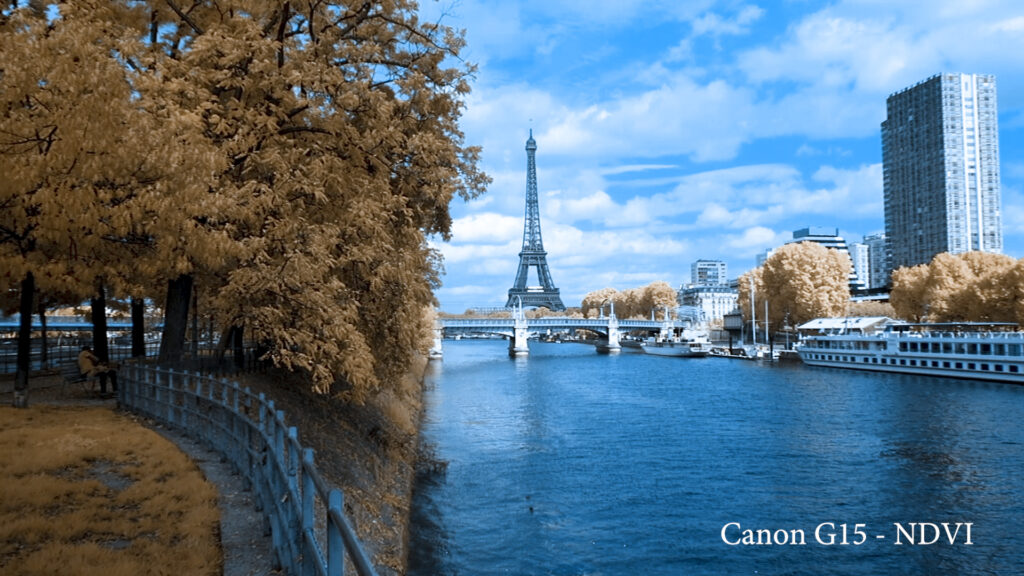
Good news is that the infrared rendering is good, from deep black and white to colorful foliage depending on the infrared filter used.
Here are more screenshots for still comparison.
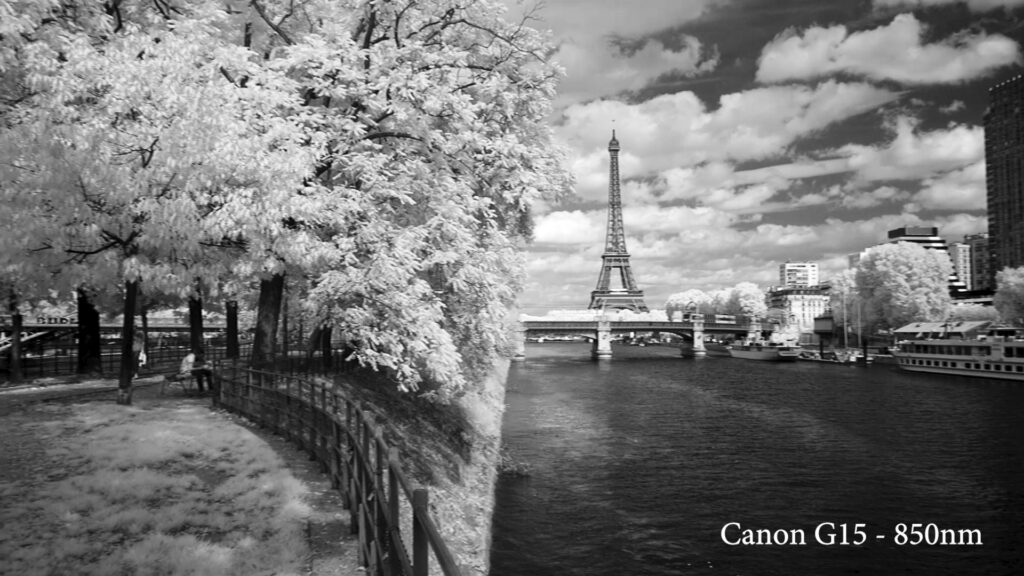
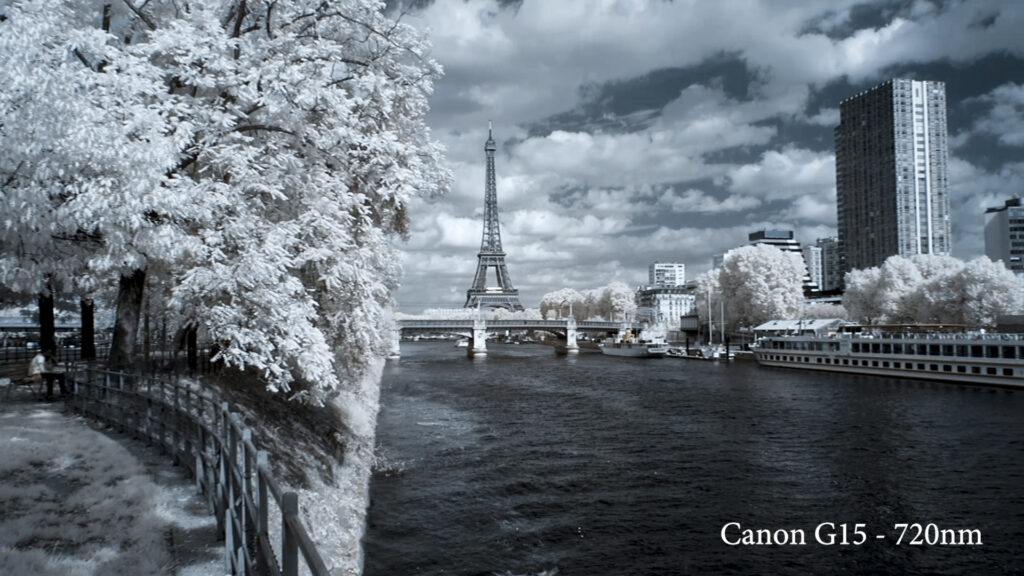
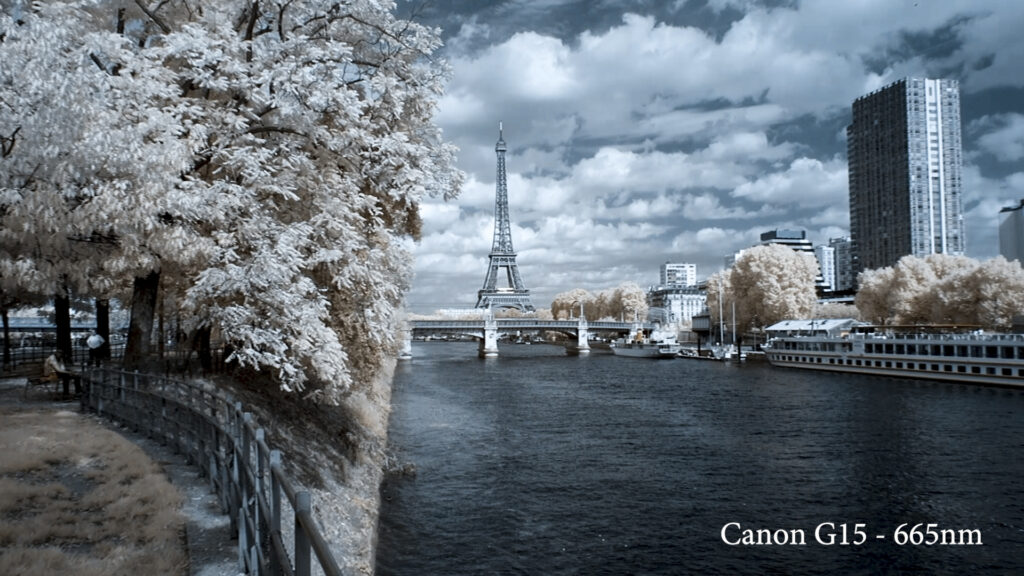
Conclusion:
Entry level compact cameras are a decent choice for movies with mostly static shots and controlled scene exposure. This category offers interesting references with classic video modes.
PROS:
- Affordable
- Compact
- Lightweight
CONS:
- Limited dynamic range
- Limited exposure metering
- Fixed lens
Action cam: GoPro Hero4 Black Edition
In the last few years, action cams became know for their ability to produce incredible videos in harsh environments. The GoPro Hero4 Black edition offers 4K video at up to 30fps in uncompressed files for a price under 400$. But, is it equally powerful for infrared video?
1920×1080 HD raw file with white balance analysis at each wavelength
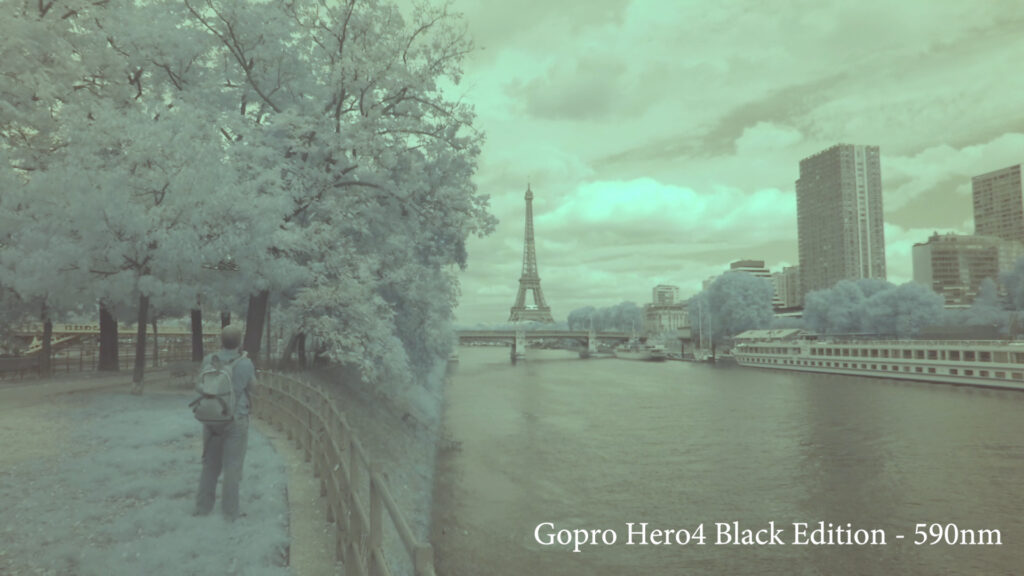
Once again we have the raw footage with changes only to white balance. Files were filmed in Protune mode, extracted in GoPro Studio, and exported without any further adjustments.
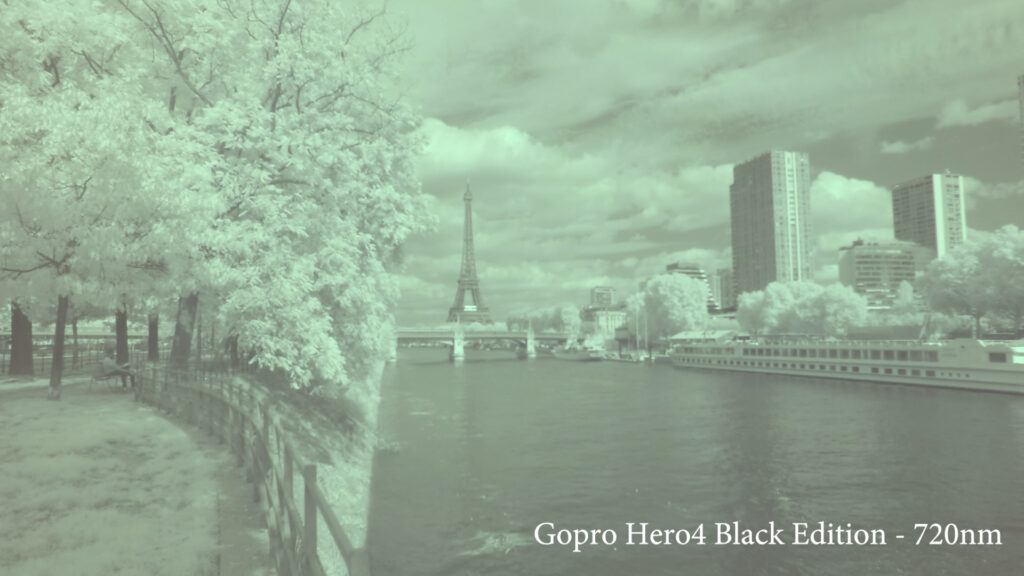
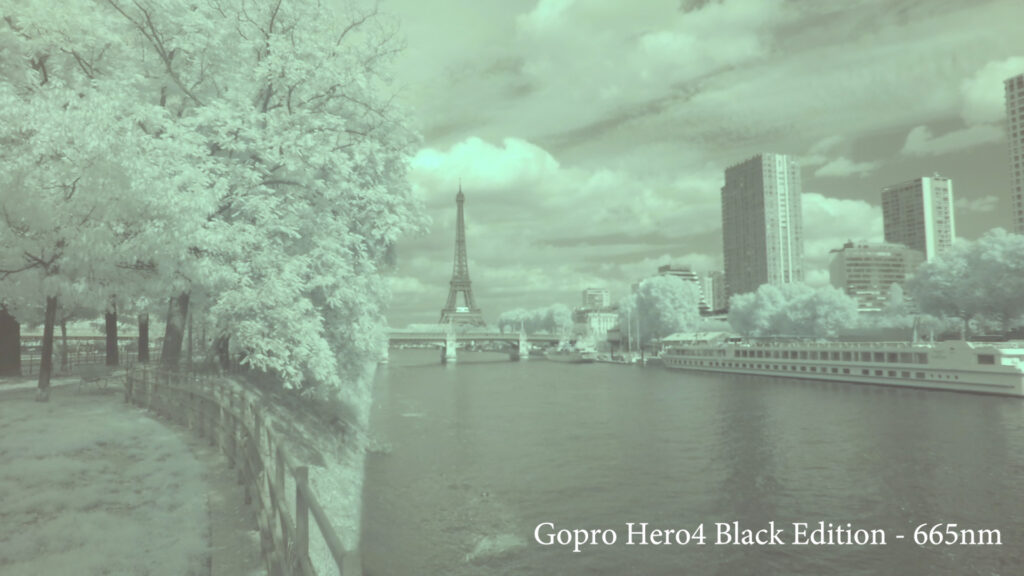
In this first video, the global rendering is very flat and lacks contrast. This rendering comes from Protune mode that delivers the rawest possible files from the sensor.
The dynamic range is good and details are visible in the foliage and in the clouds. The GoPro also handles camera movement much better than the G15 .
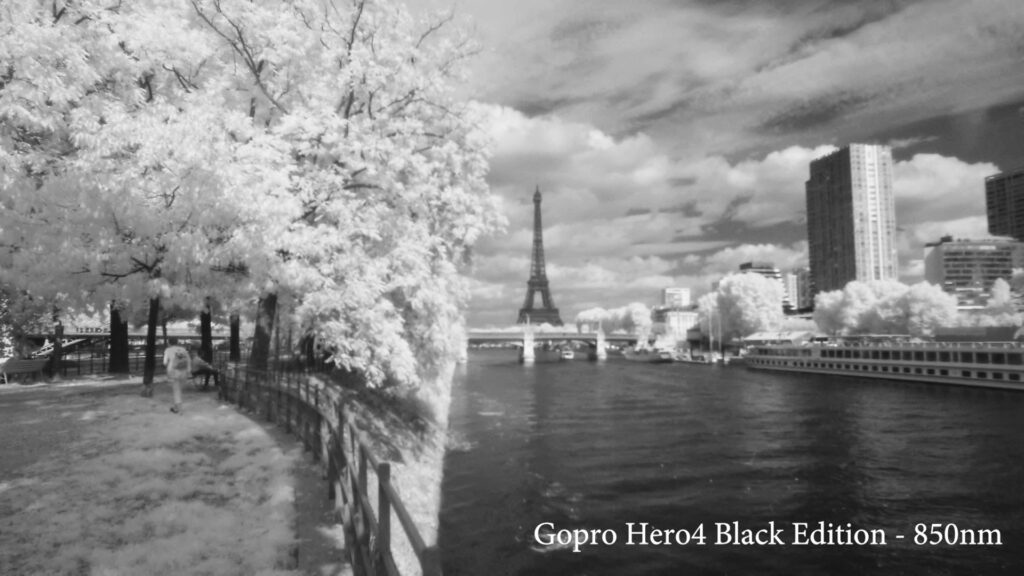
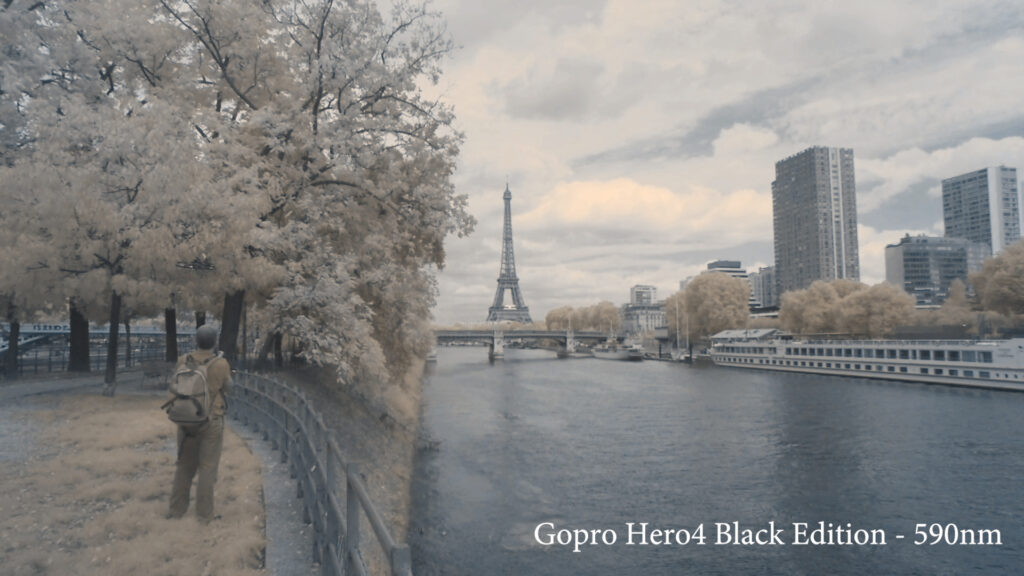
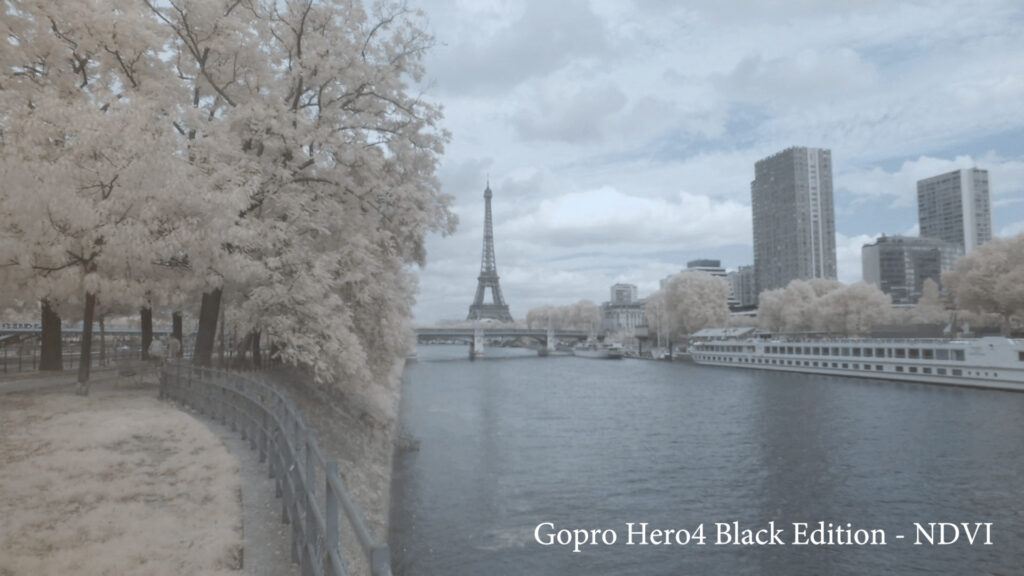
The sharpness is acceptable while recording at each wavelength except for the noticeable drop off at 850nm. Here are the sample frames:


1920×1080 HD processed file analysis at each wavelength
And, here is the same file run through Adobe Premiere with channel mixer and contrast added.
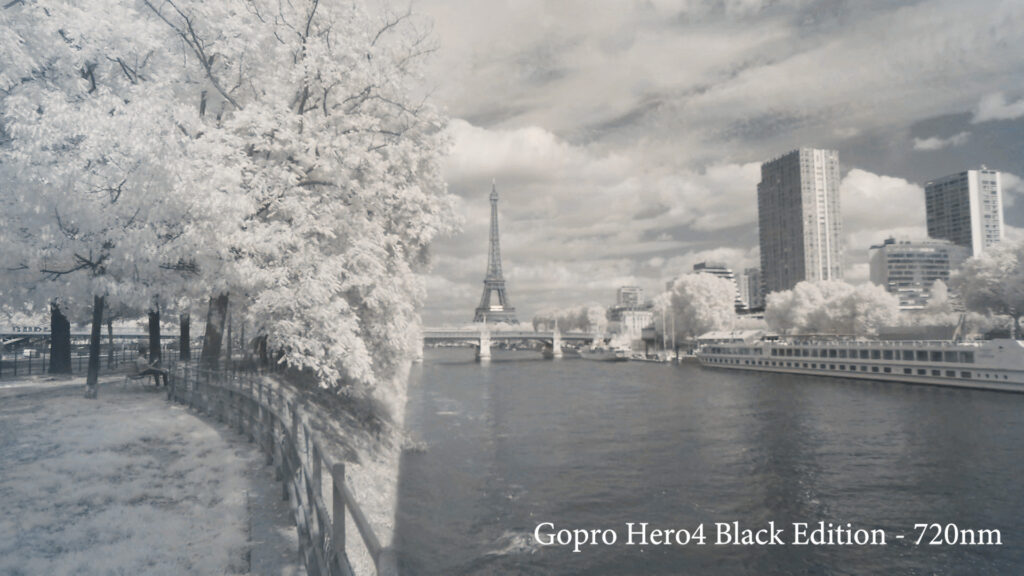
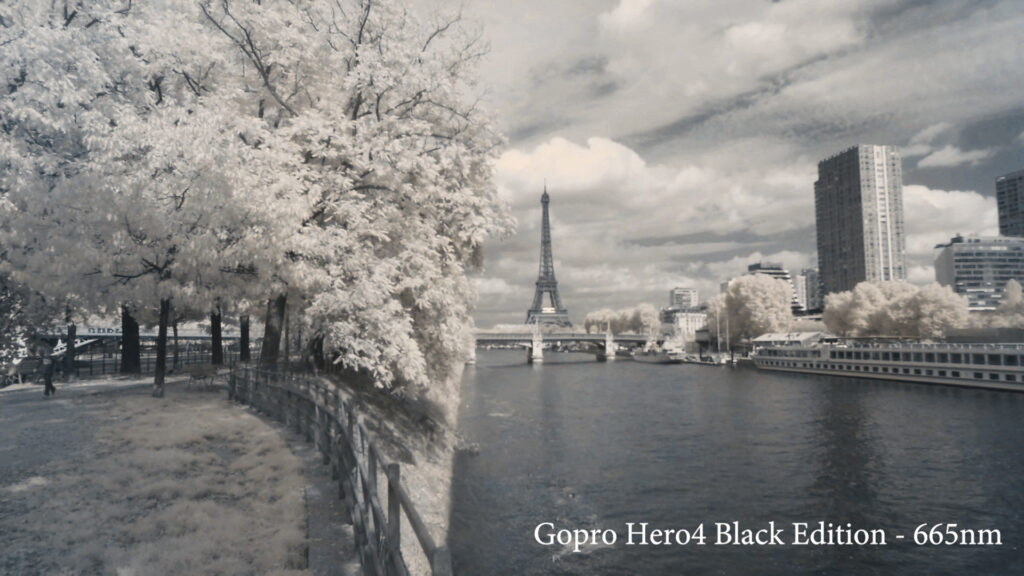
In the edited video, the contrast is better but still not very deep. The infrared rendering is more visible as well but still very desaturated.
And, the sample frames:
Specific note for GoPro video files
As I mentioned above, the GoPro video files were first extracted using the GoPro Studio software. This software is dedicated to GoPro video files and does the best job of processing them. By adjusting white balance and contrast with this software, you can significantly improve the final rendering of the videos. The channel mixer still can only be done with Adobe Premiere, so for the best possible results with an infrared GoPro, you’re going to need process the files in two programs. The following video shows the difference this process makes with the 720nm filter as an example.
Conclusion:
Action cameras can deliver quality video files in infrared with high resolution and fluidity.
PROS:
- Affordable
- Super compact
- Lightweight
- High resolution/image quality
CONS:
- Fixed lens
- Requires extra software for best results
Full-frame DSLR/mirrorless camera: Canon 6D
Full-frame DSLR and mirrorless cameras offer the best image quality and flexibility in this field, providing professional quality files while offering the most user control.
1920×1080 HD raw file with white balance analysis at each wavelength
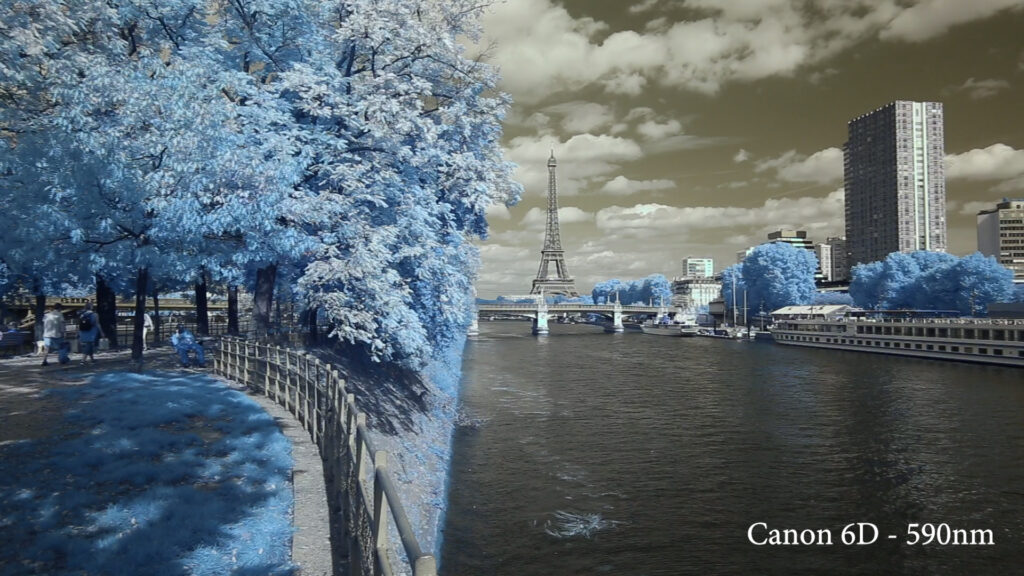
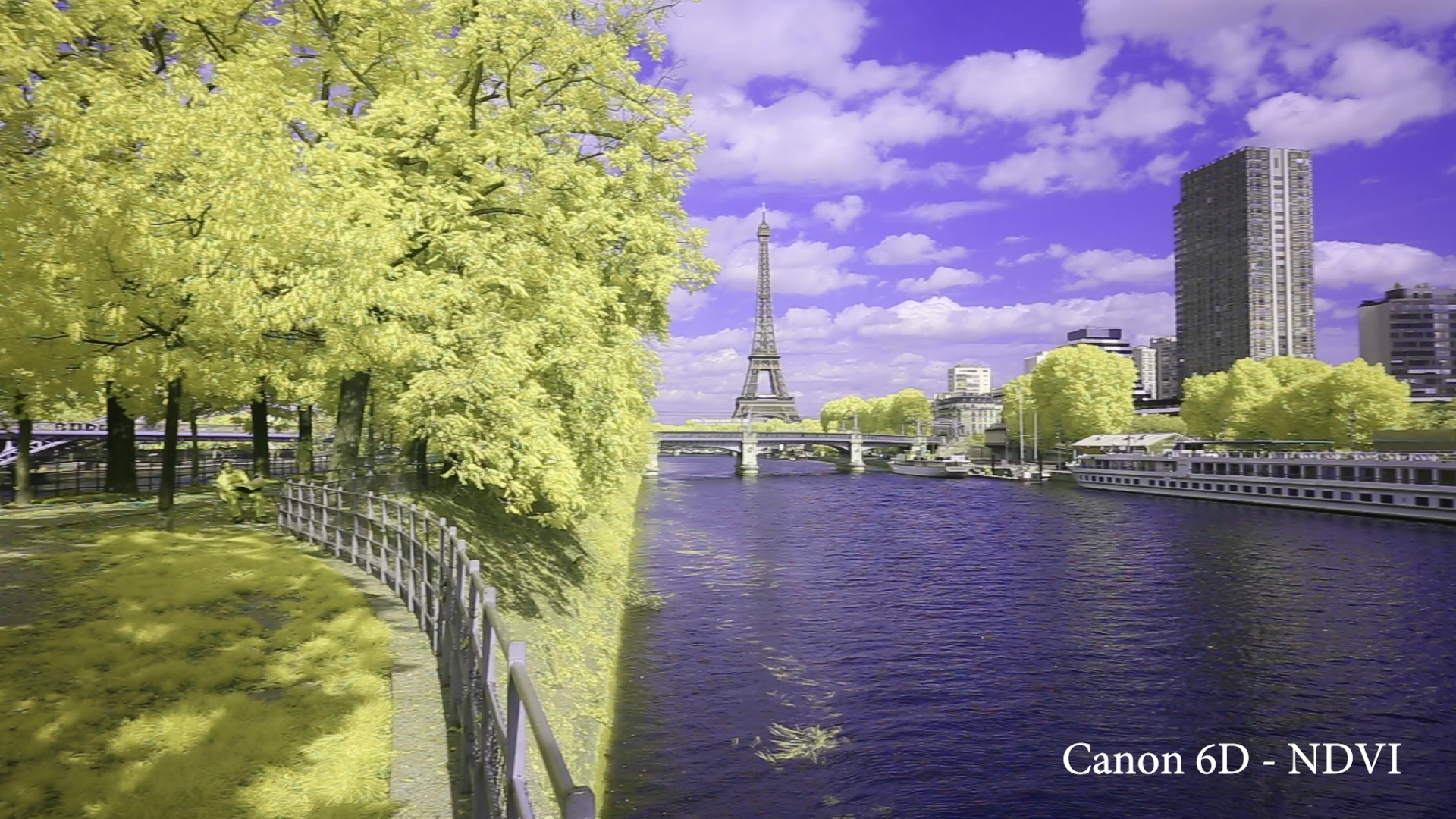
Here is the raw footage from the 6D with only white balance adjustments. The lens used here is a Canon 16-35 F/4 IS.
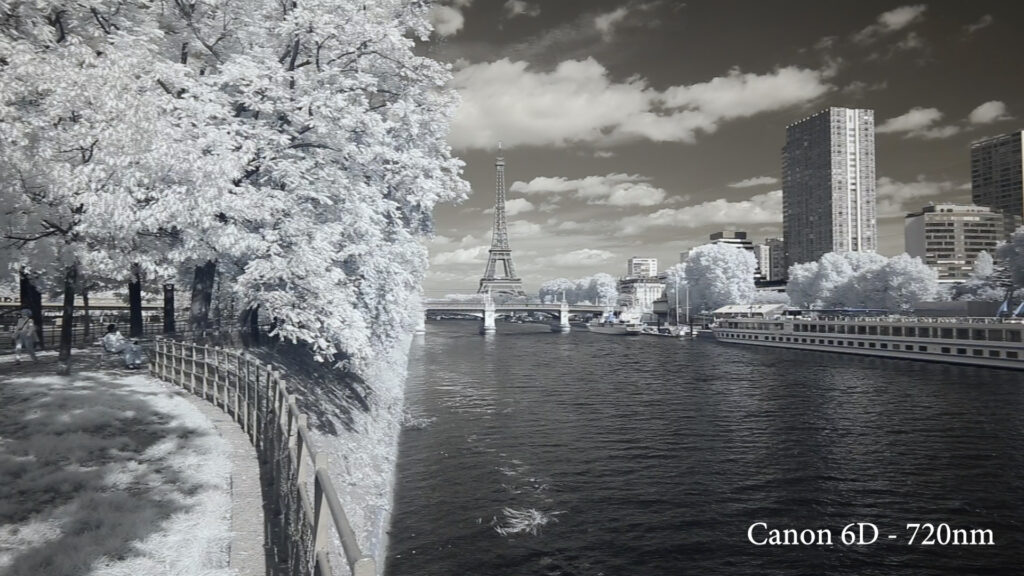
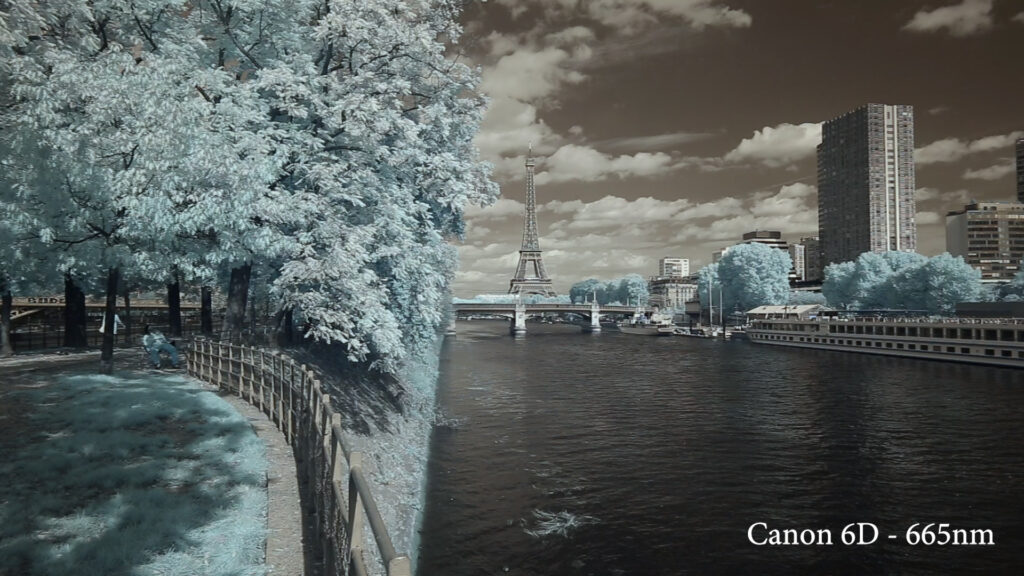
Global rendering is very good: the frames are full of detail, the transition of exposure is smooth and the fluidity is good. The dynamic range is also very good.
Here are the sample frames.

1920×1080 HD processed file analysis at each wavelength
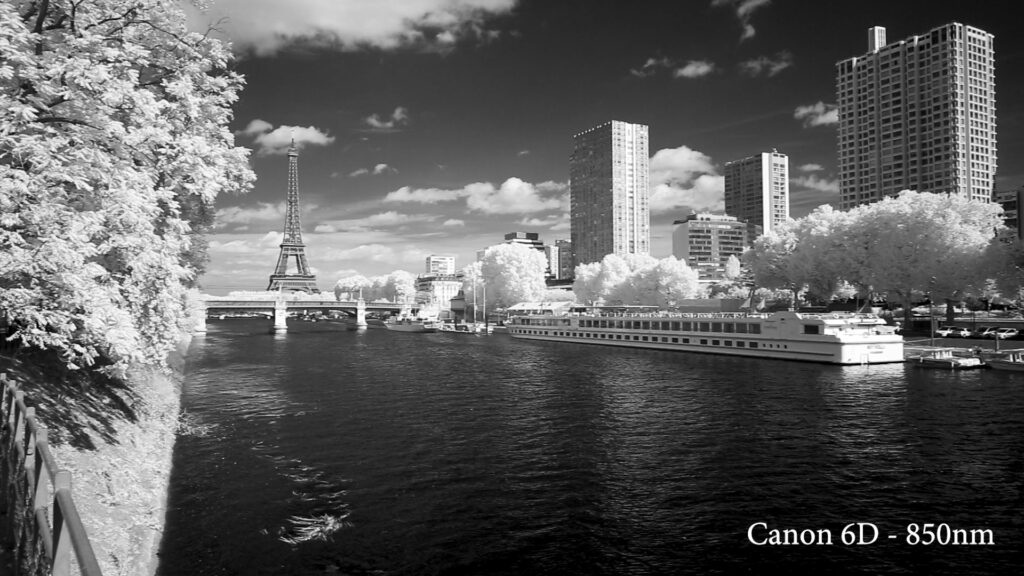
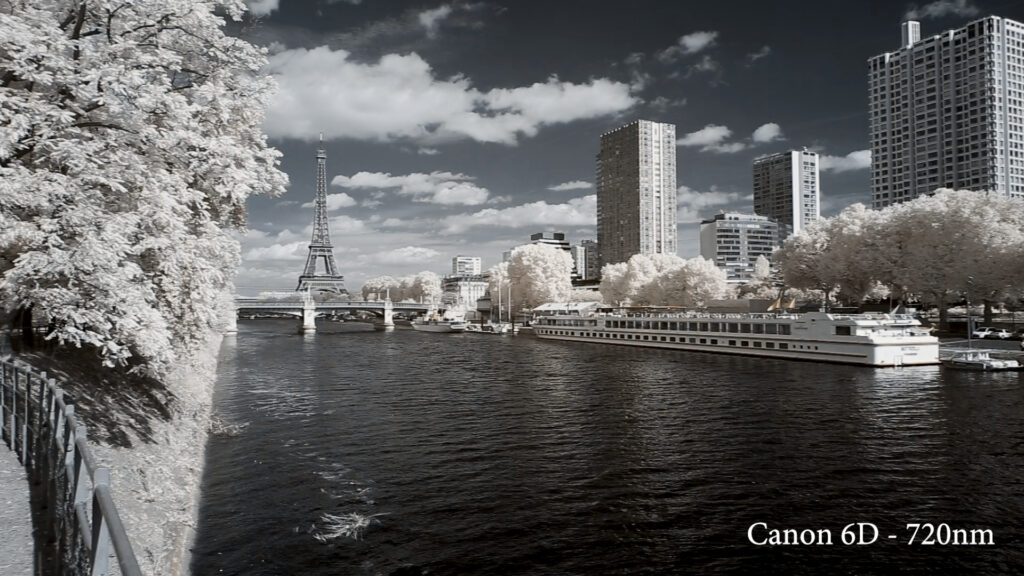
Now the same files processed in Adobe Premiere, with channel mixing and contrast adjustments.
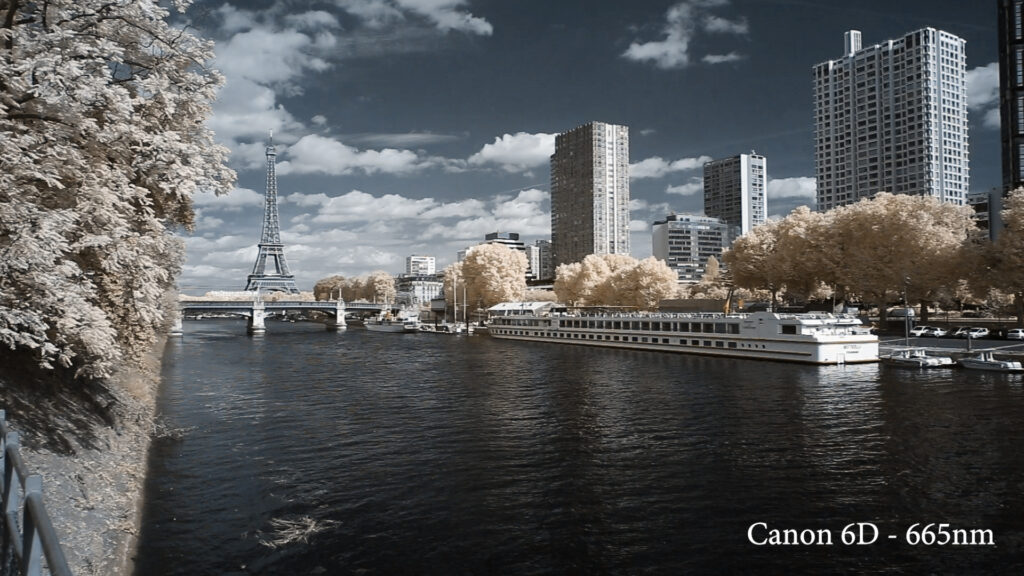
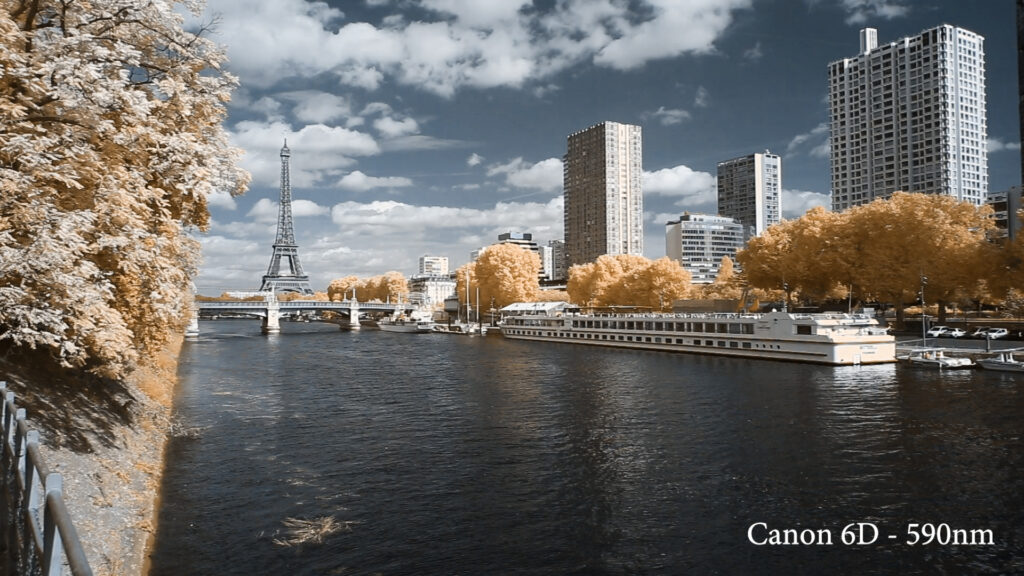
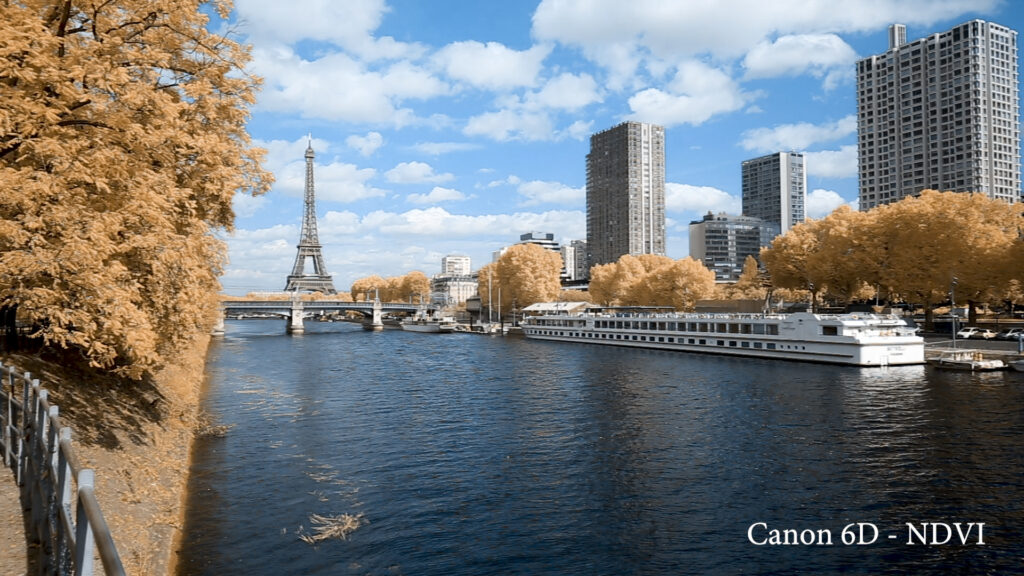
After processing, the overall image quality is still very good. The infrared effect is fully visible with enough saturation in the foliage under 665nm.
Sample frames:
Canon 6D Infrared Video Results and Final Takeaway
The results speak for themselves. Full-spectrum DSLR and mirrorless cameras provide the best image quality at an every-level budget. But, as usual, quality has a price and a weight (including the weight of additional lenses).
PROS:
- Best overall image quality
- High resolution modes
- Wide variety of lenses
CONS: