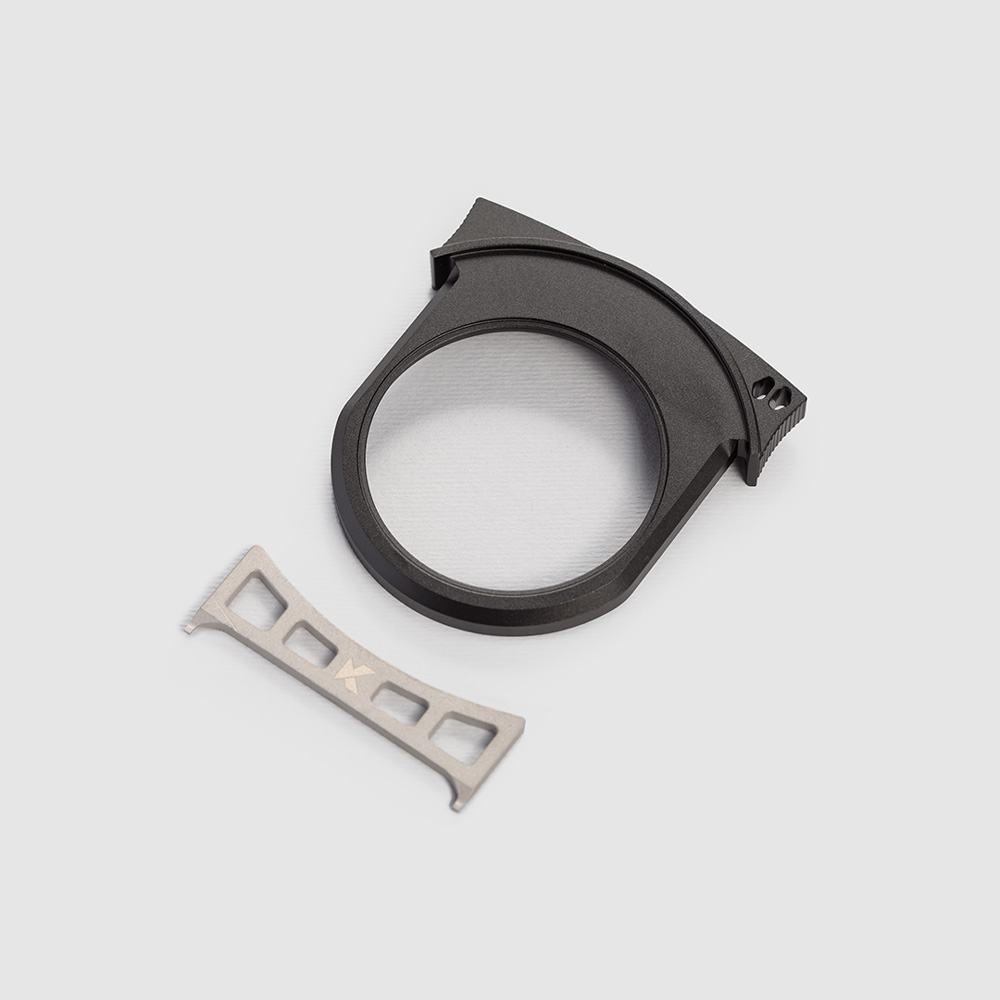
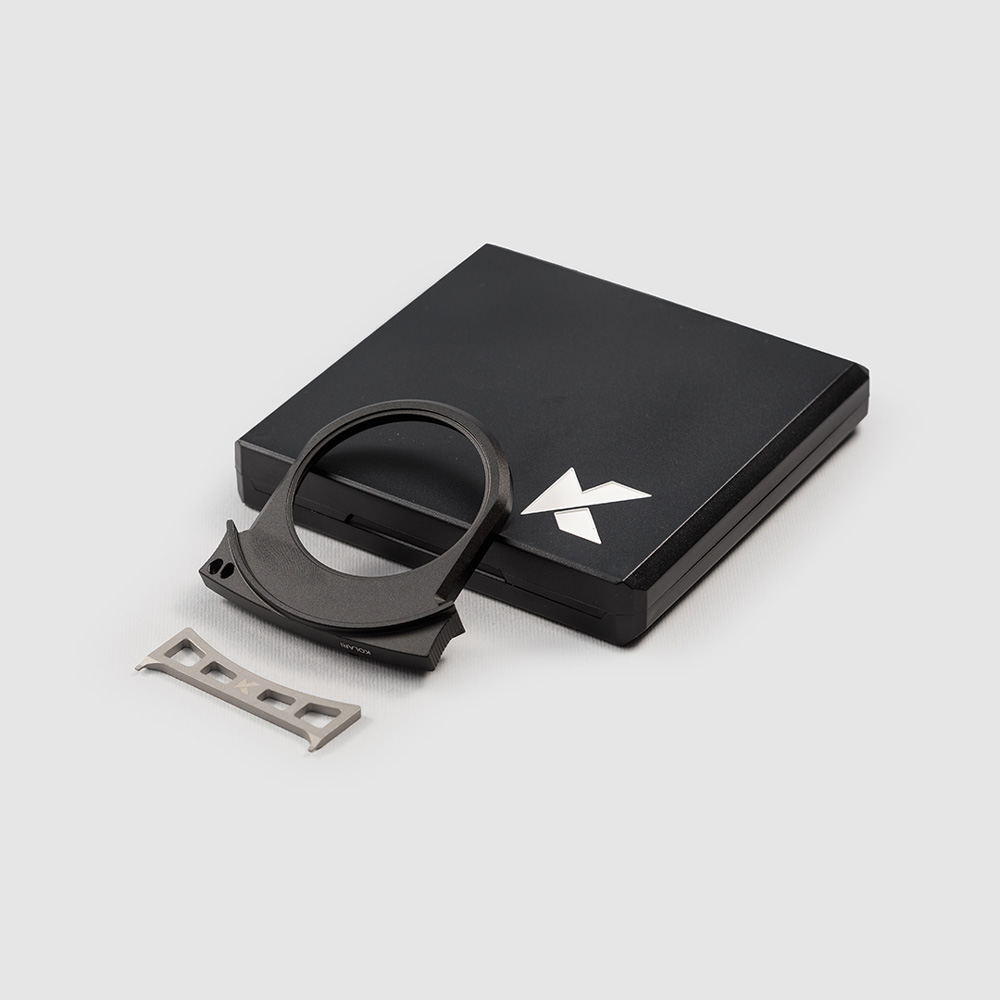
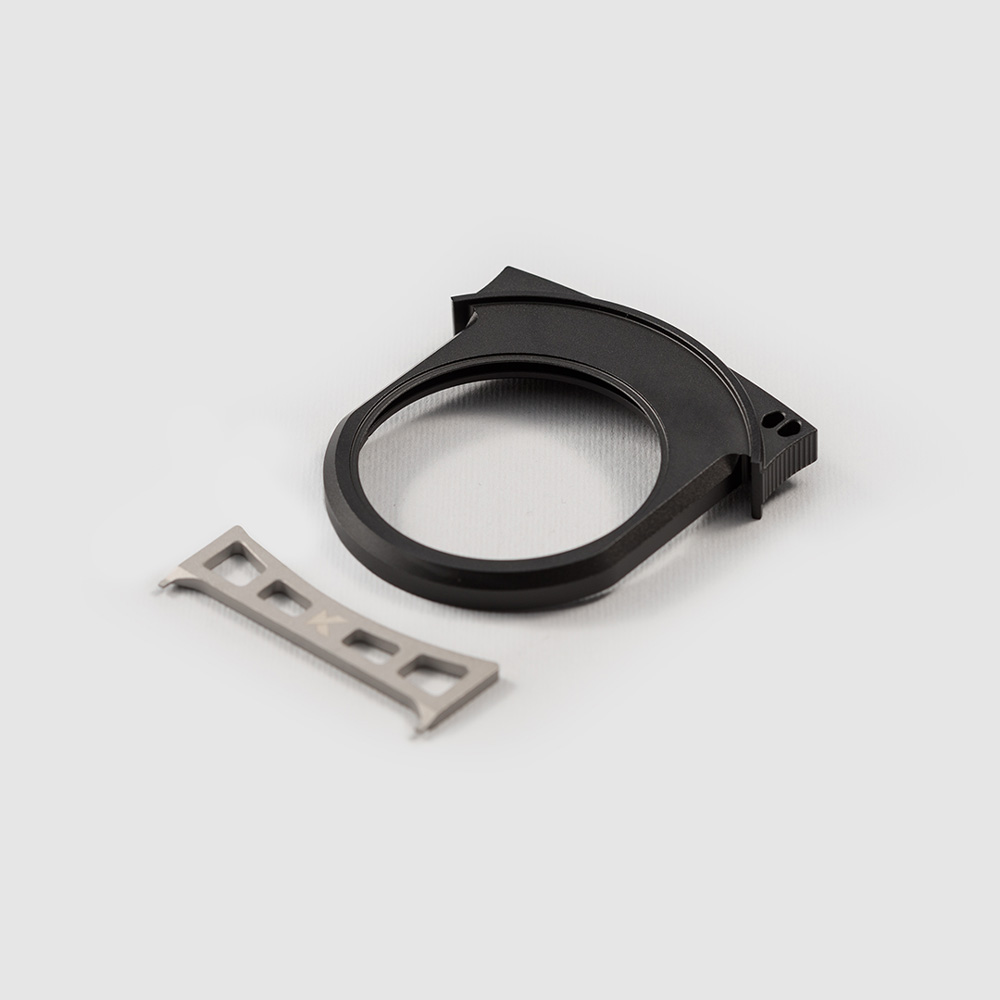
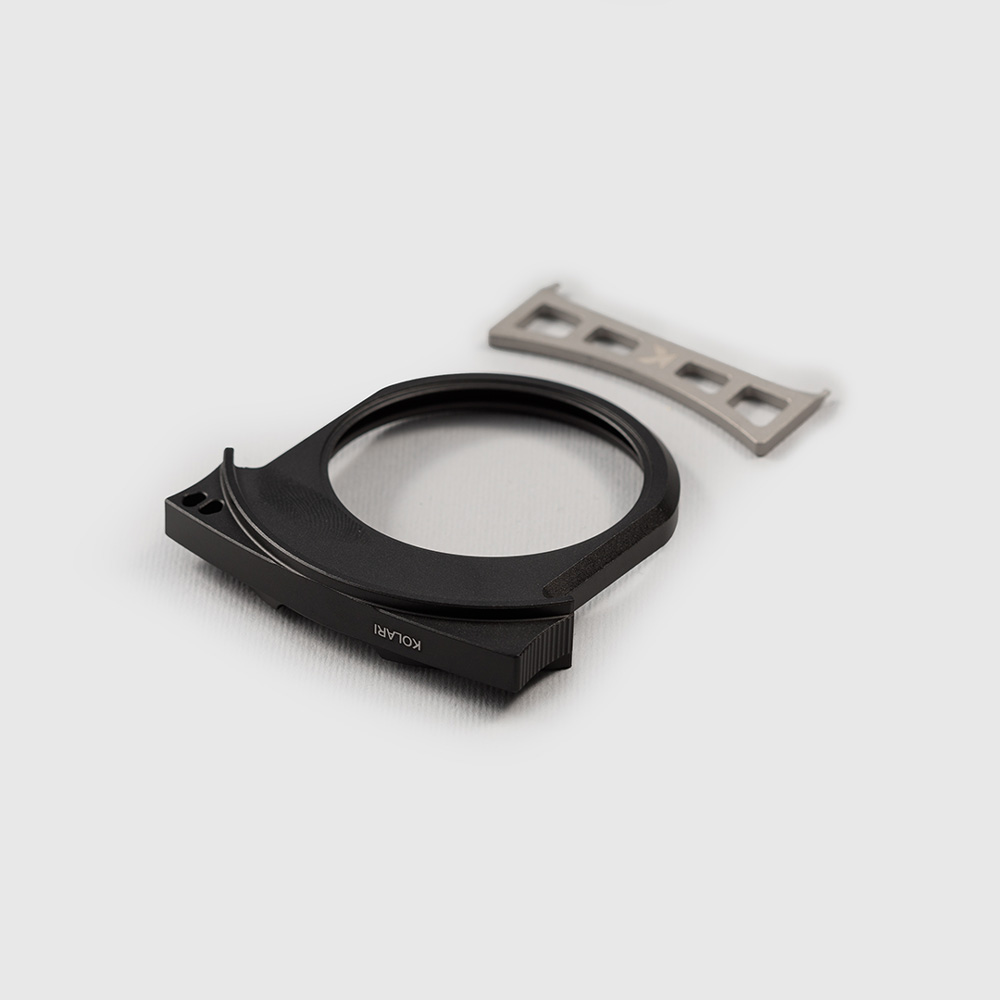

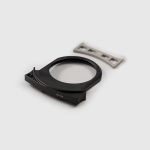
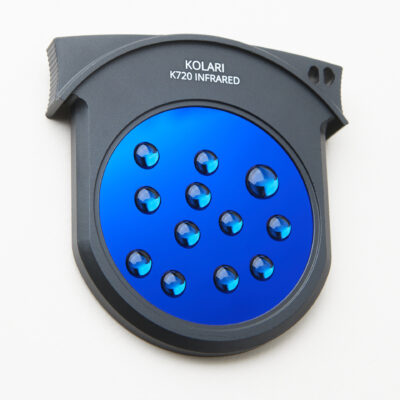
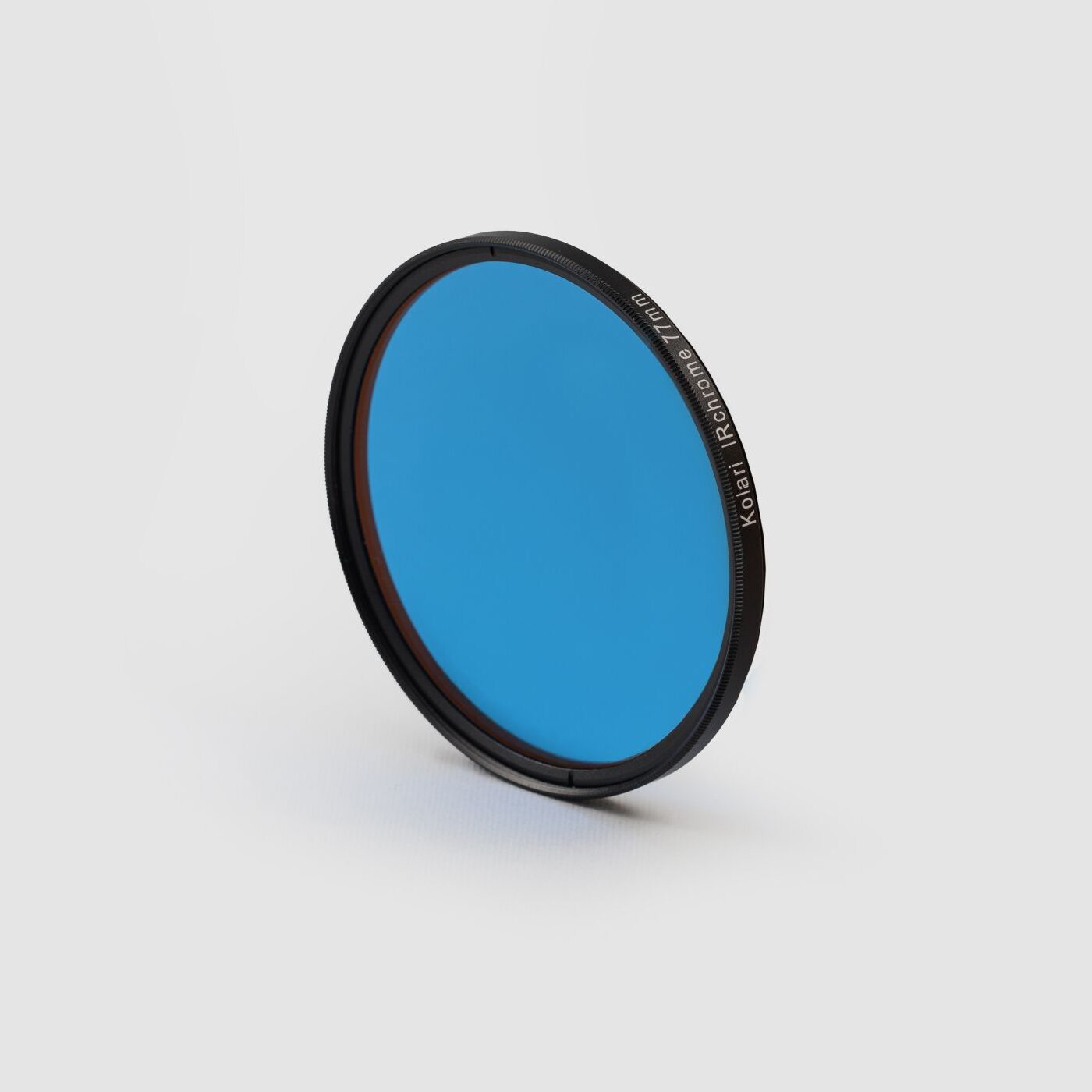
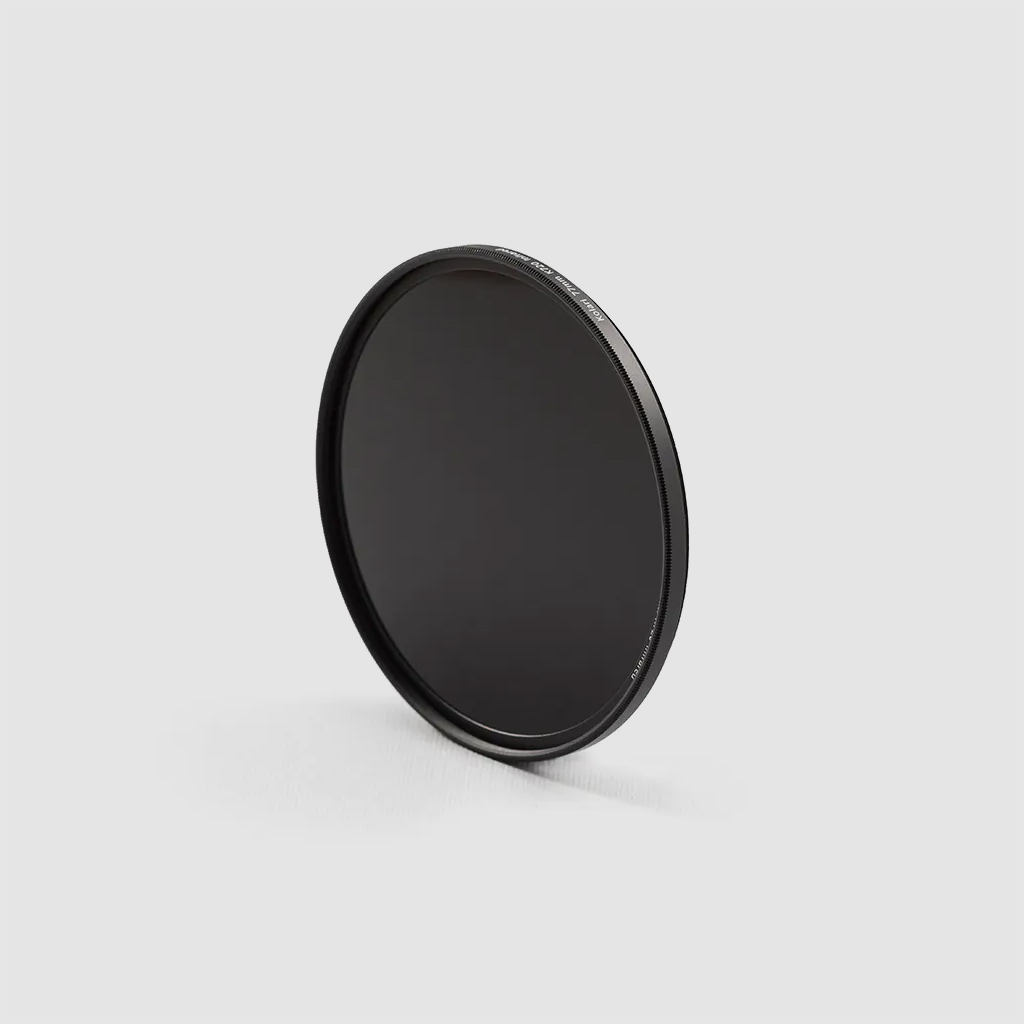
Upgrade your kit with the customizable Kolari Empty Drop-In Filter for the EF-EOS R Lens Adapter. This design allows you to install filter glass directly into our drop-in frame, giving you full creative control over the filtration used in your adapter system. The frame supports filter glass from 45mm to 49mm. Most 52mm threaded filters use 49mm glass, making them a direct fit, while the additional supported sizes provide flexibility for other filter glass diameters. All Kolari drop-in filters are compatible with Canon and Meike drop-in adapter systems, as well as our own.
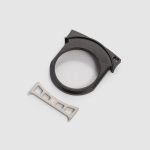
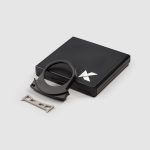
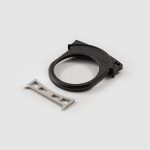
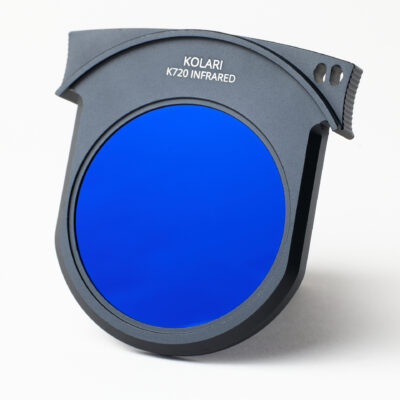
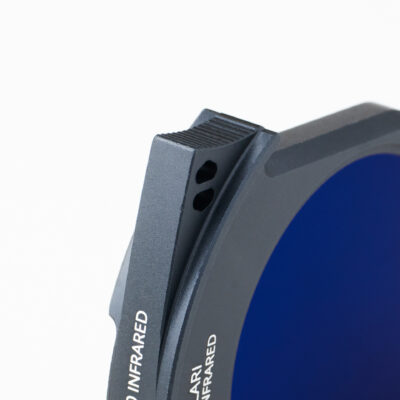
Kolari R Drop-In Filters for the Canon EF-EOS R Lens Mount Adapter (EF/EF-S to RF) are engineered for durability and ease of use. Each frame is CNC-machined from solid aluminum and features a wide grip with an integrated lanyard attachment point, providing lightweight strength, secure handling, and a practical platform for custom filter setups. Our precision-fit attachment system applies the ideal amount of tension so filters slide in smoothly while remaining firmly seated during use.
All Kolari R Drop-In Filters for the Canon EF-EOS R Lens Mount Adapter (EF/EF-S to RF) include advanced AR (anti-reflective) and AS (anti-smudge) coatings to maximize transmission, reduce internal reflections, and make cleaning quick and easy.


































Reviews
There are no reviews yet.