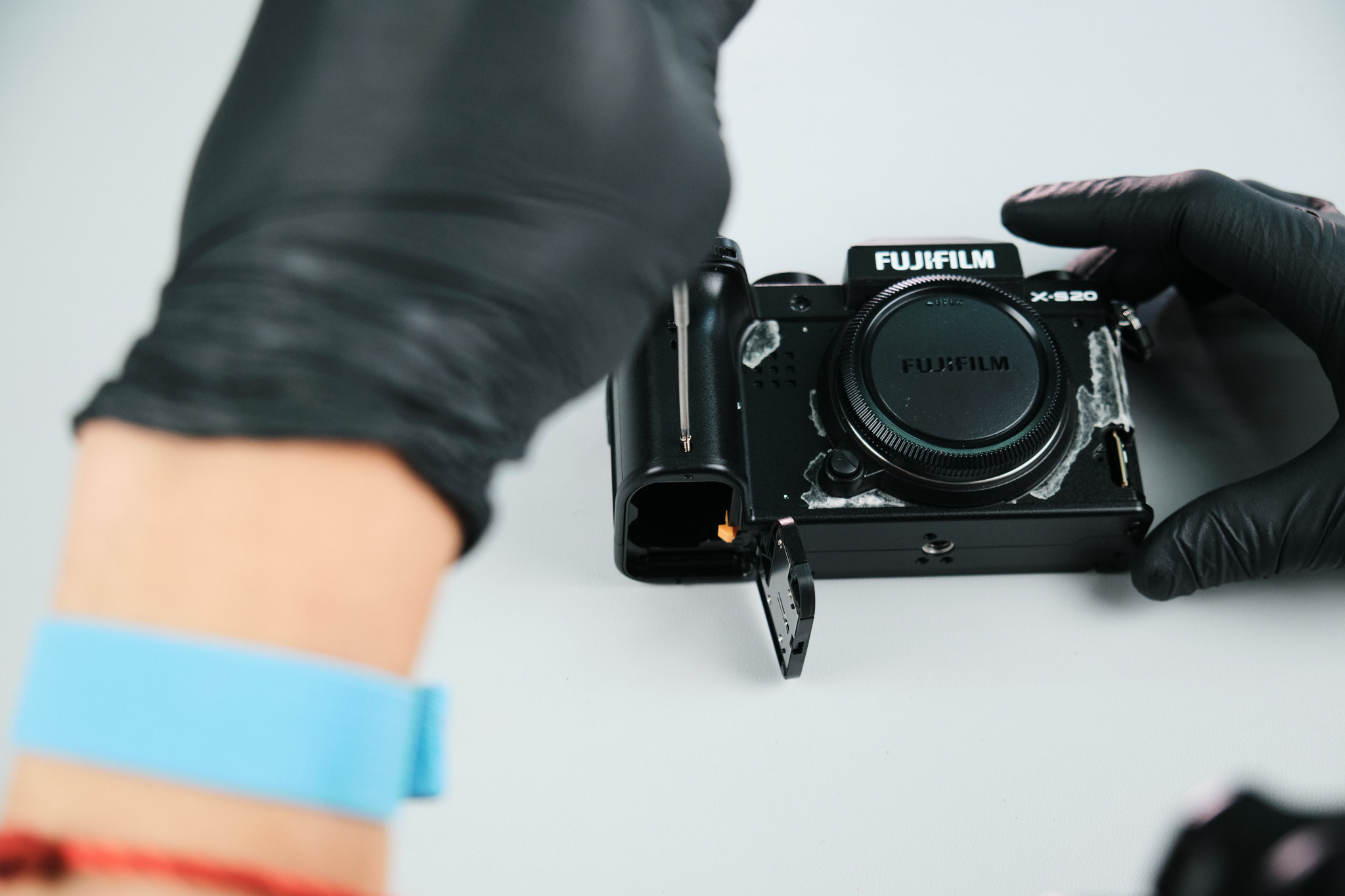
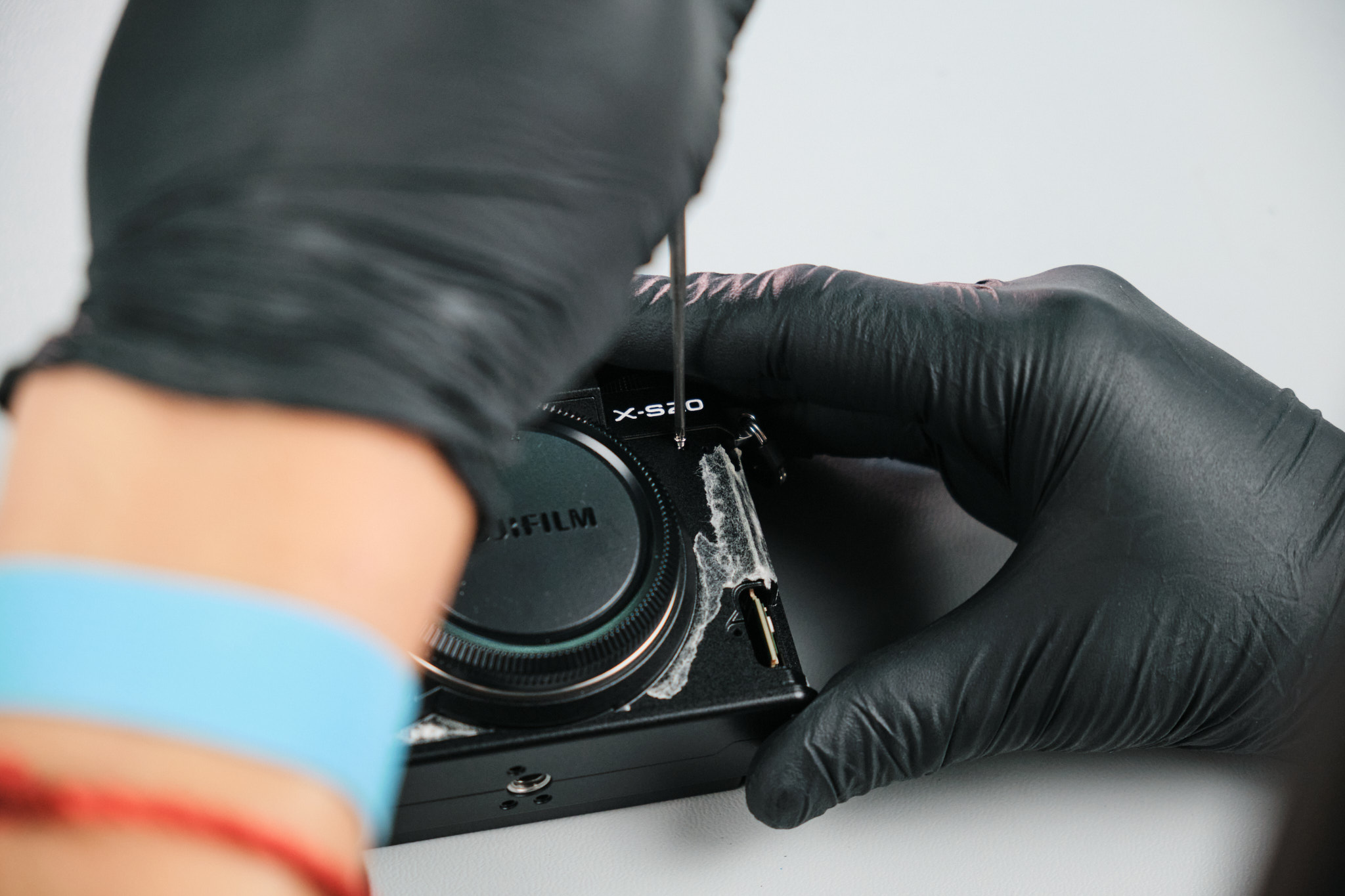
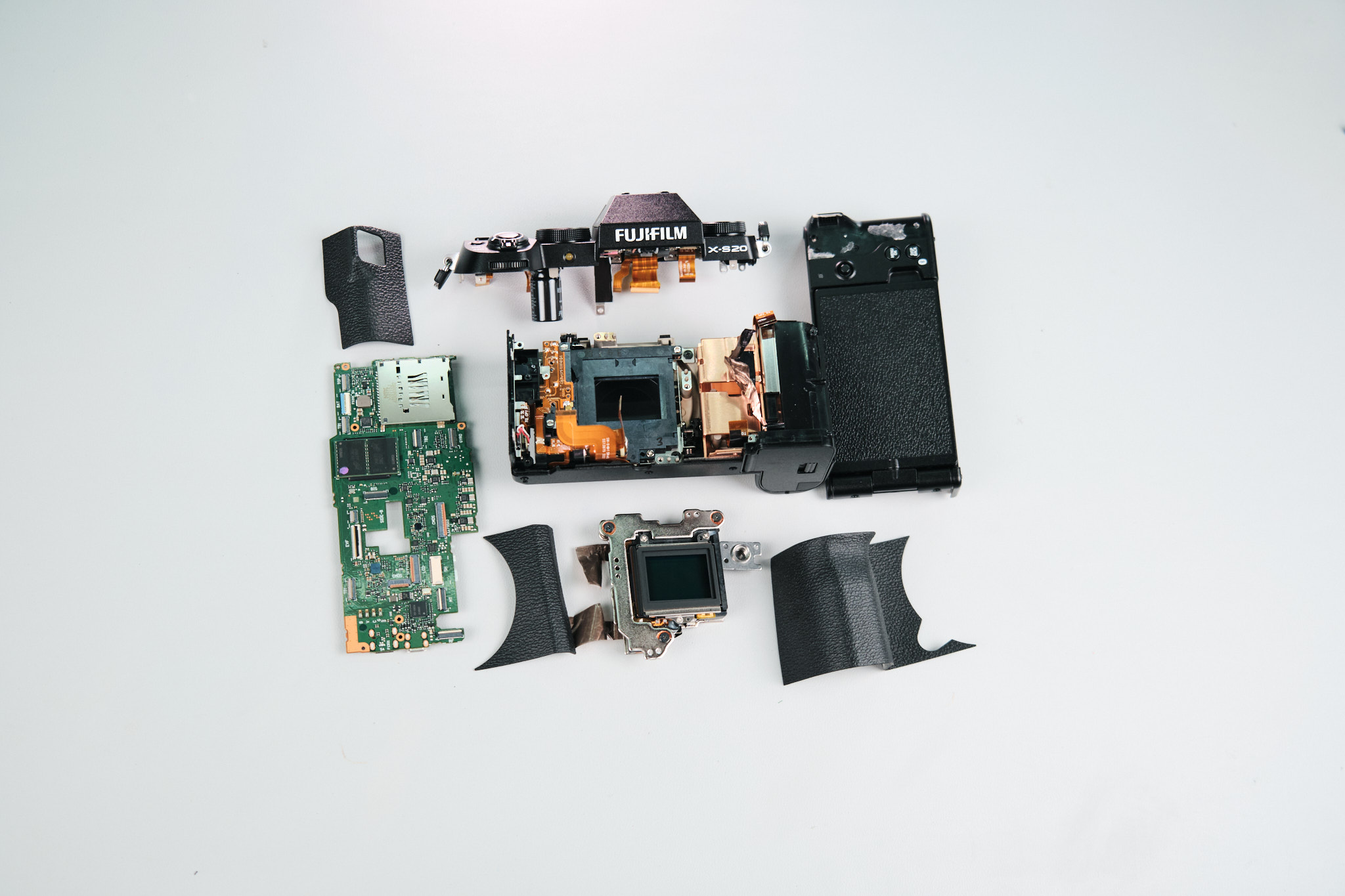
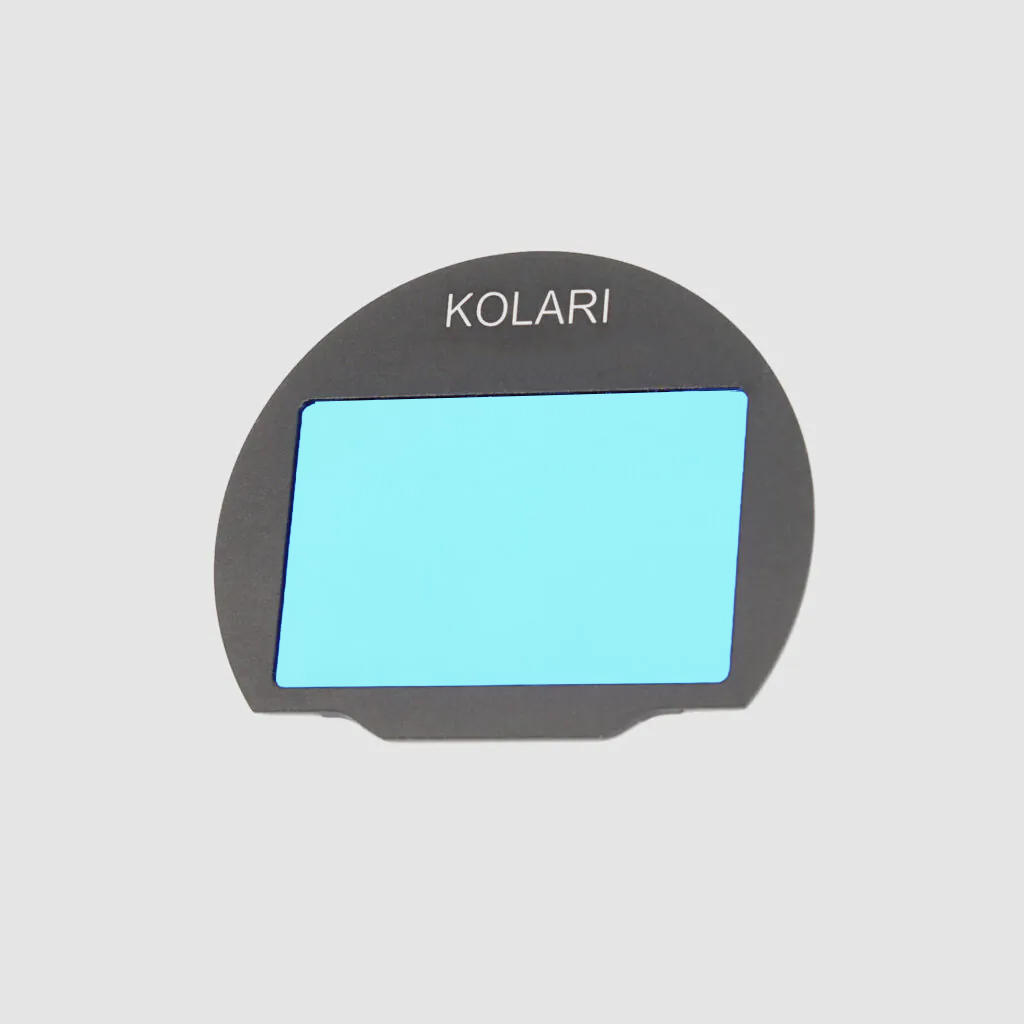
At Kolari, we got our hands on the Fujifilm X-S20. This camera is one of the more recent releases from Fujifilm, and it seems to be marketed towards content creators, especially since it features a vlog mode. Fujifilm has plenty of APS-C cameras that are compatible with our Fujifilm magnetic clip-in filters, and the X-S20 is one of them.
Fujifilm X-S20 Specs and X-Mount Filter Compatibility
Some key features of the X-S20 include a 26.1MP APS-C X Trans BSI CMOS 4 Sensor, 6.2K at 30FPS and 4K at 60FPS, 5-Axis In-body Image Stabilization, 3.0″ 1.84m-Dot Vari-Angle Touchscreen, and 2.36m-Dot 0.62x OLED EVF.
So, let’s get into this teardown!
Starting the Fujifilm X-S20 Teardown With the Base Screws
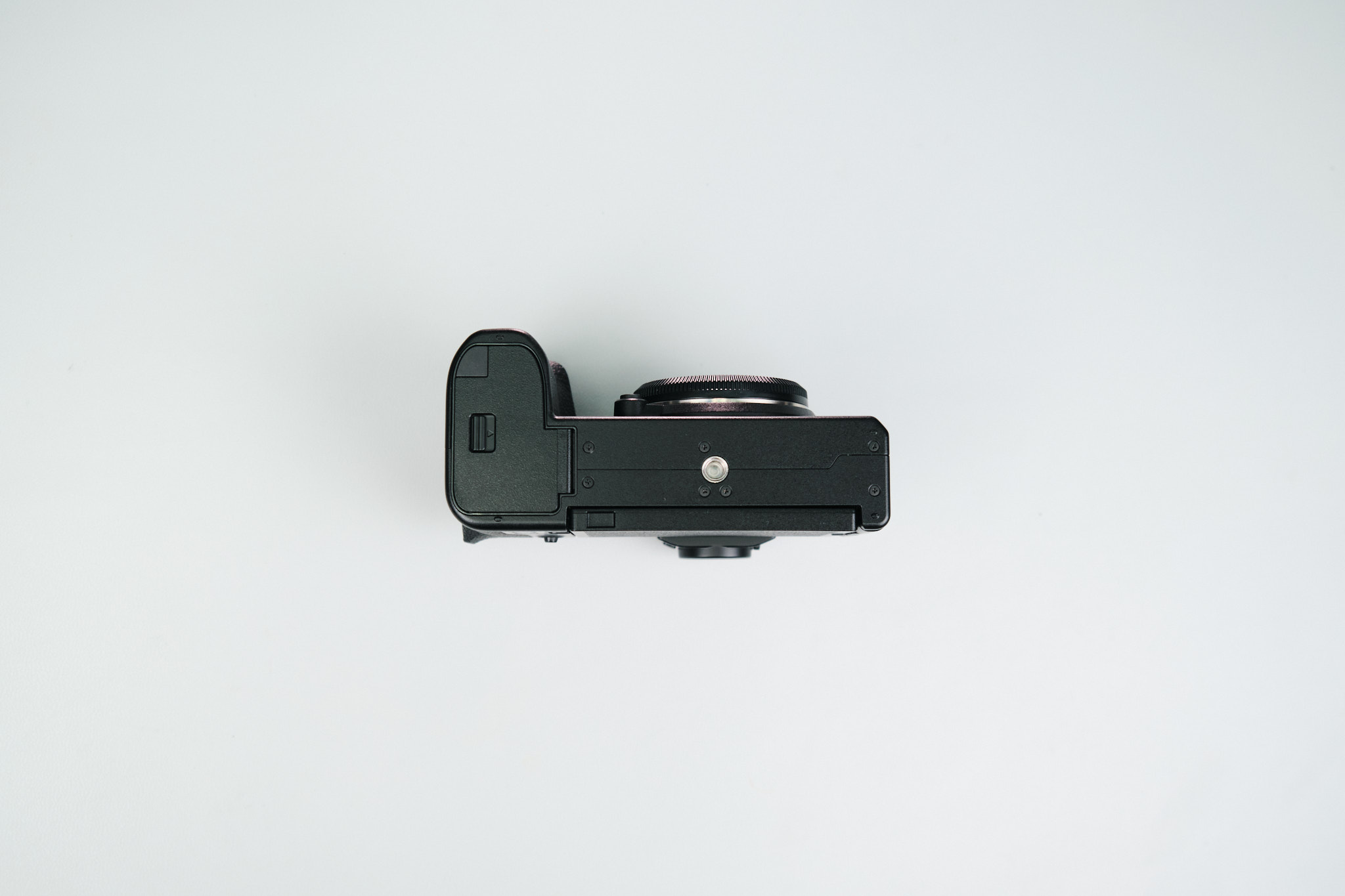
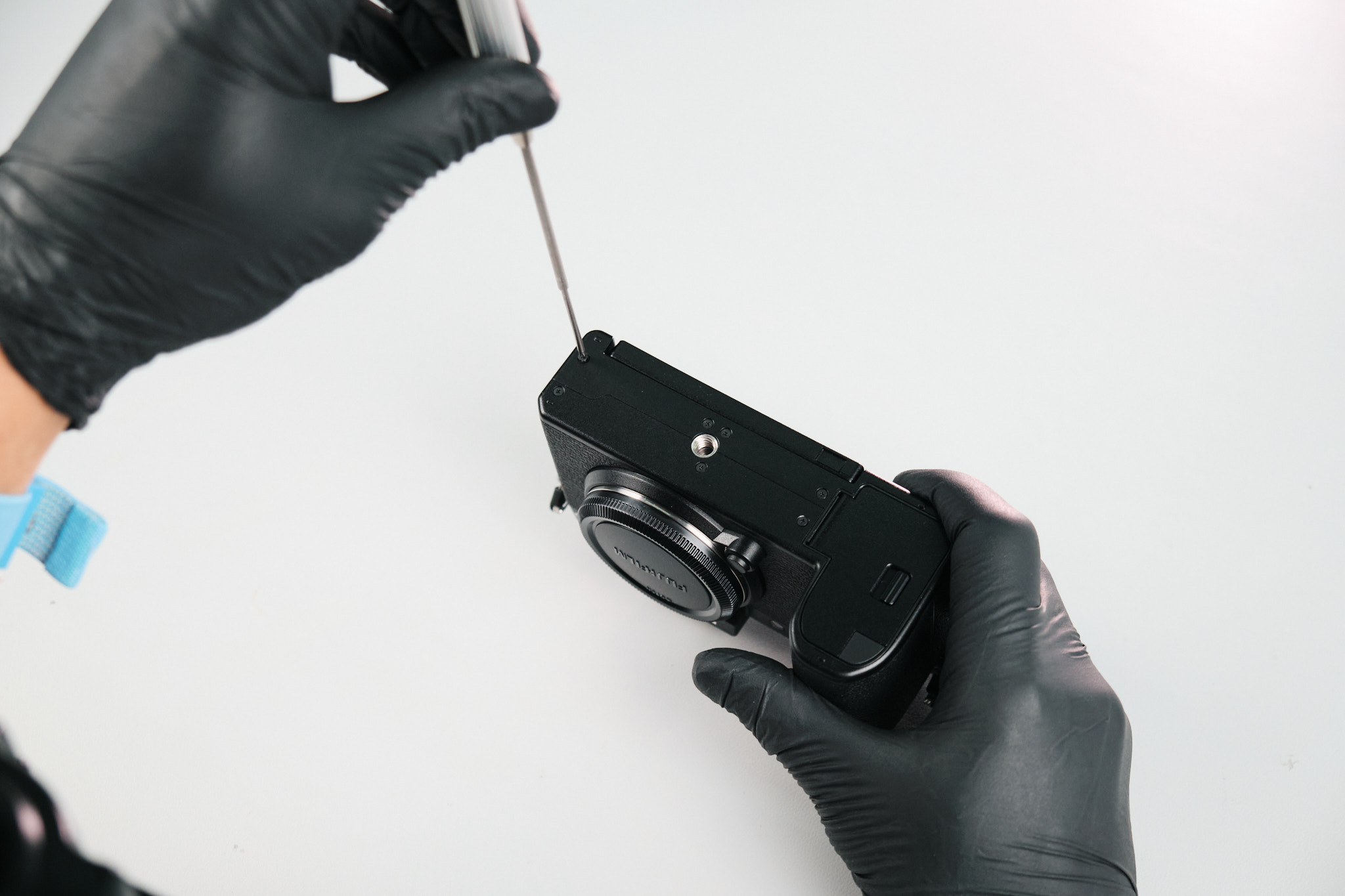
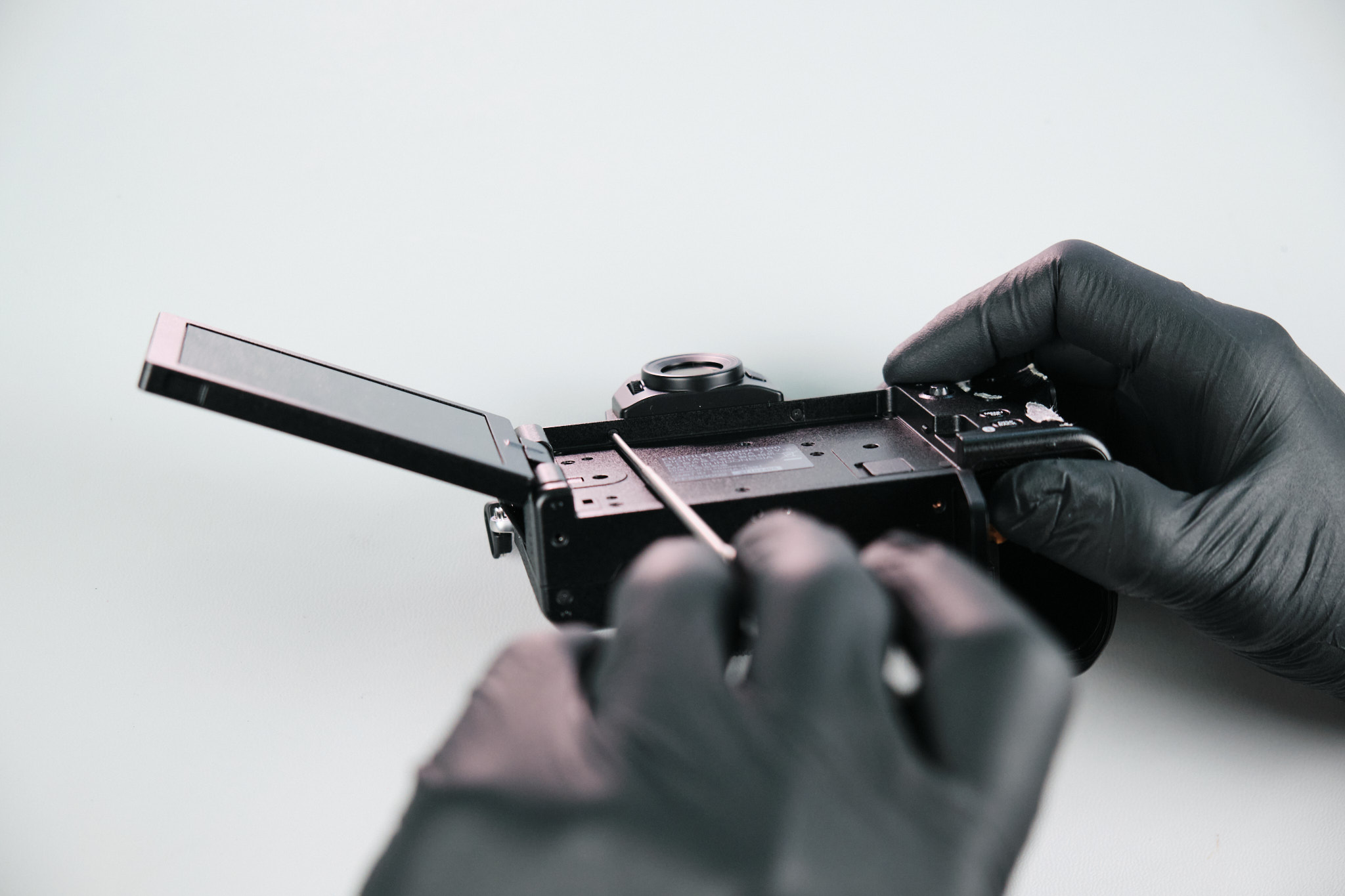
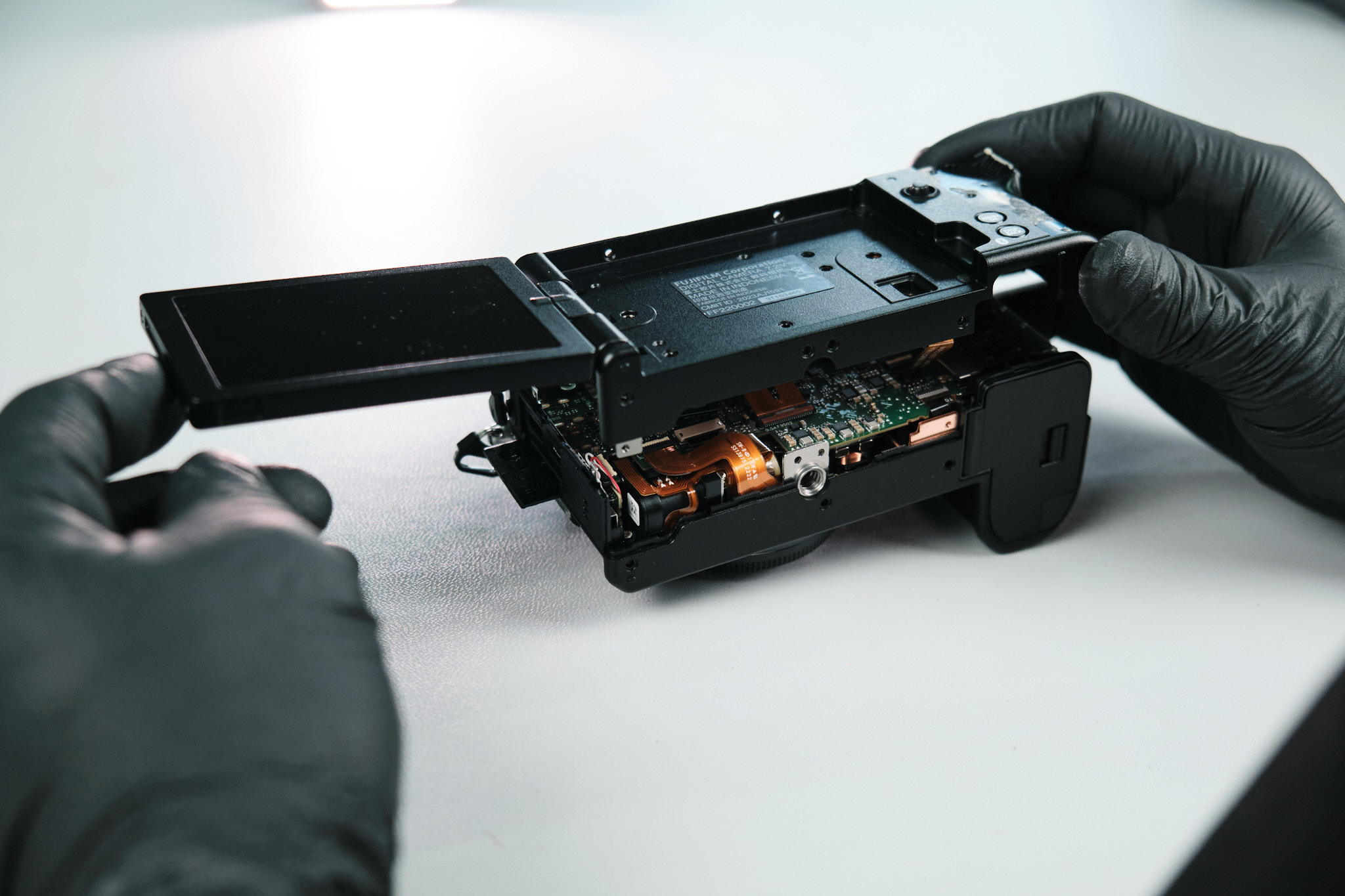
First, we removed four Philips screws at the base of the camera.
Removing Port Side Screws on the Fujifilm X-S20
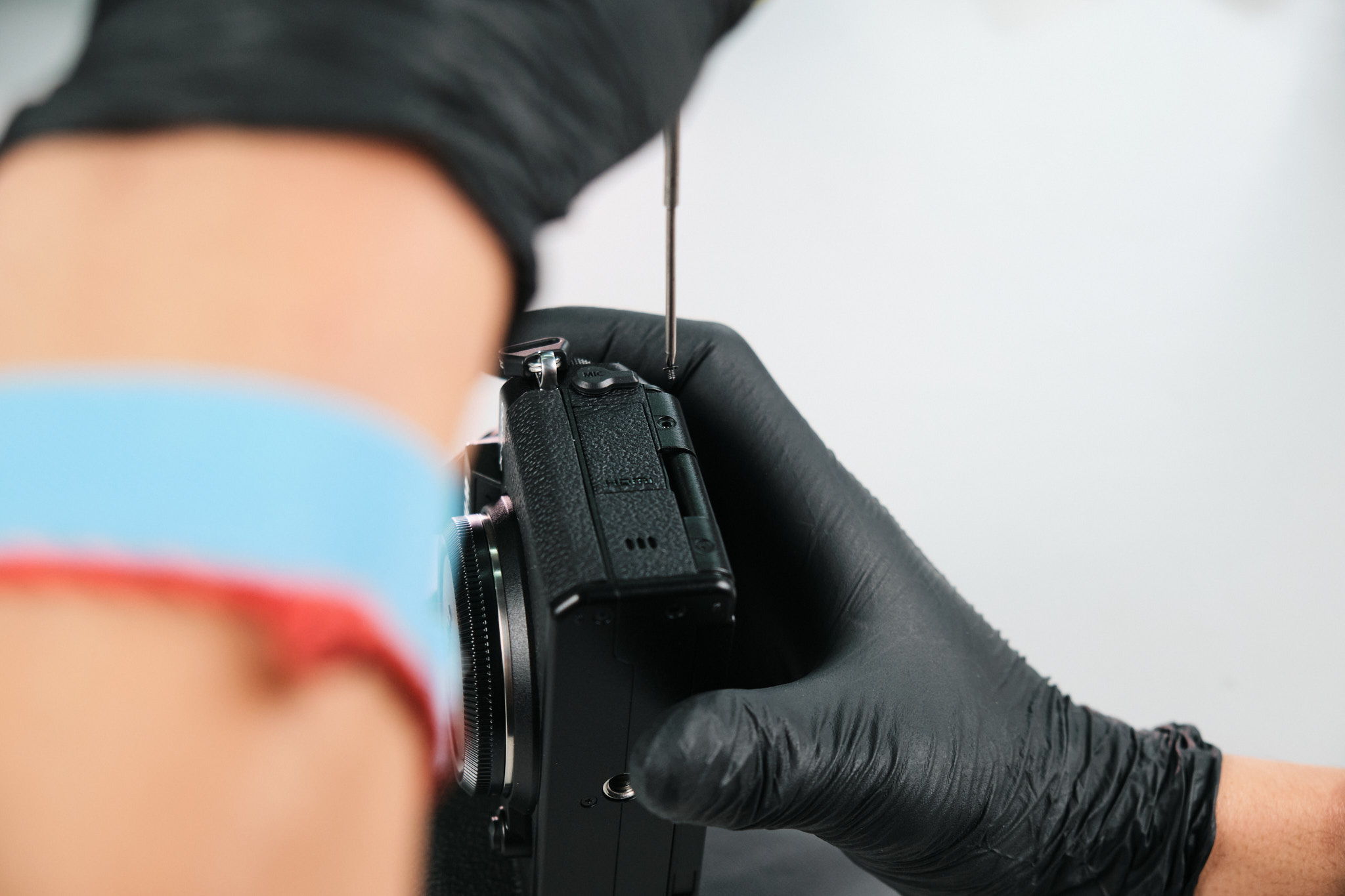
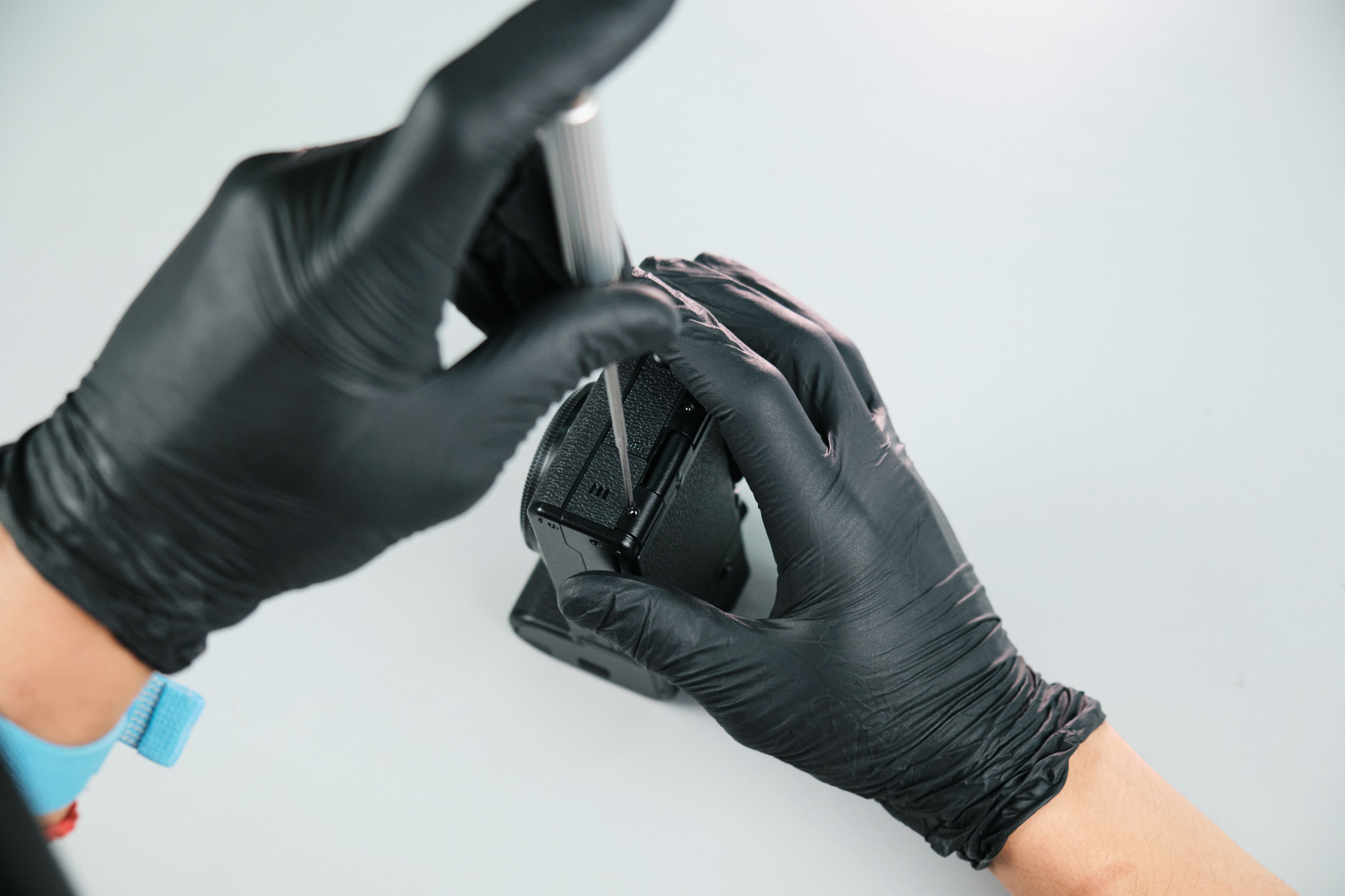
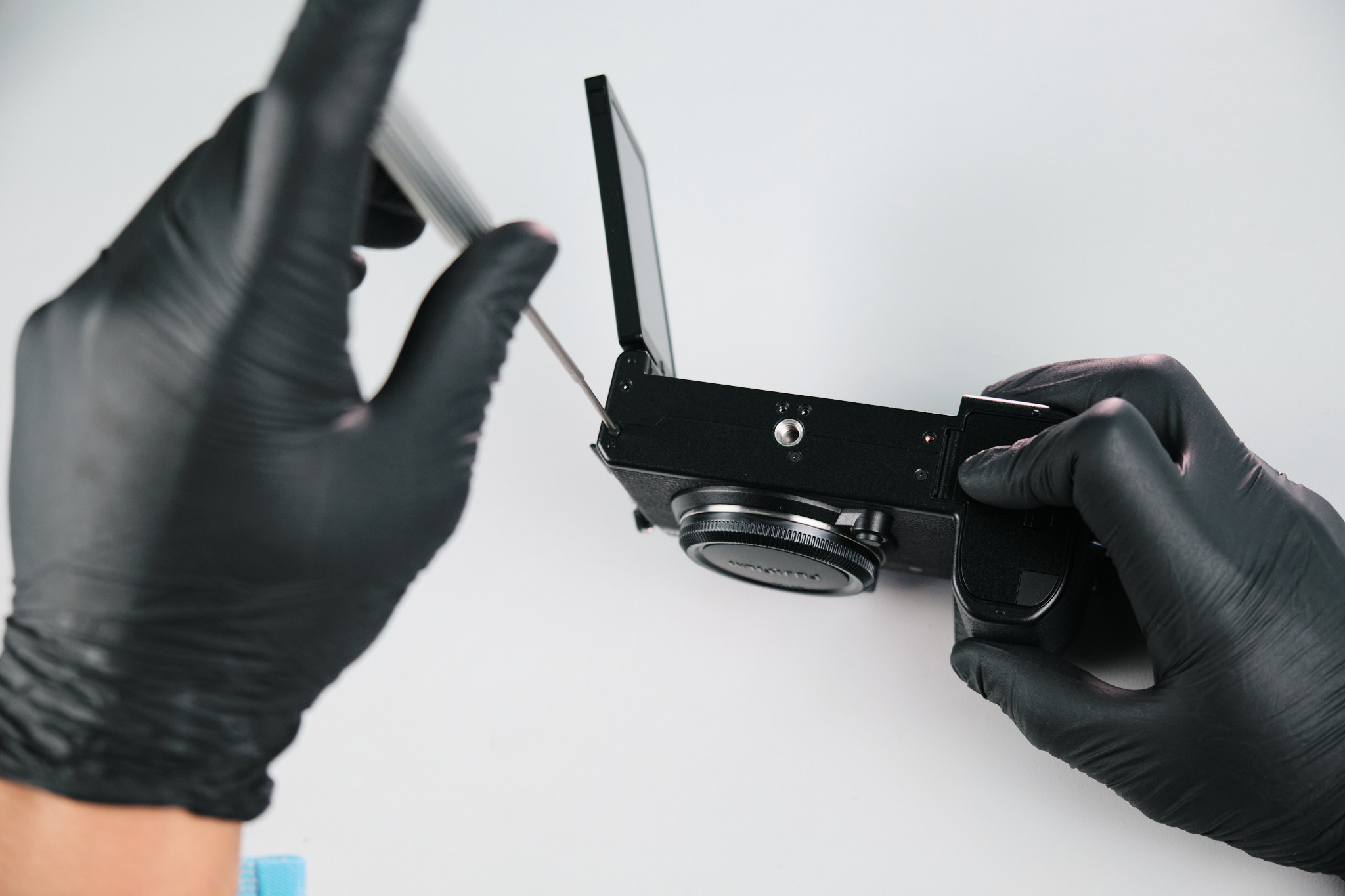
On the port side, two screws were removed. We didn’t find any screws under the dust caps.
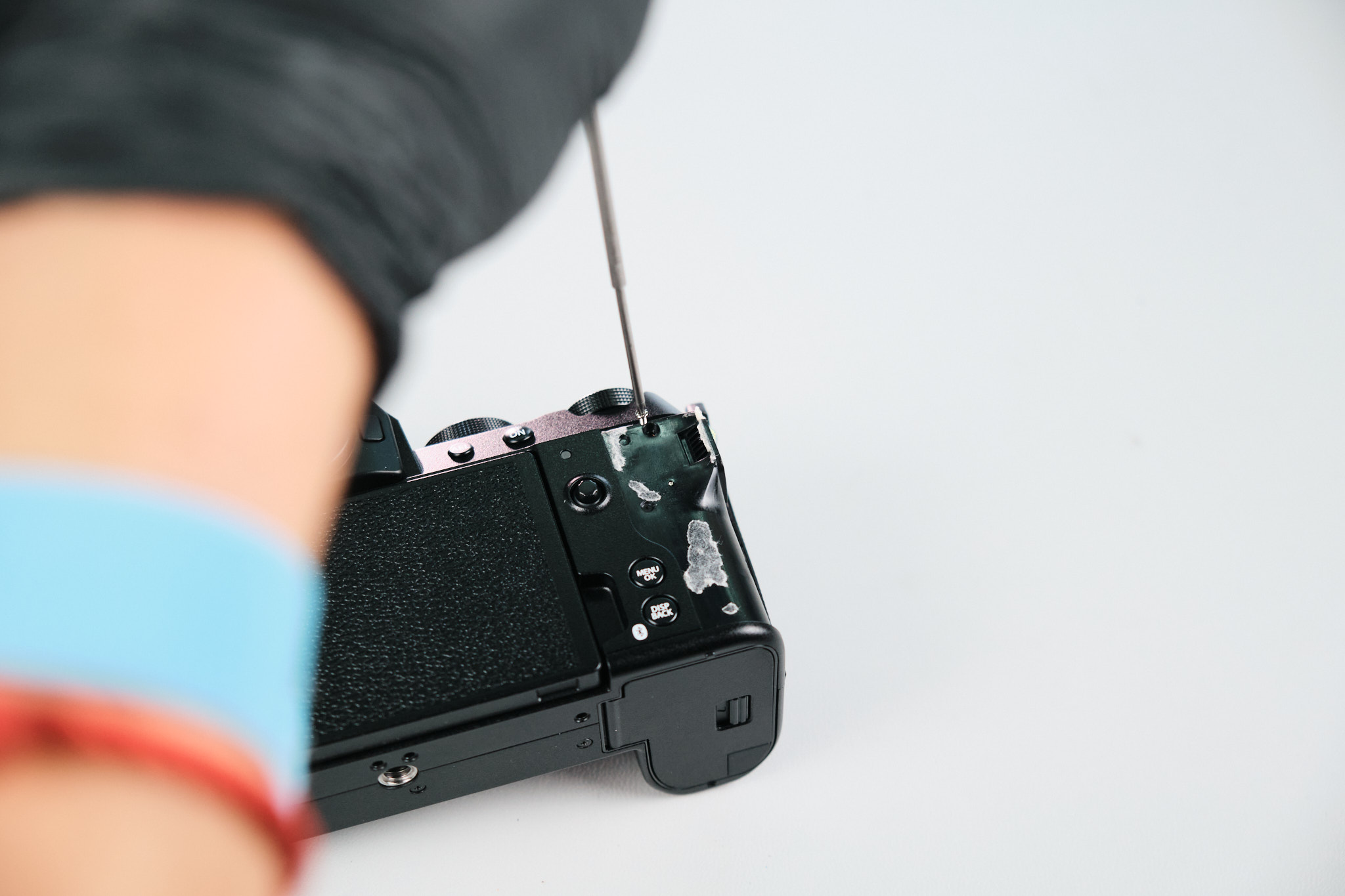
Finding Hidden Screws Under the Right-Hand Palm Grip
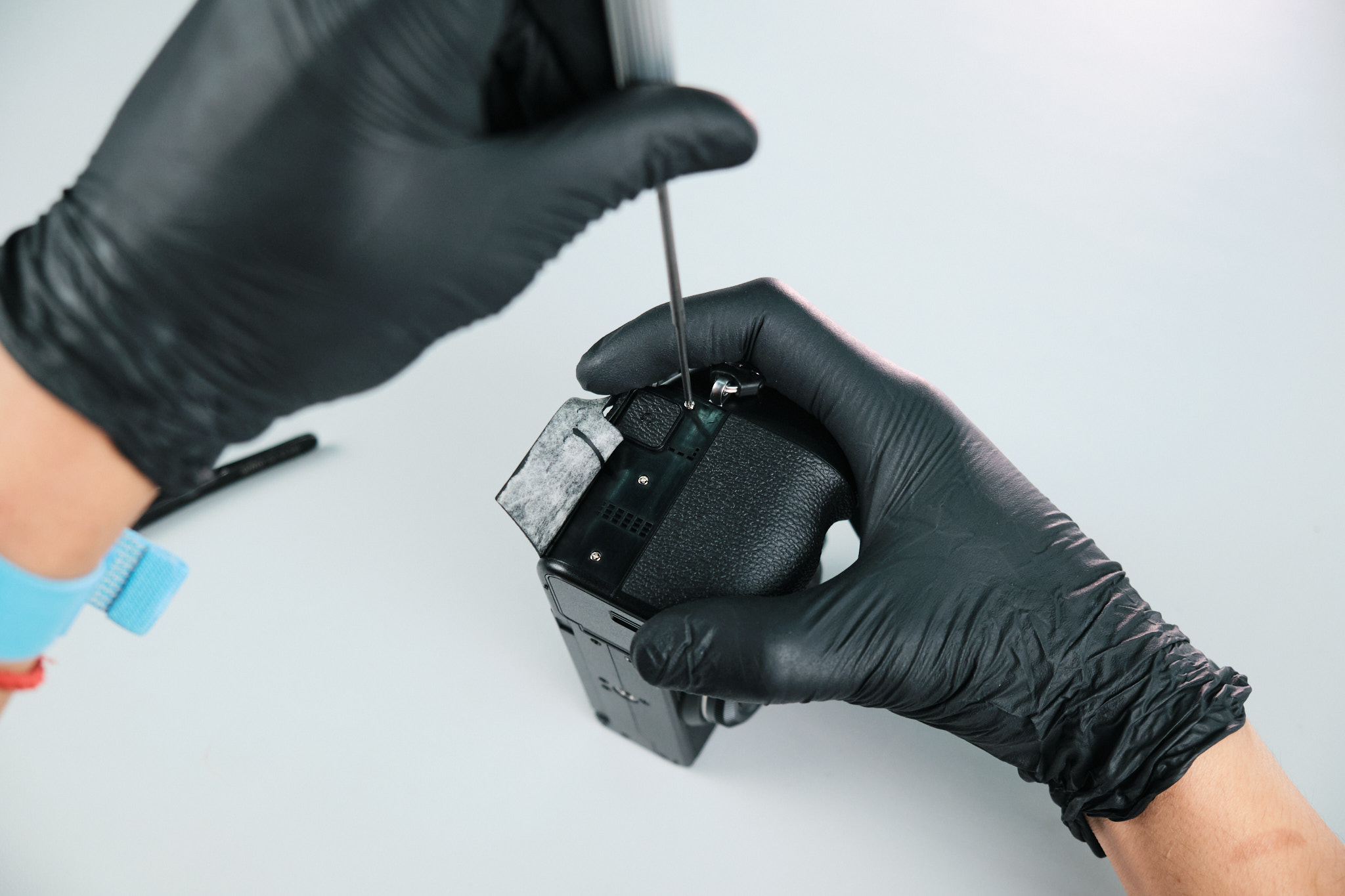
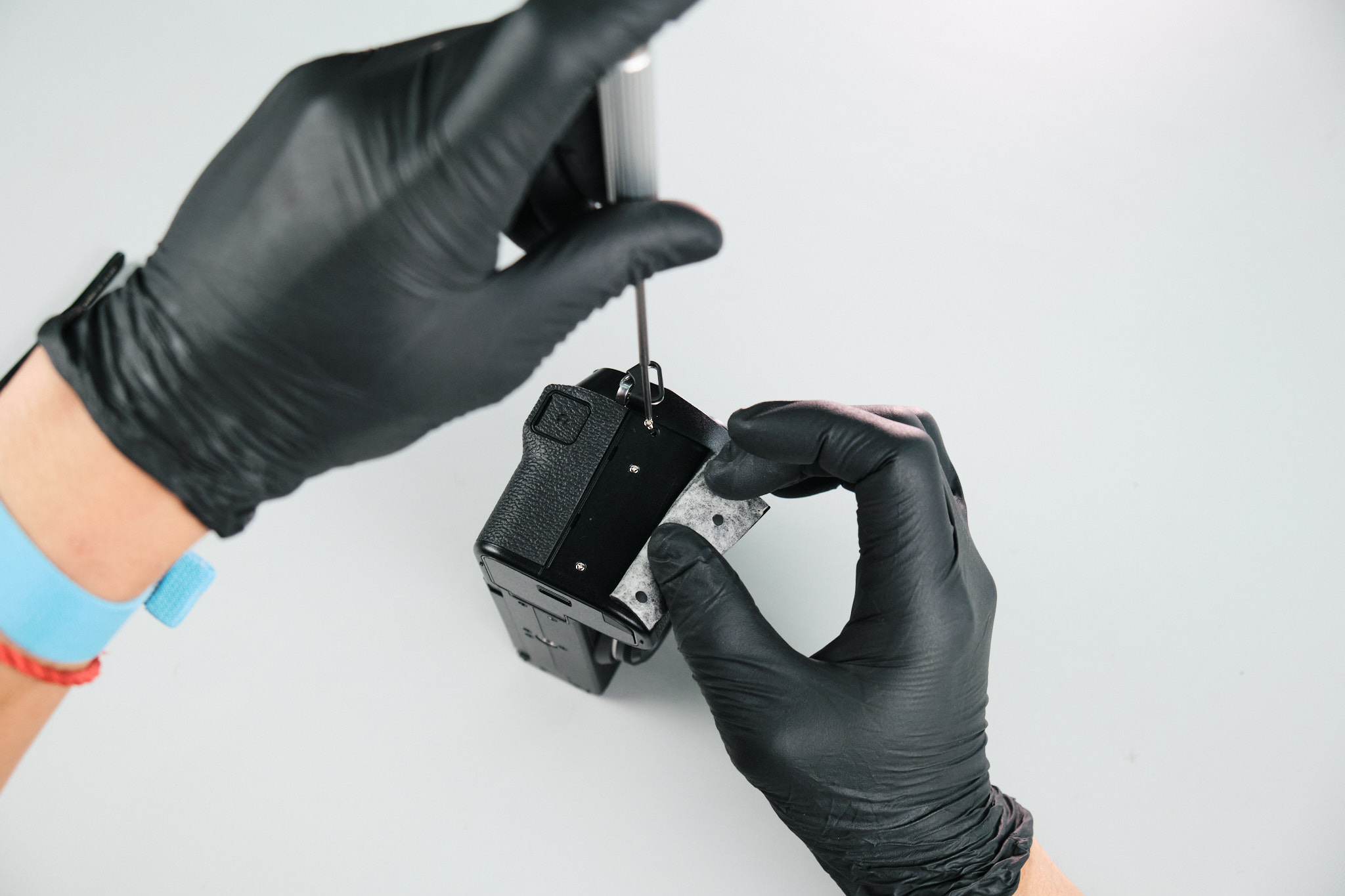
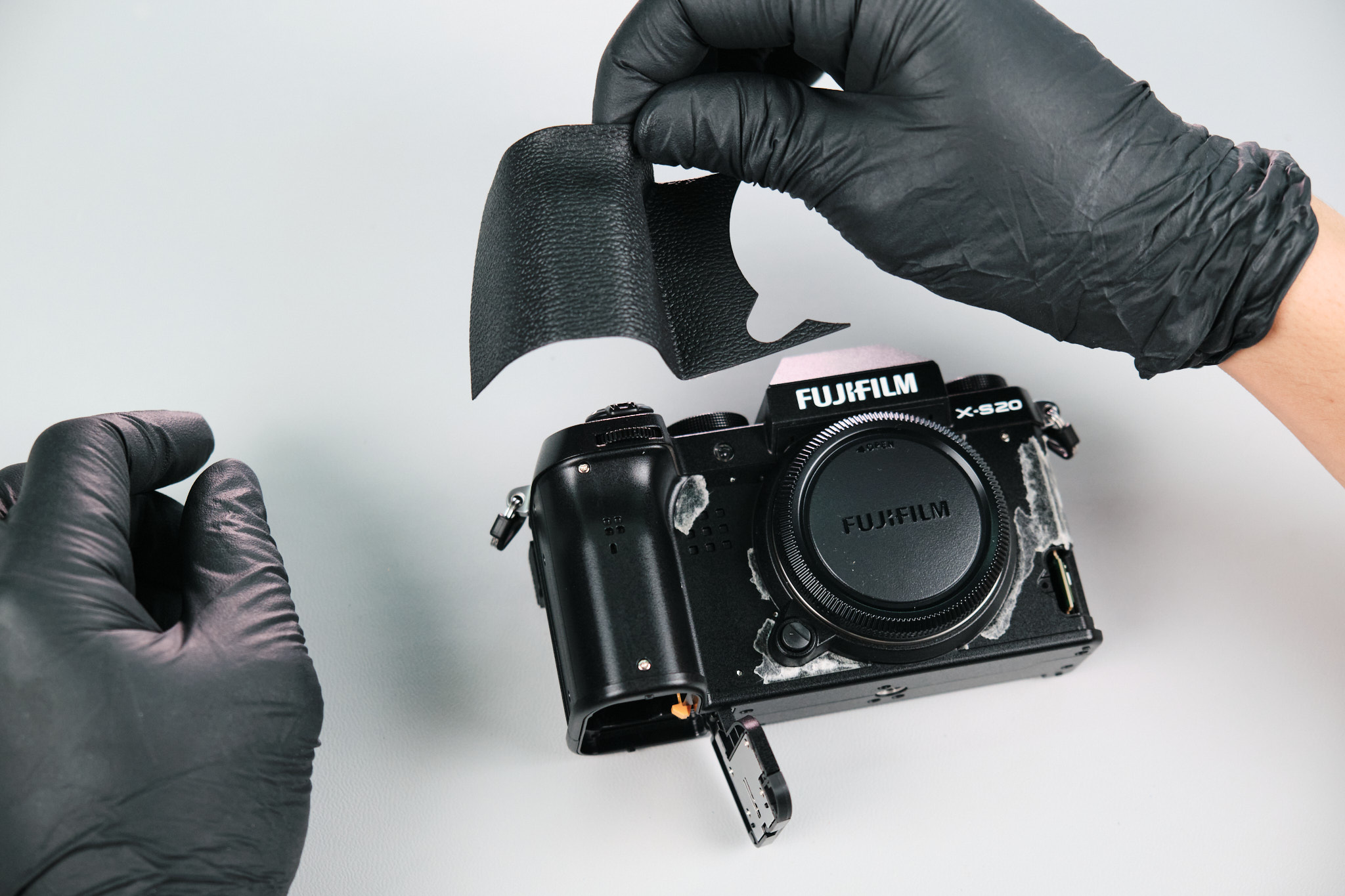
Next, we peeled back the righthand palm grip and removed six silver screws.
Removing Screws Under the LCD Screen
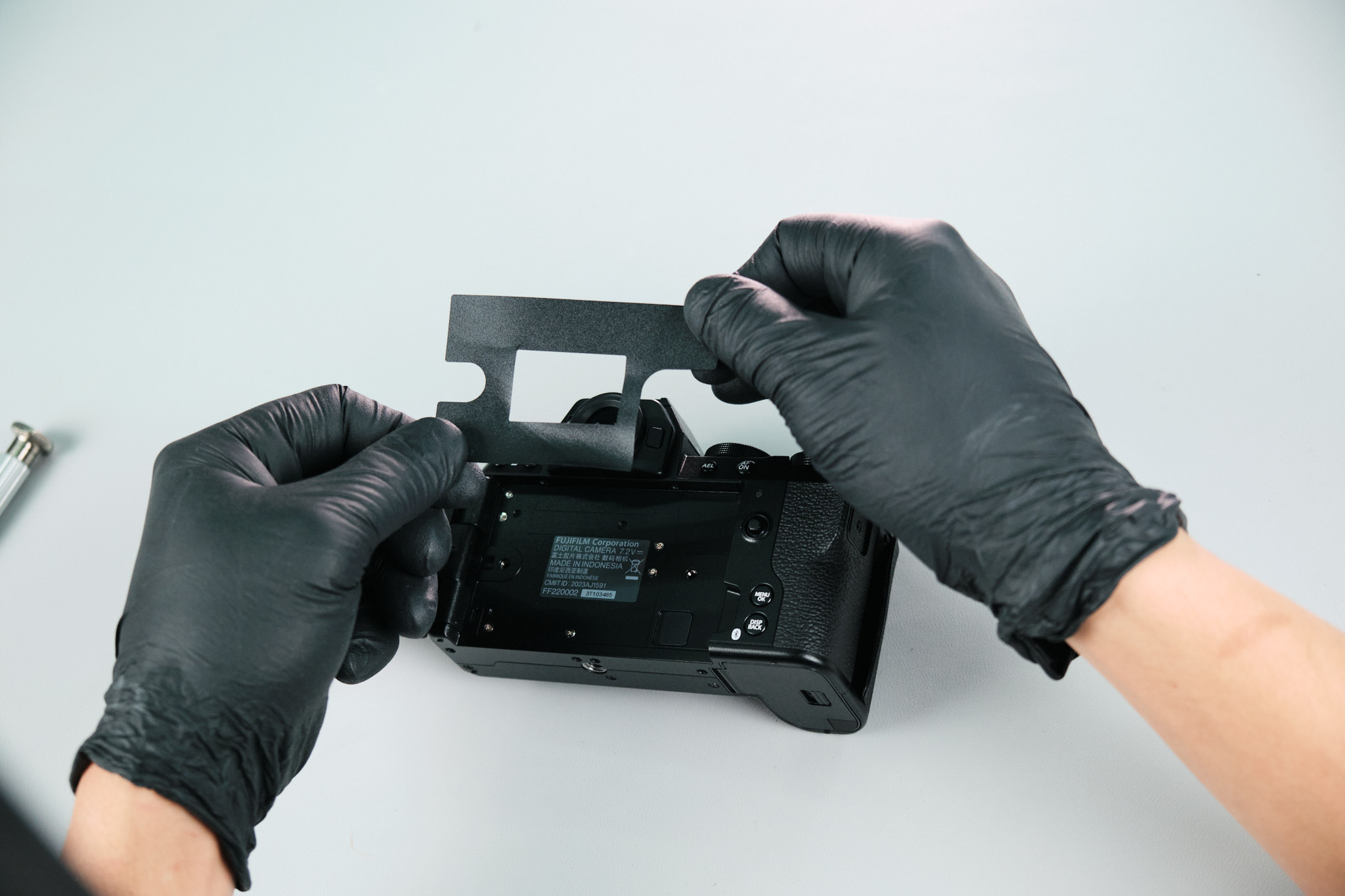
Under the LCD screen, the vinyl cover trim was peeled off to expose six silver Philips screws.
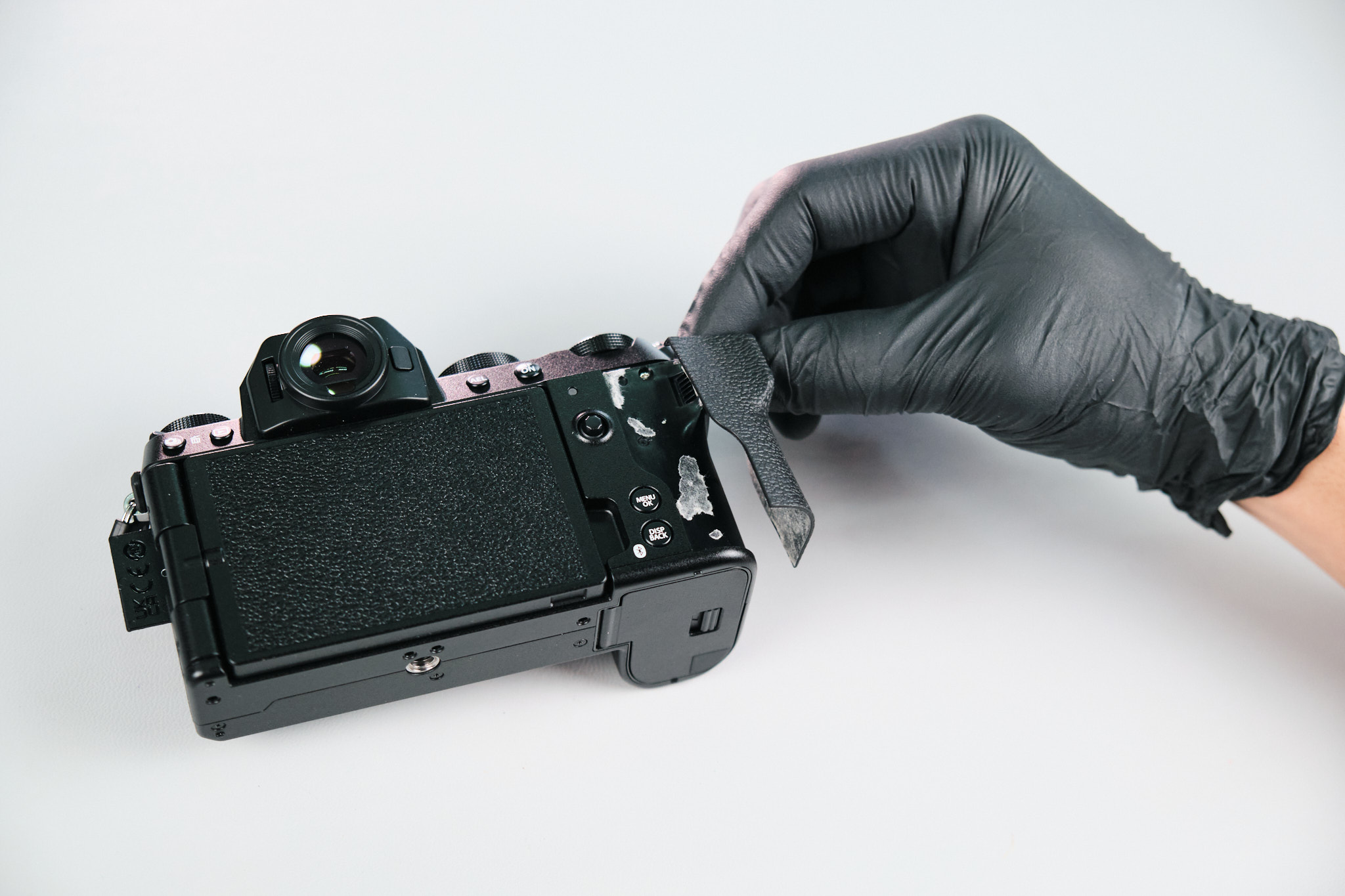
Removing the Thumb Grip and Additional LCD Screws
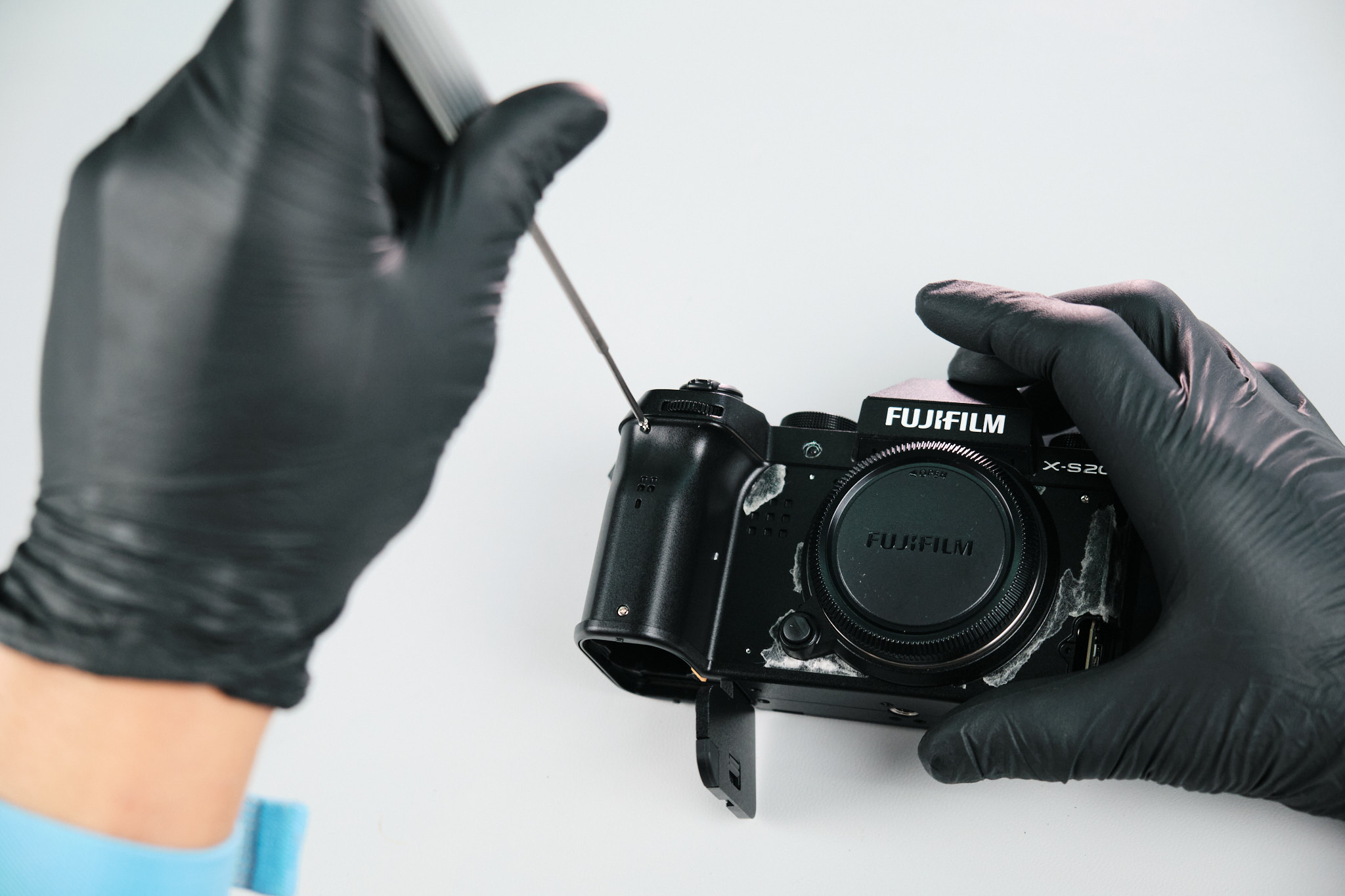
The thumb grip was peeled off to extract one silver screw.
Removing Additional Base Screws Before Rear Panel Removal
There were also two more screws hiding under the LCD that needed to be removed.
After attempting to wiggle the rear panel off the body, we returned to the camera’s base to extract three screws.
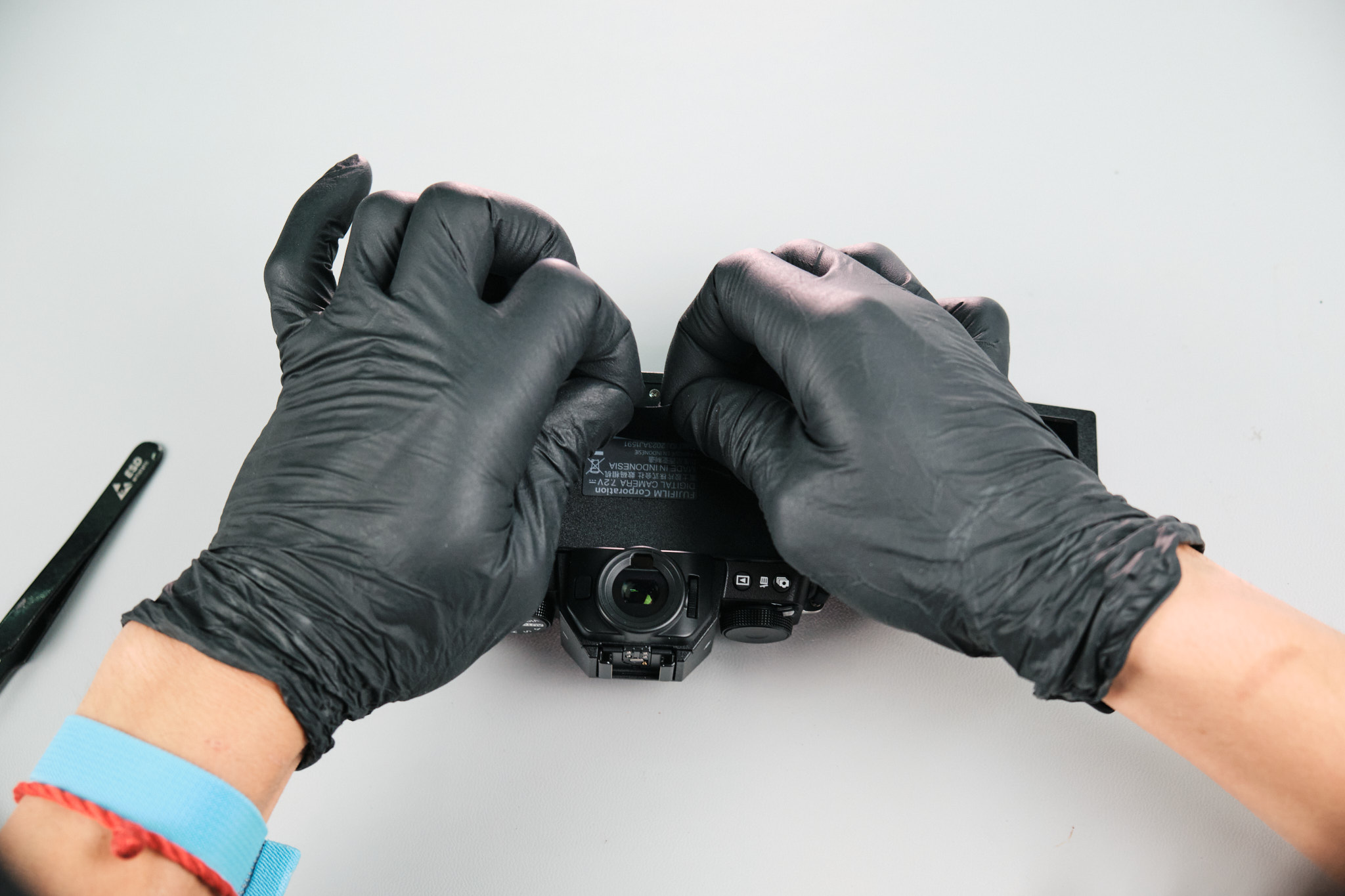
Removing Hidden Screws Under the X-S20 Decal
At this point, we completely removed the righthand palm grip and removed two silver screws. We also removed one silver screw under the X-S20 decal.
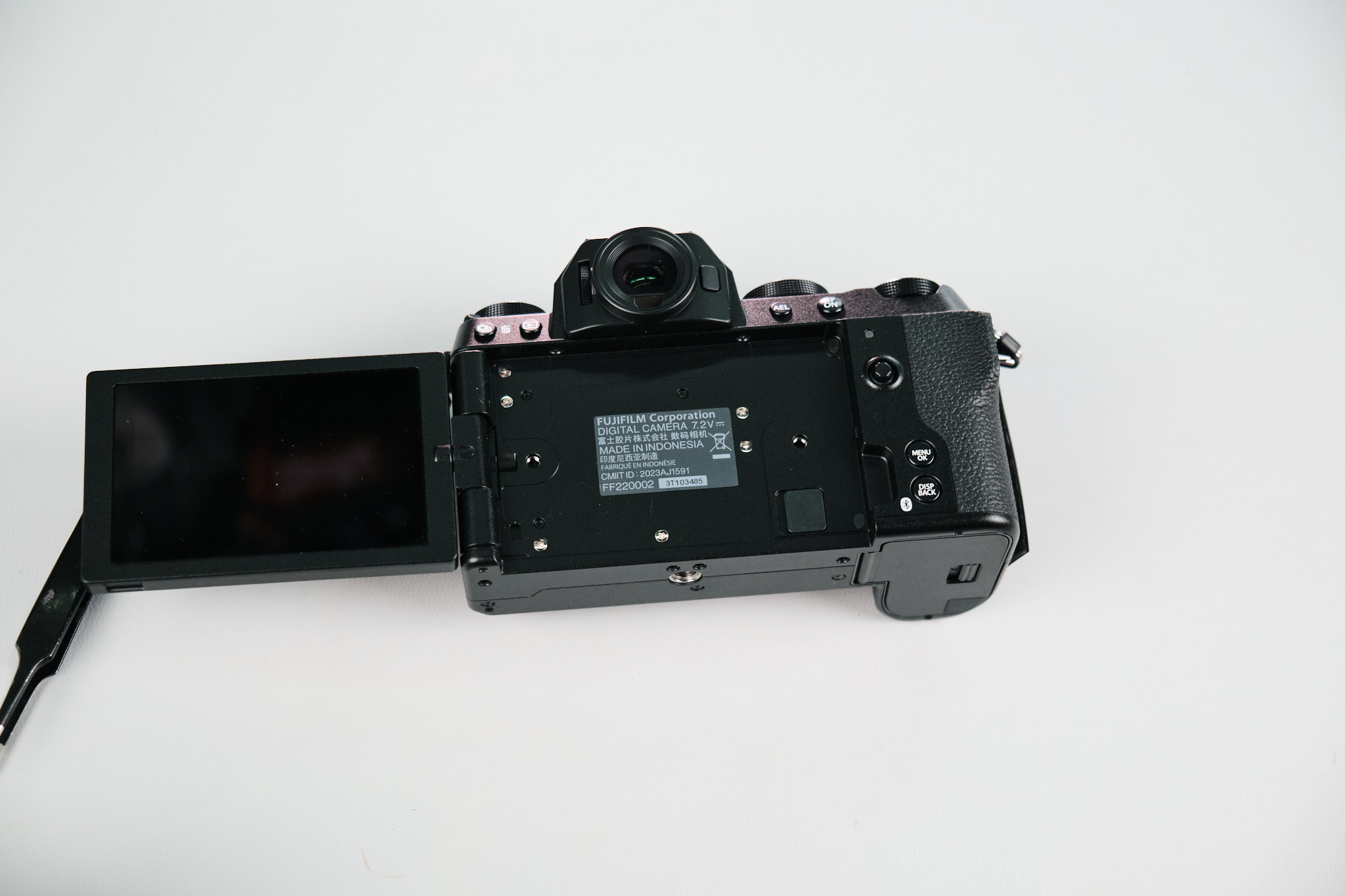
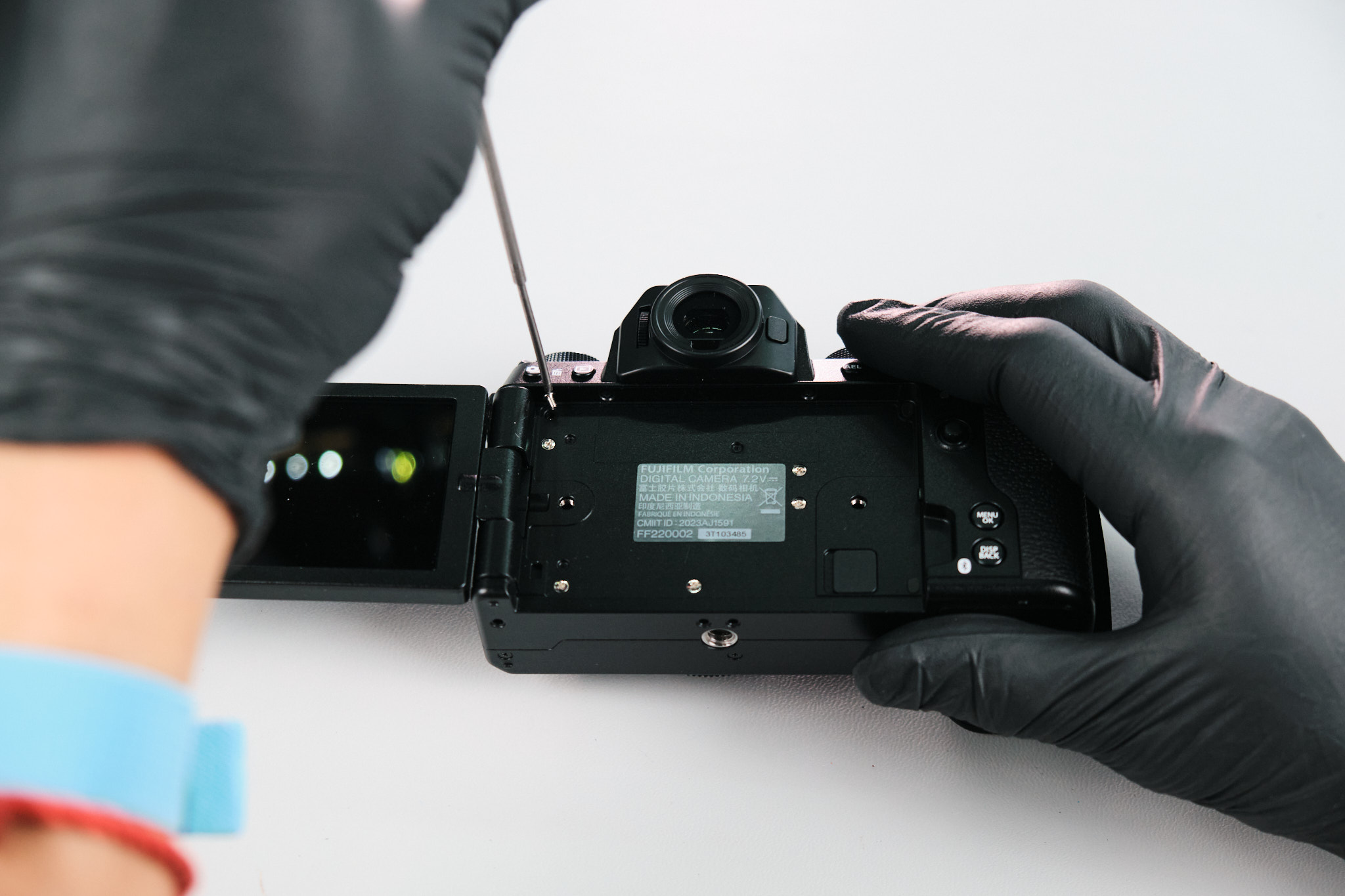
Releasing the Fujifilm X-S20 Rear Panel Clips
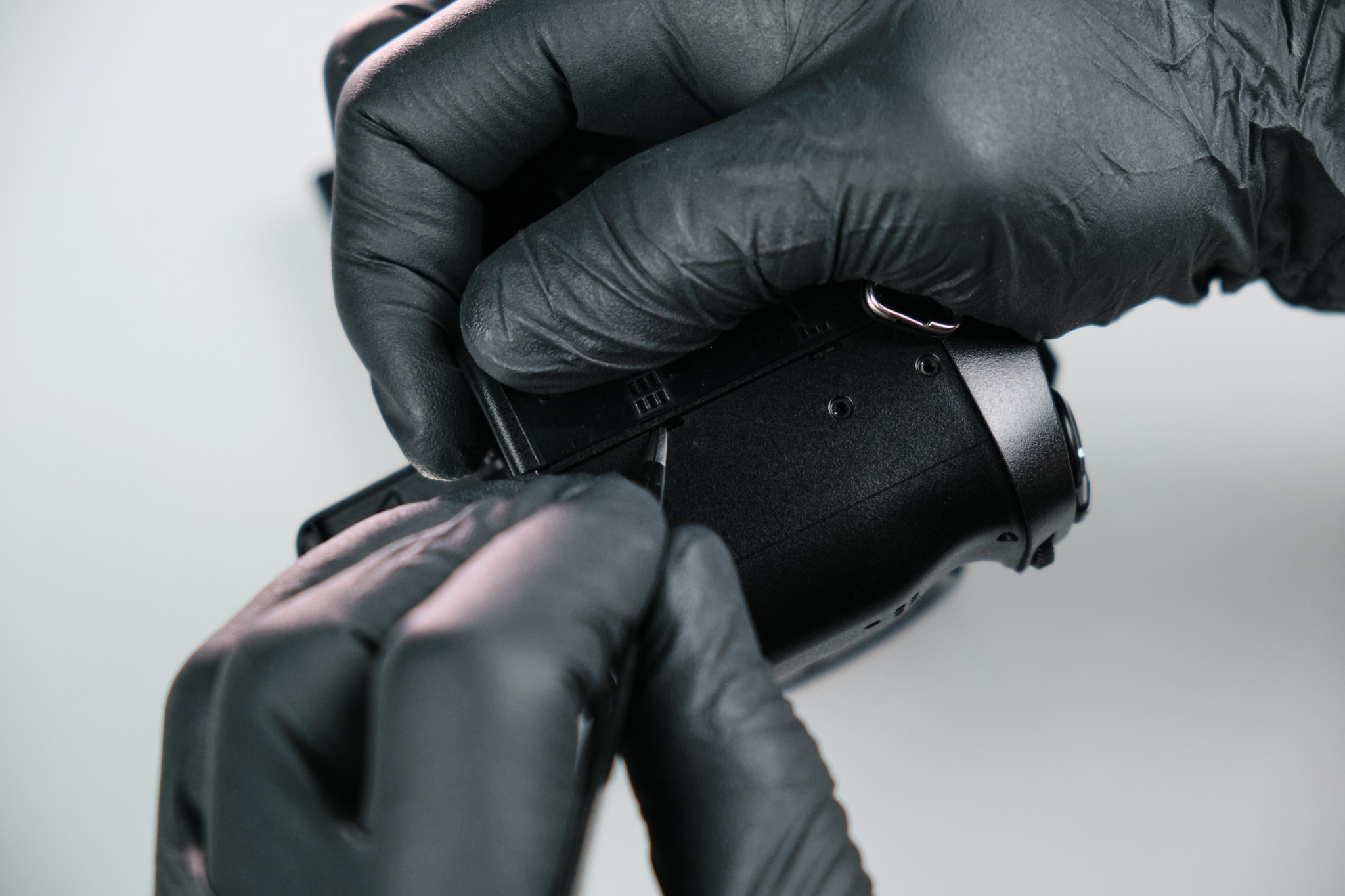
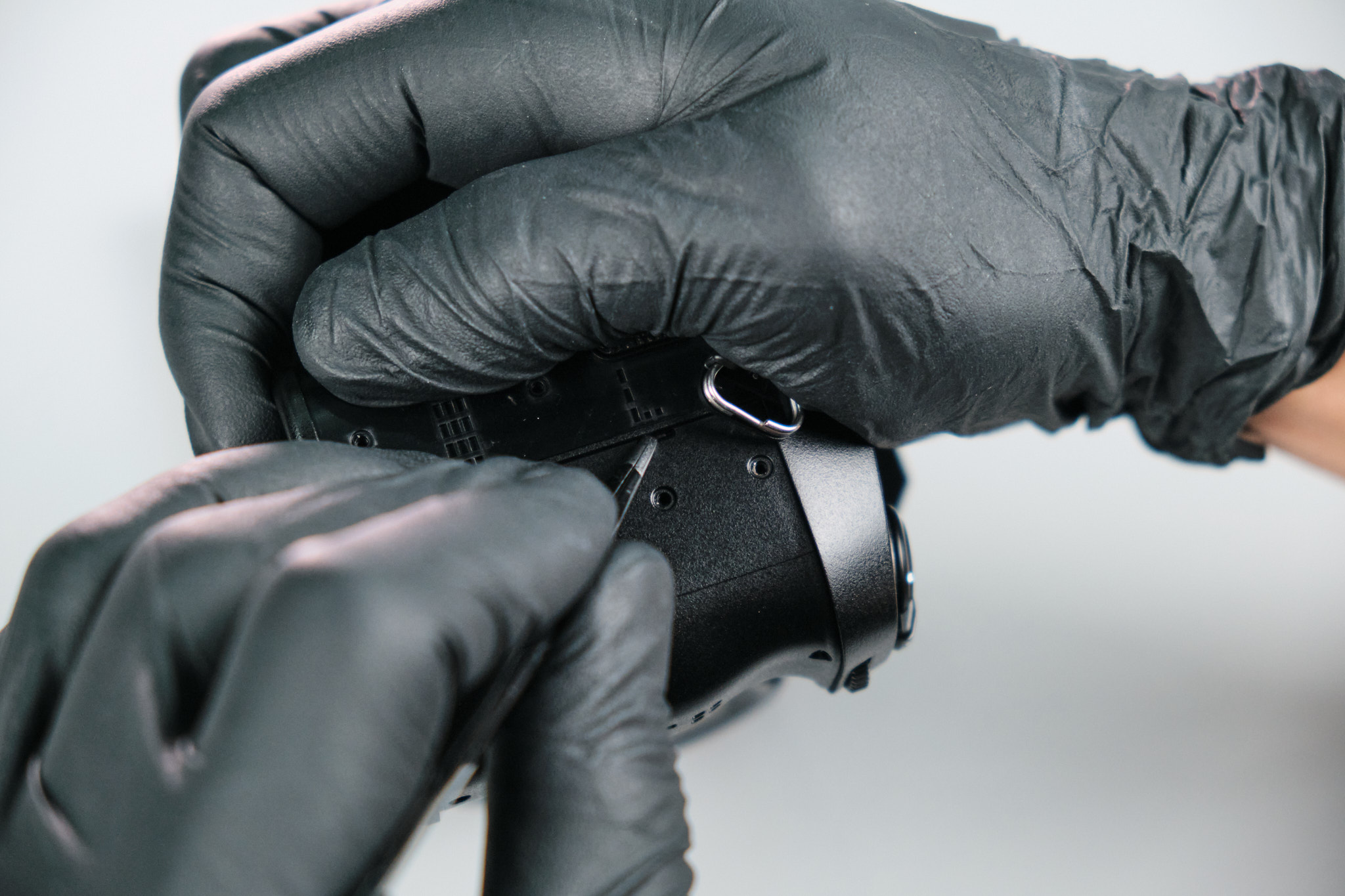
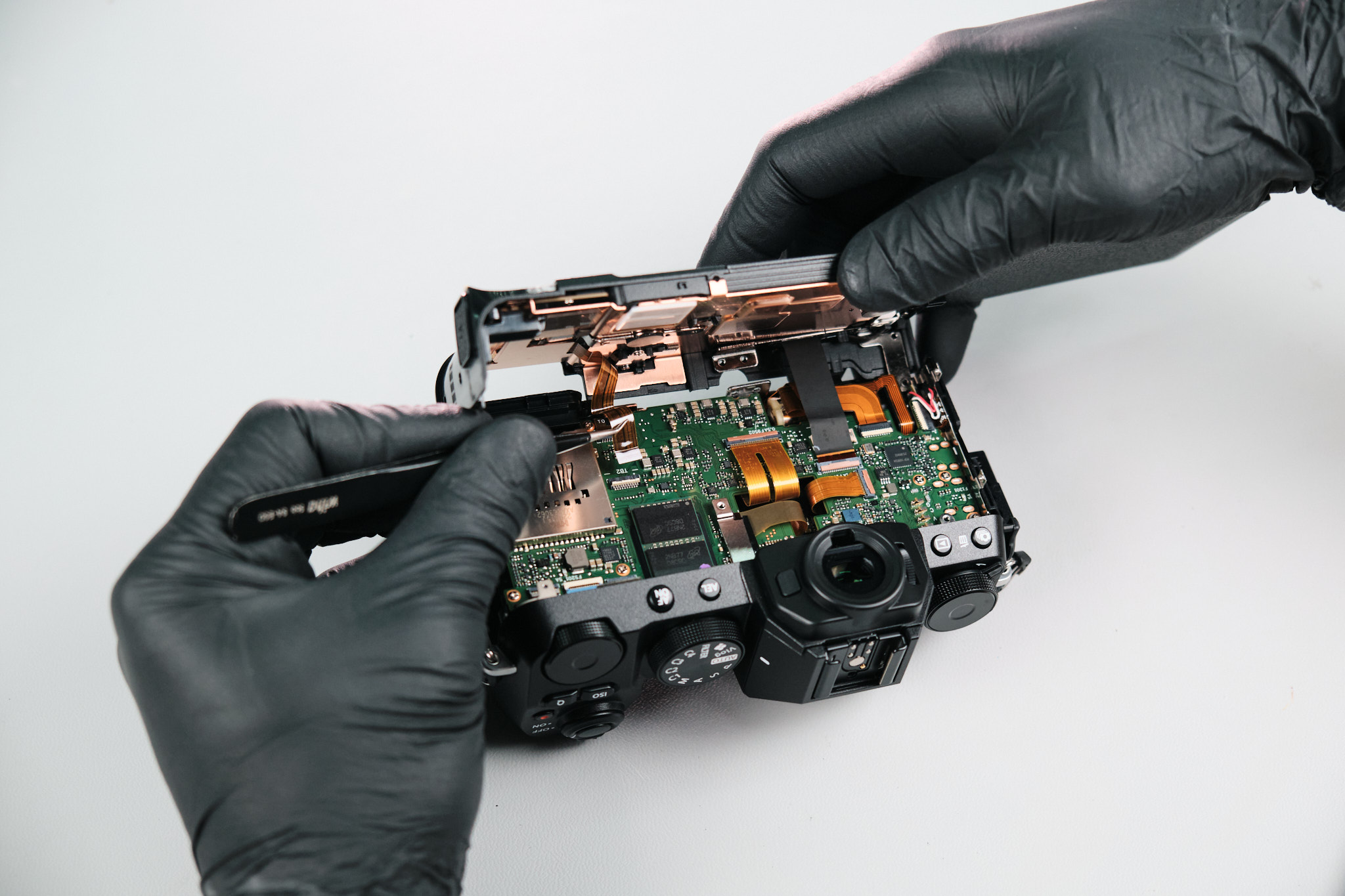
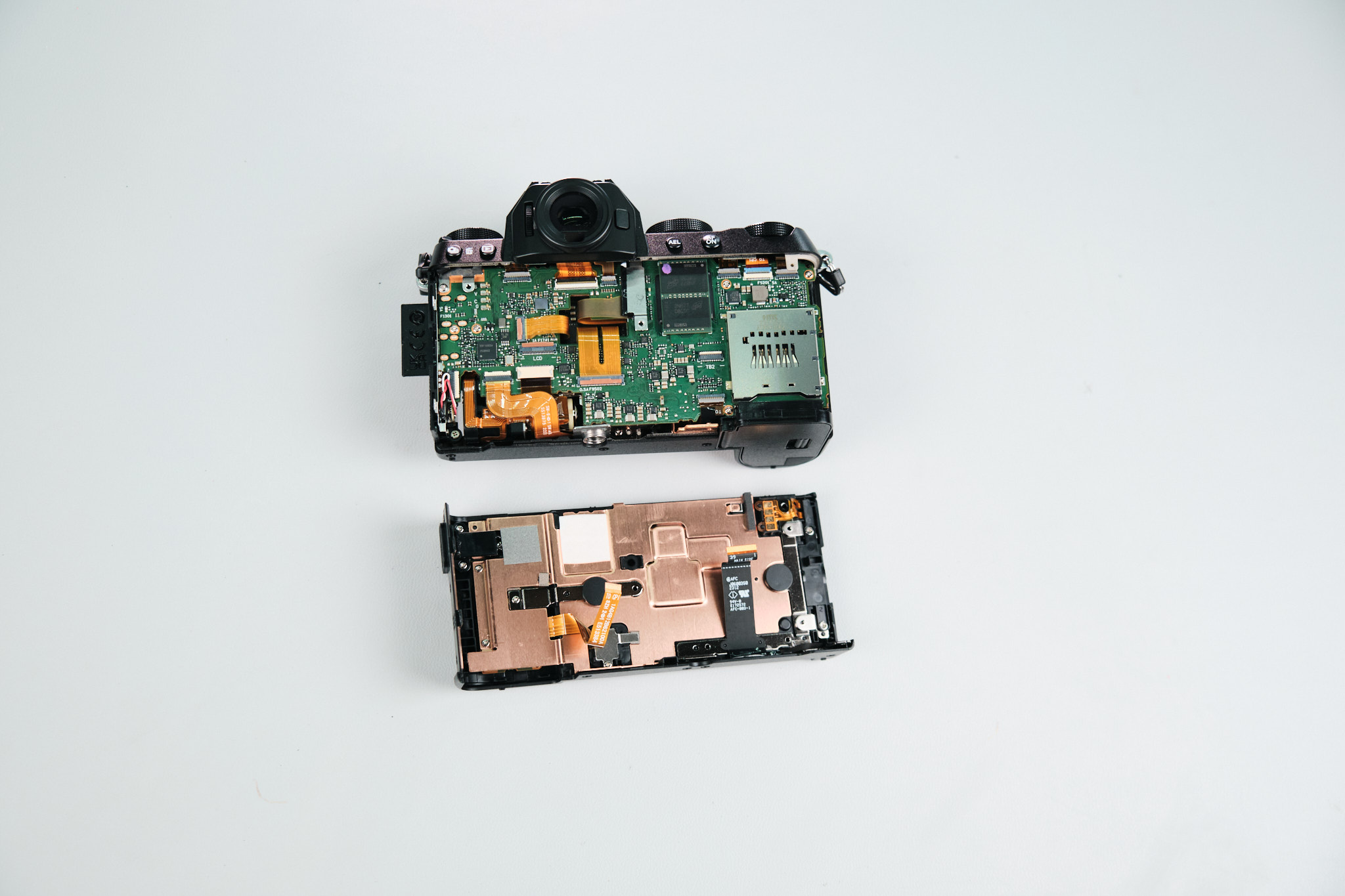
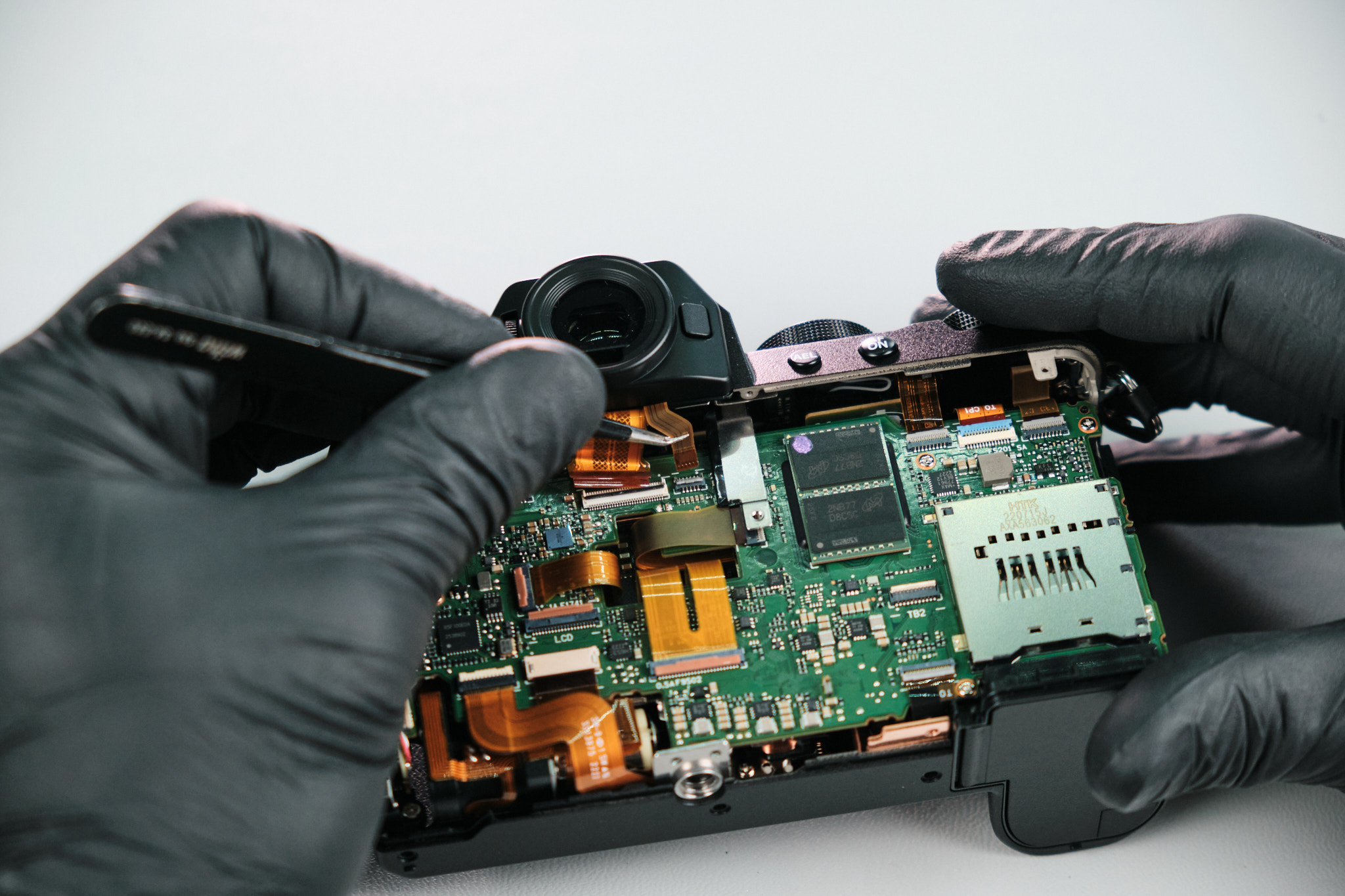
The rear panel wouldn’t come off despite removing all the screws. Until we realized the panel was held together by clips. So, we inserted tweezers in two slots to release the first two L clips. After a bit more wiggling, the remaining L clips were dismounted, and the rear panel came off.
Disconnecting Rear Panel Ribbon Cables
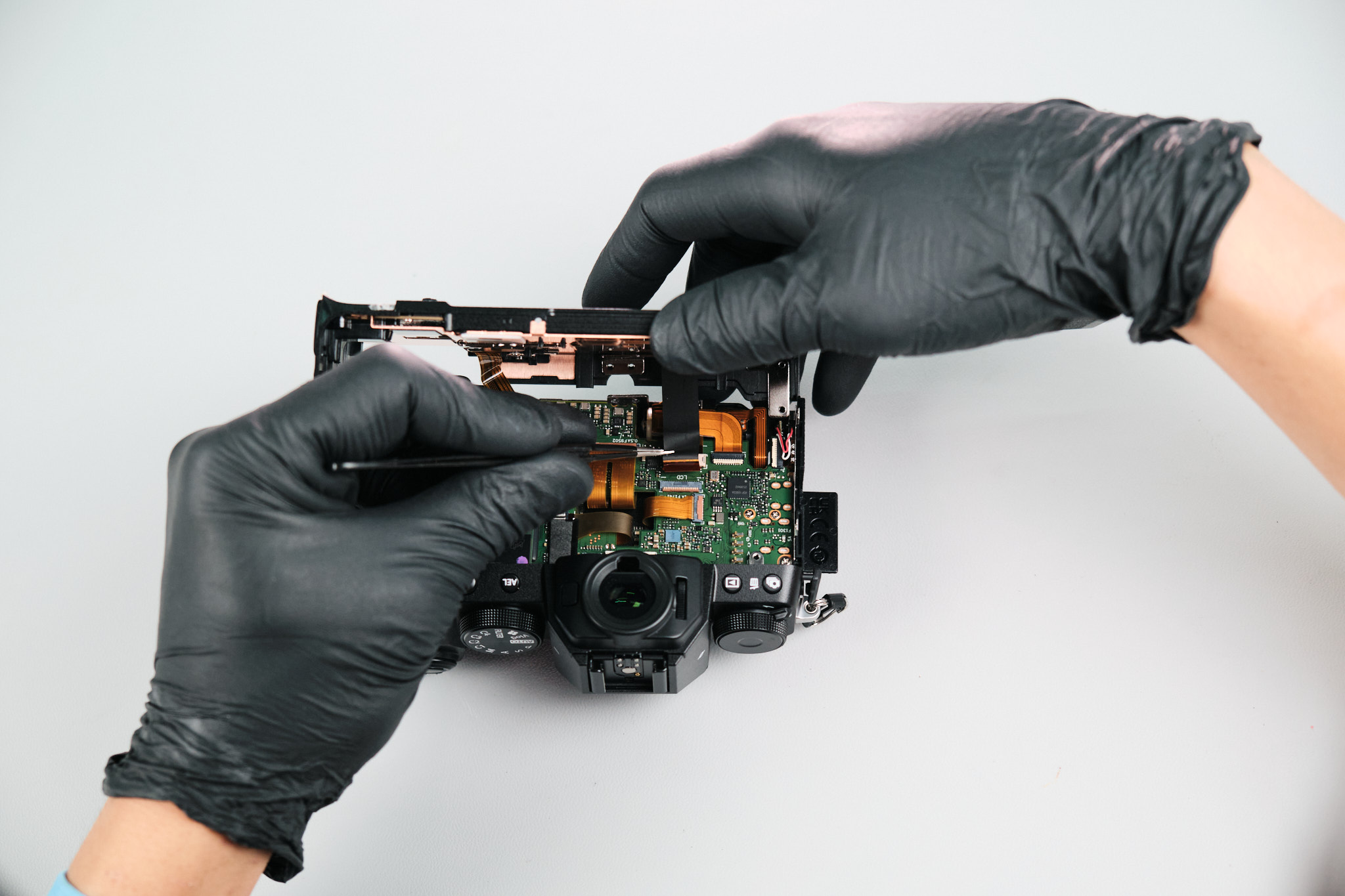
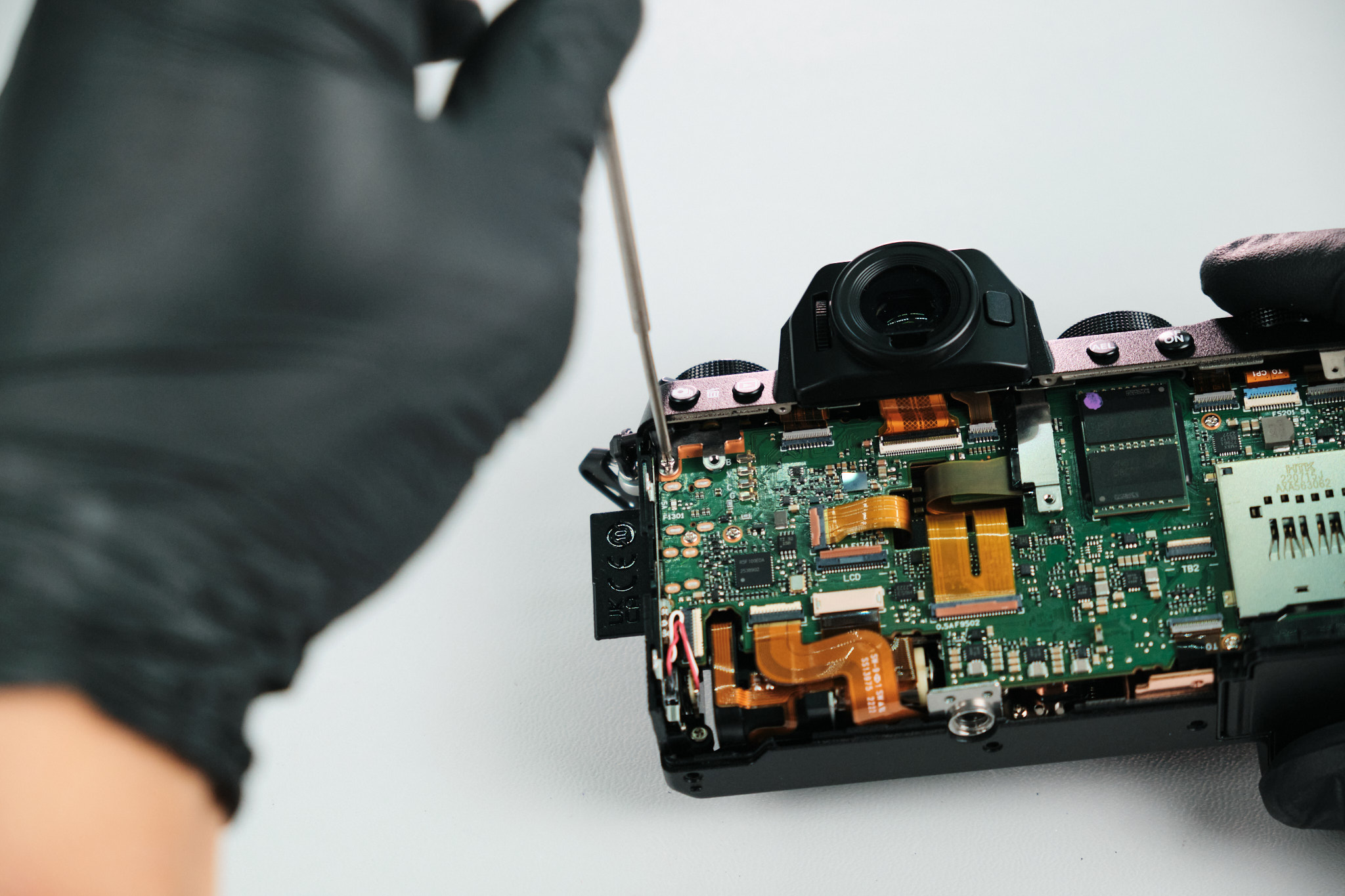
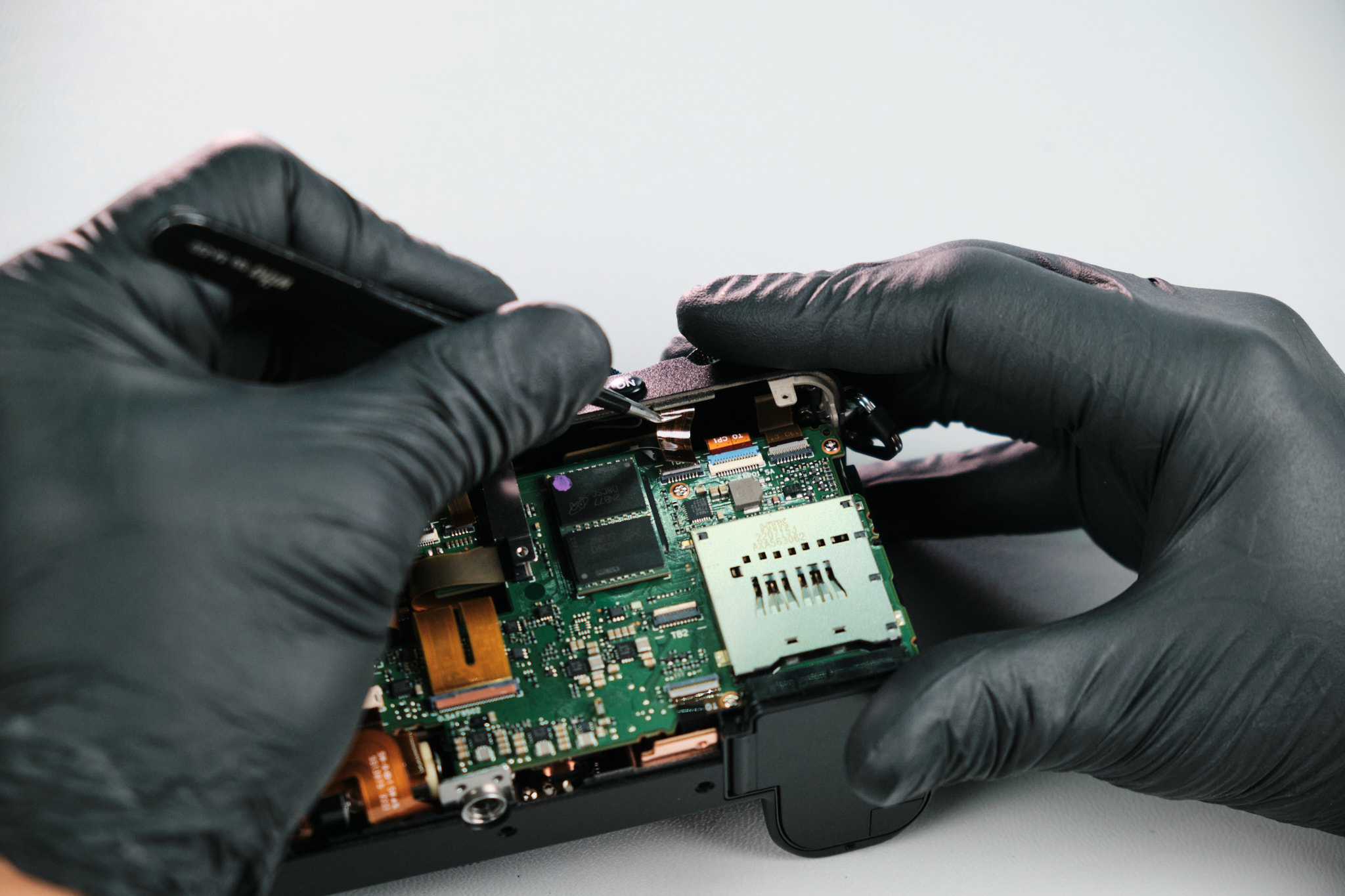
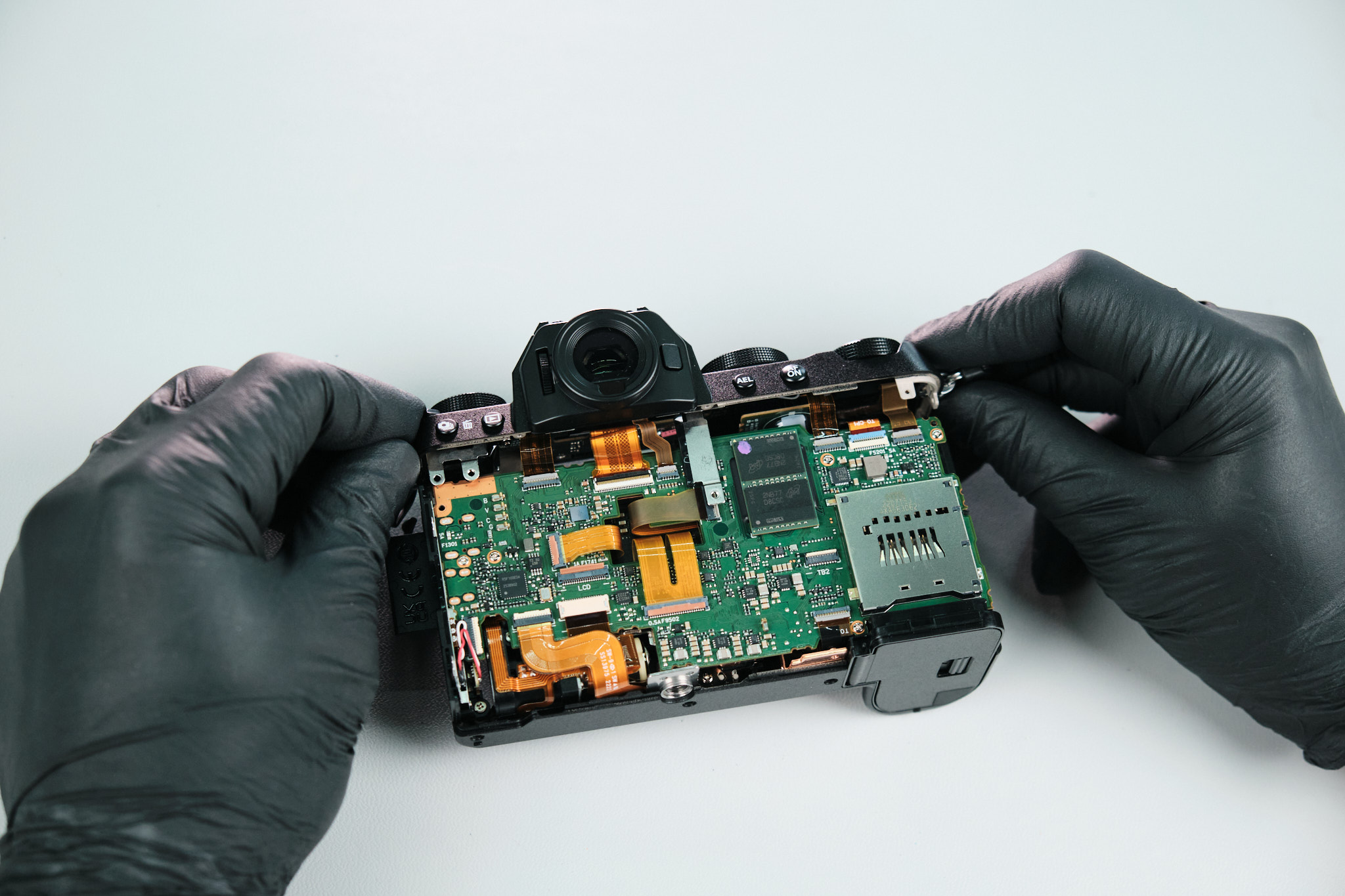
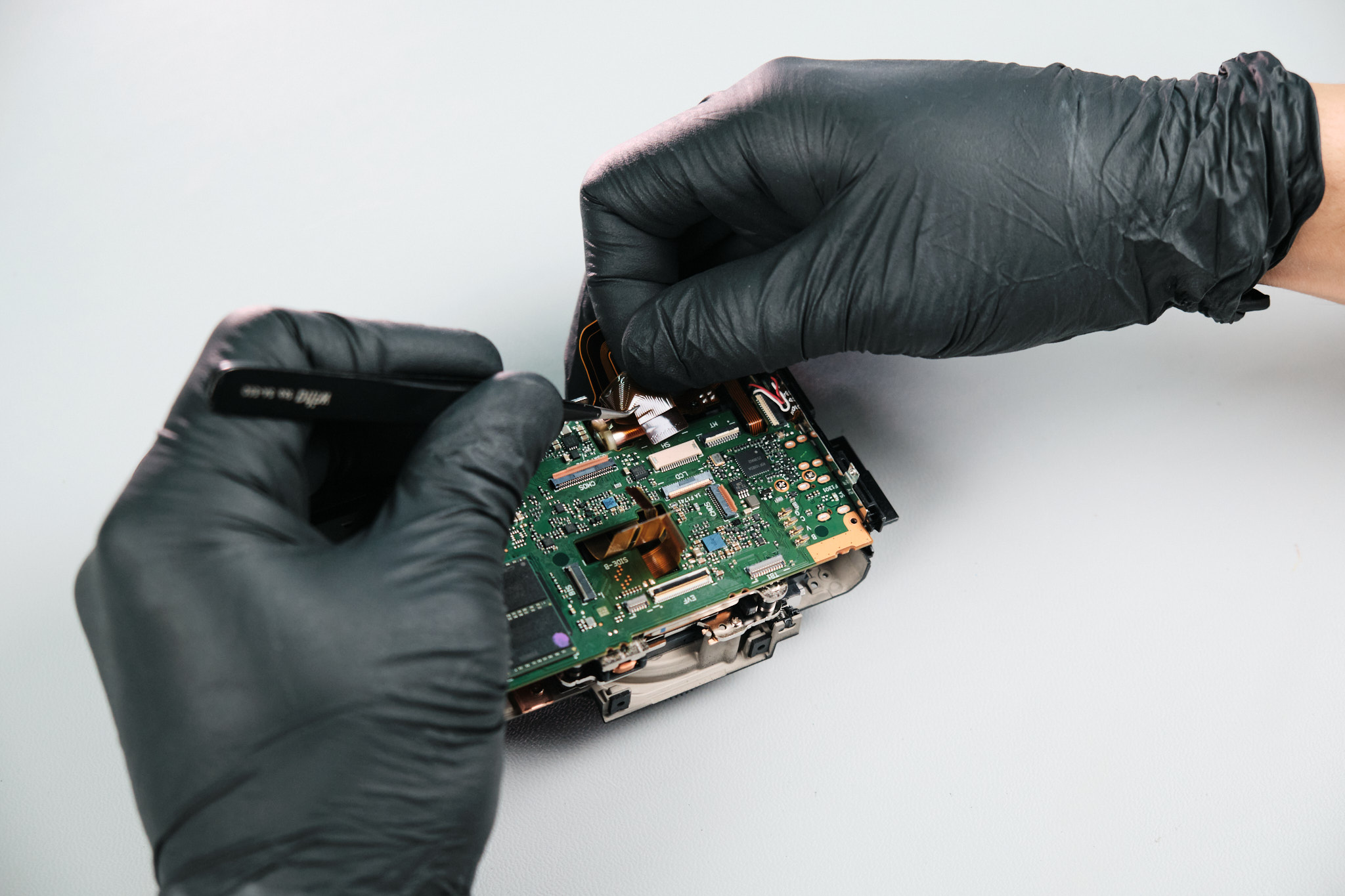
Two ribbons were disconnected from the circuit board to remove the rear panel completely.
Preparing the Top Panel for Sensor Access
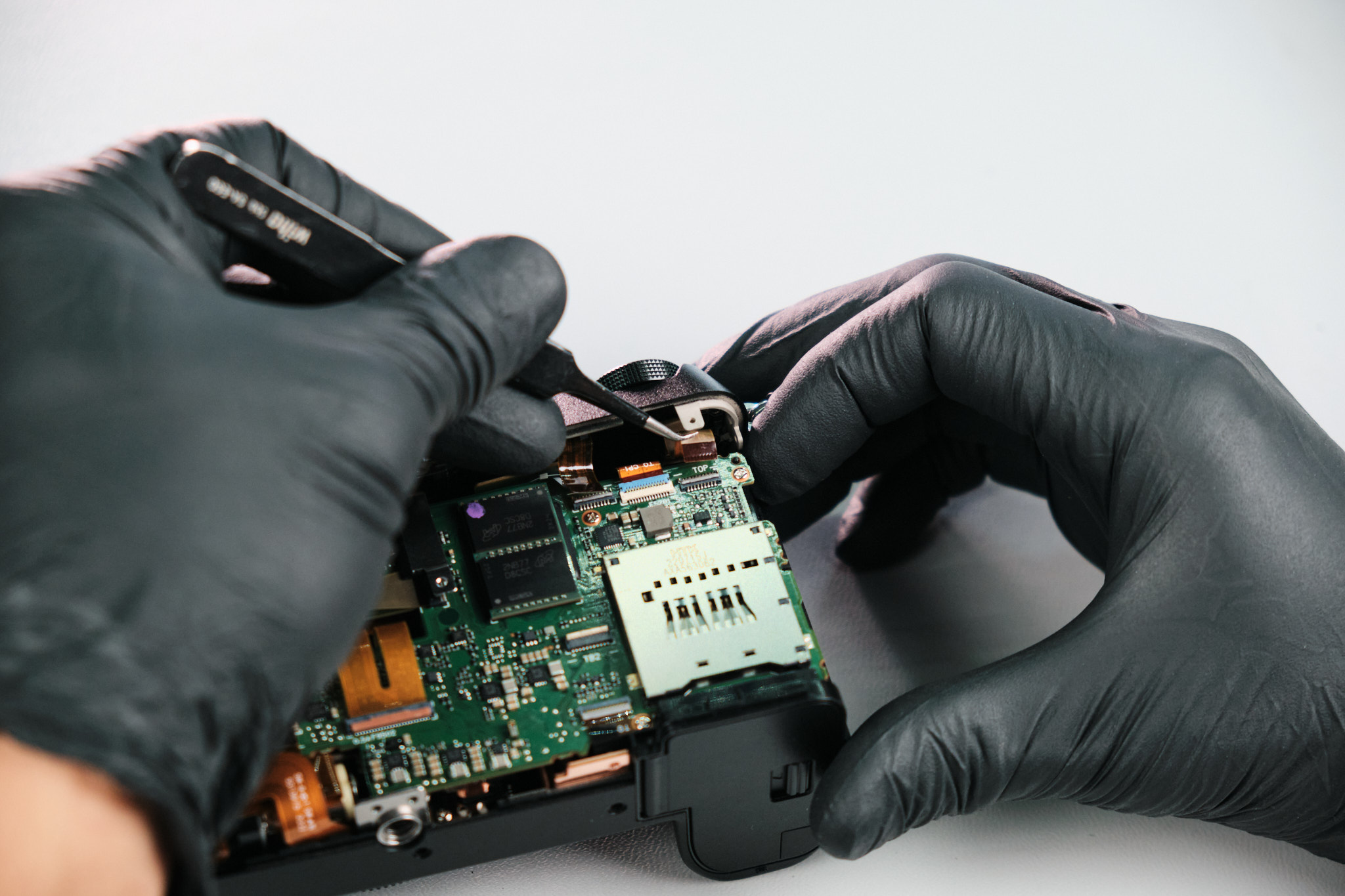
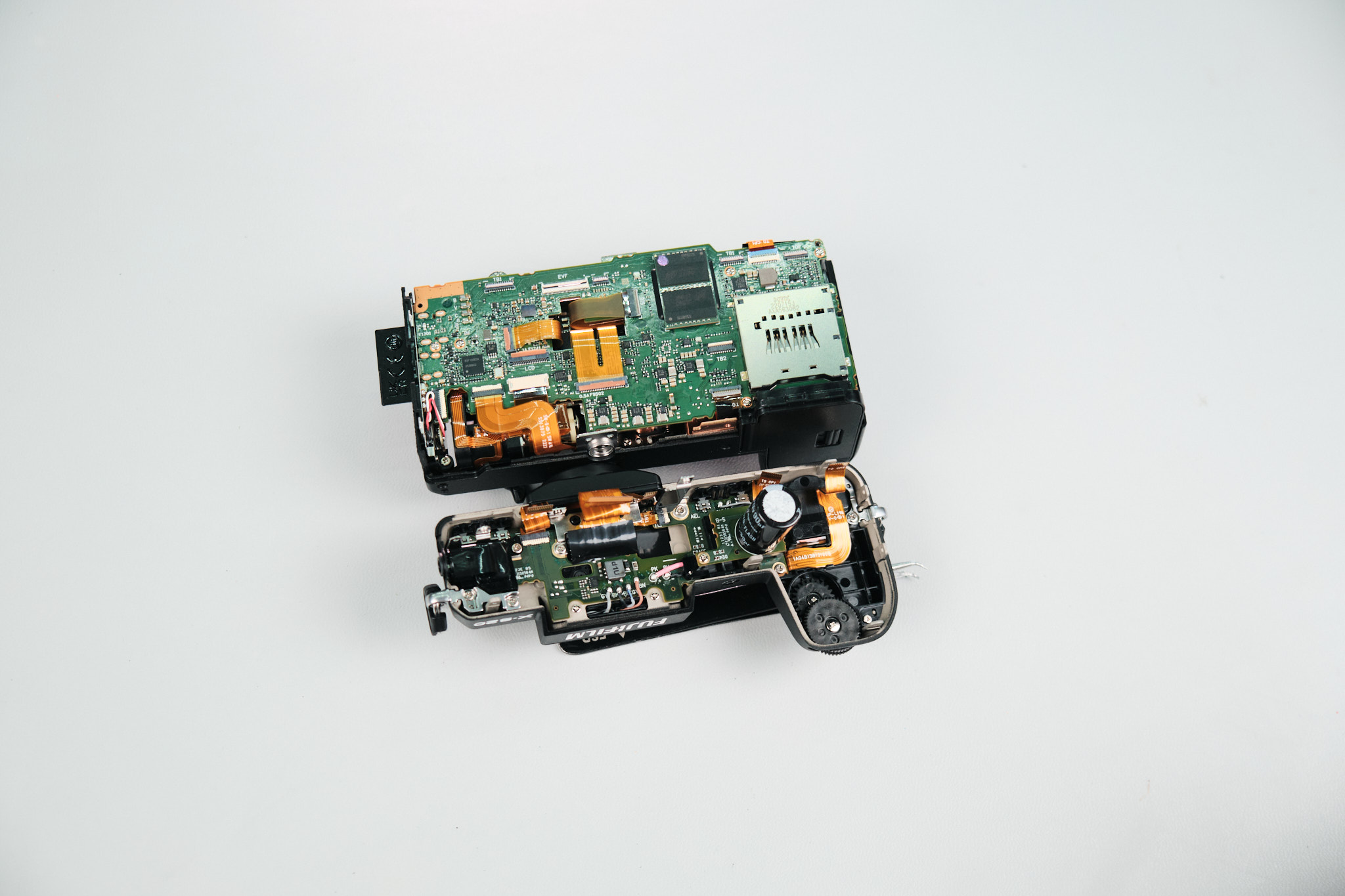
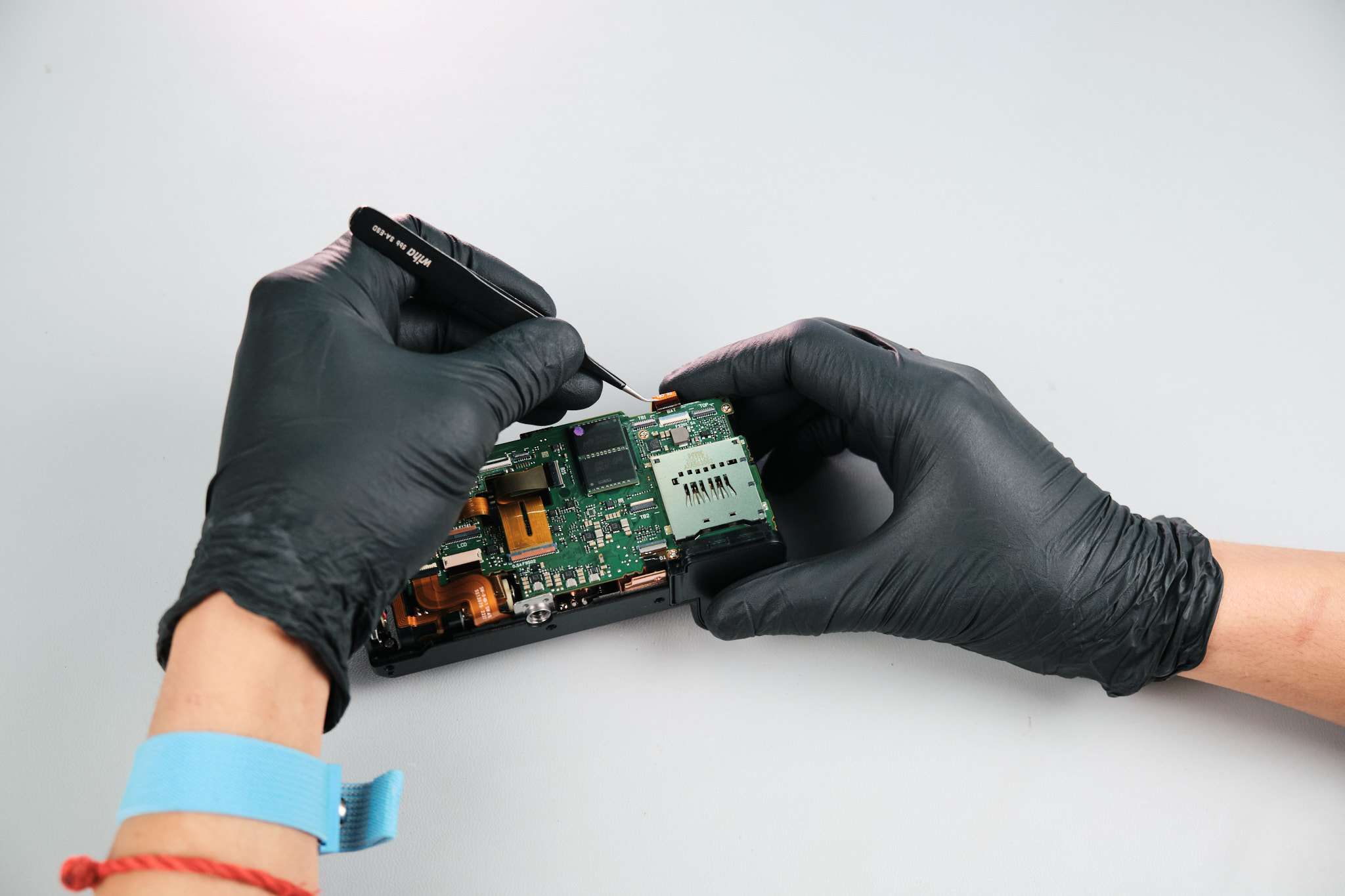
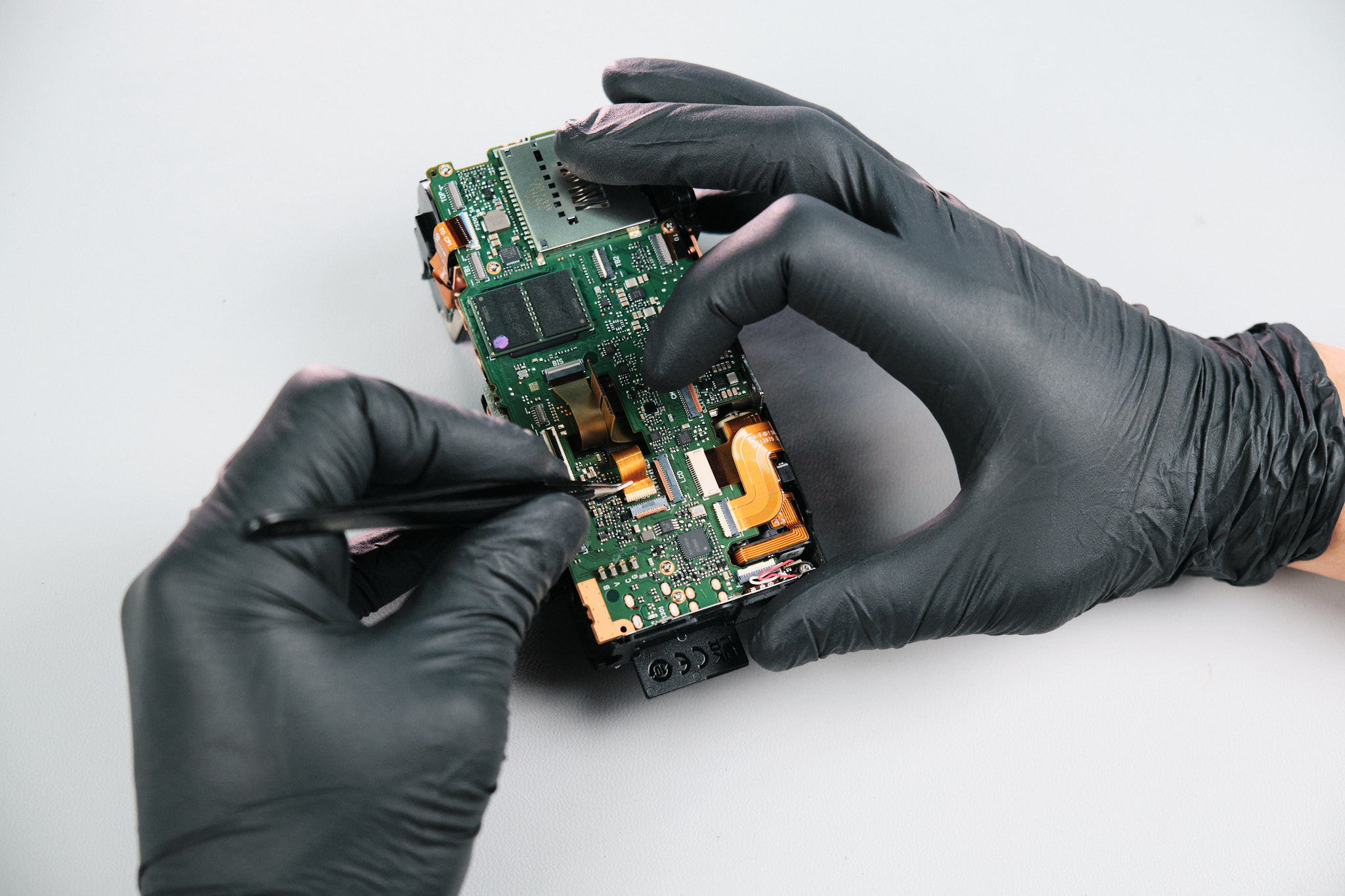
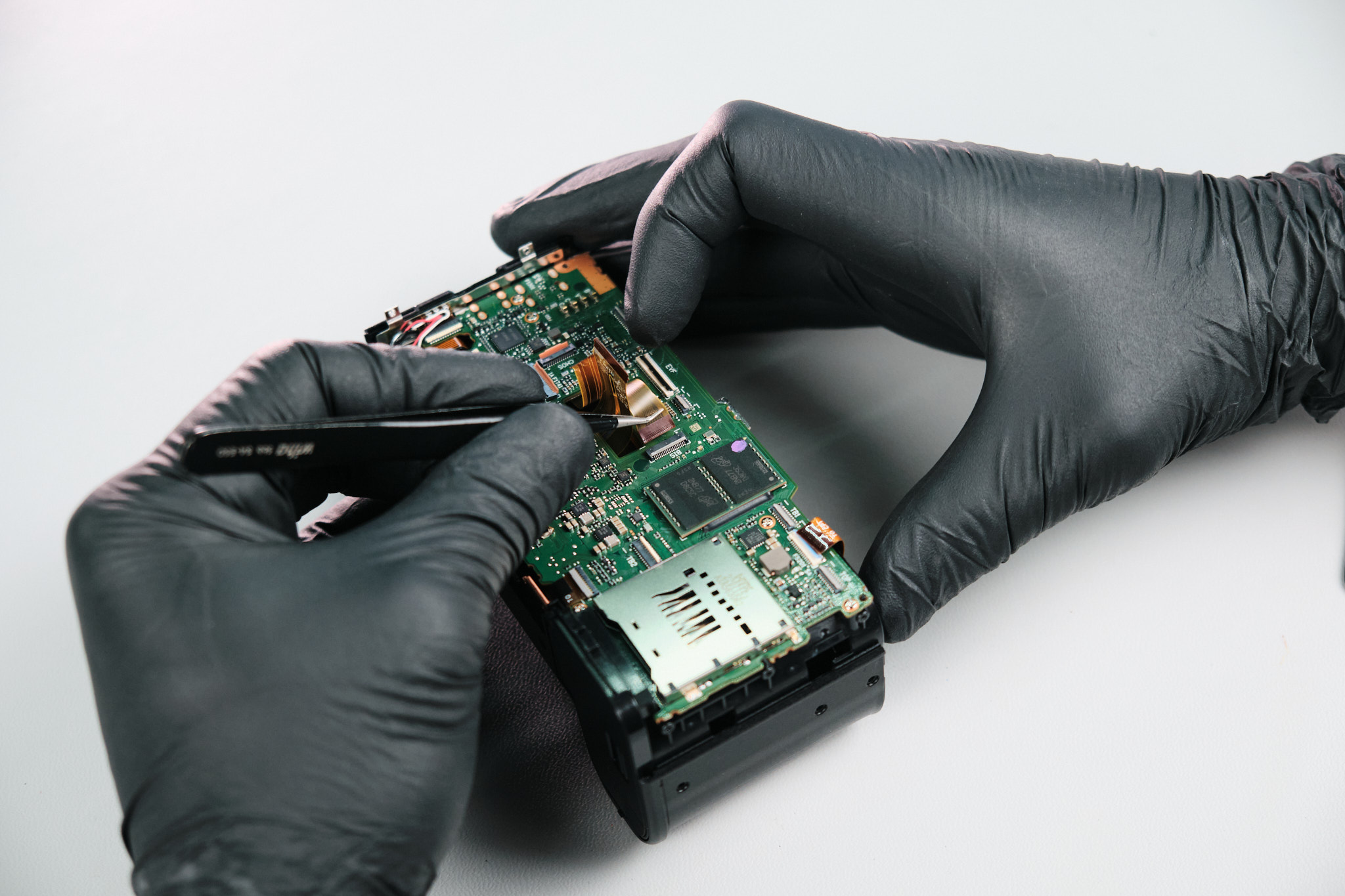
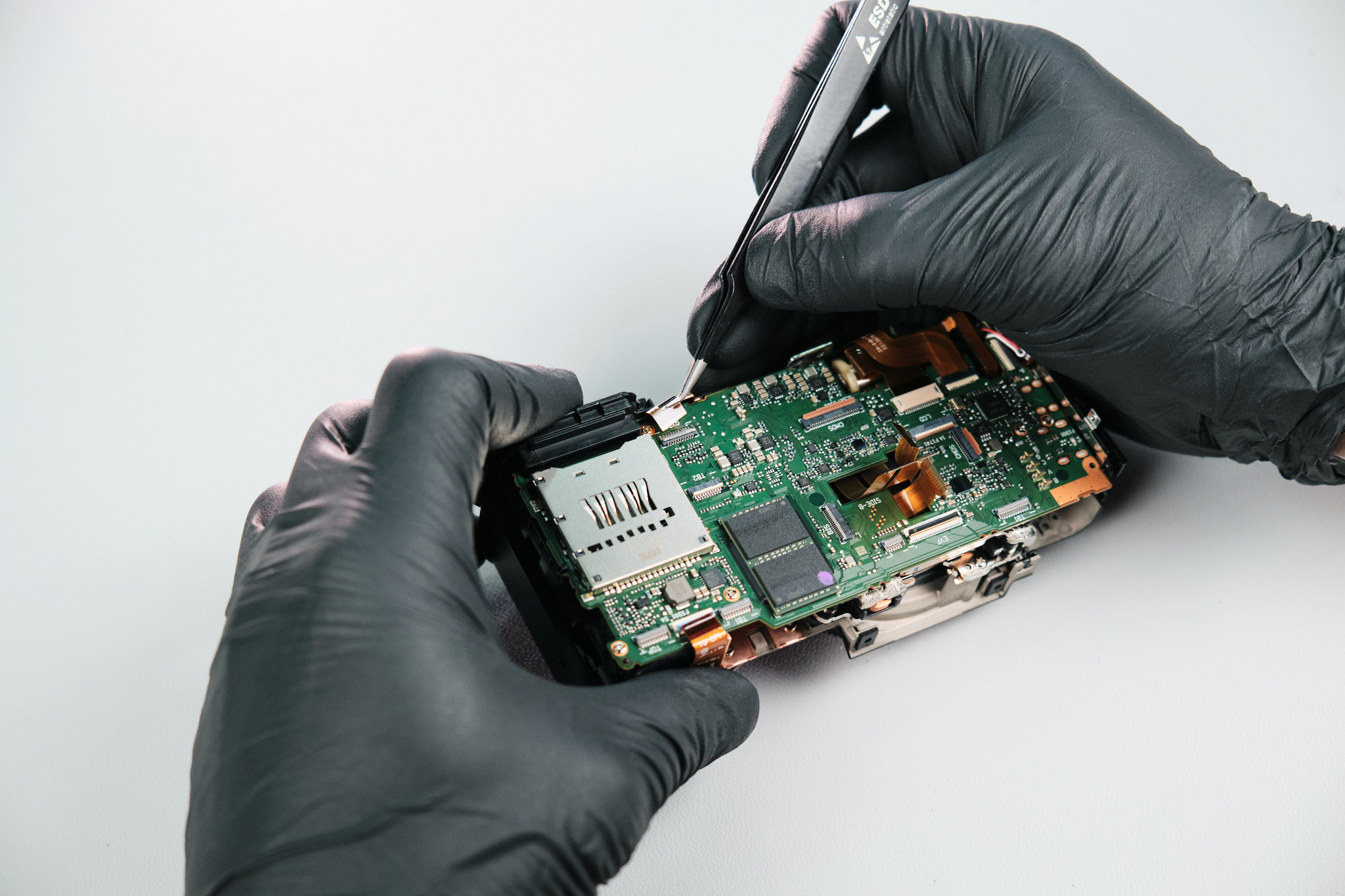
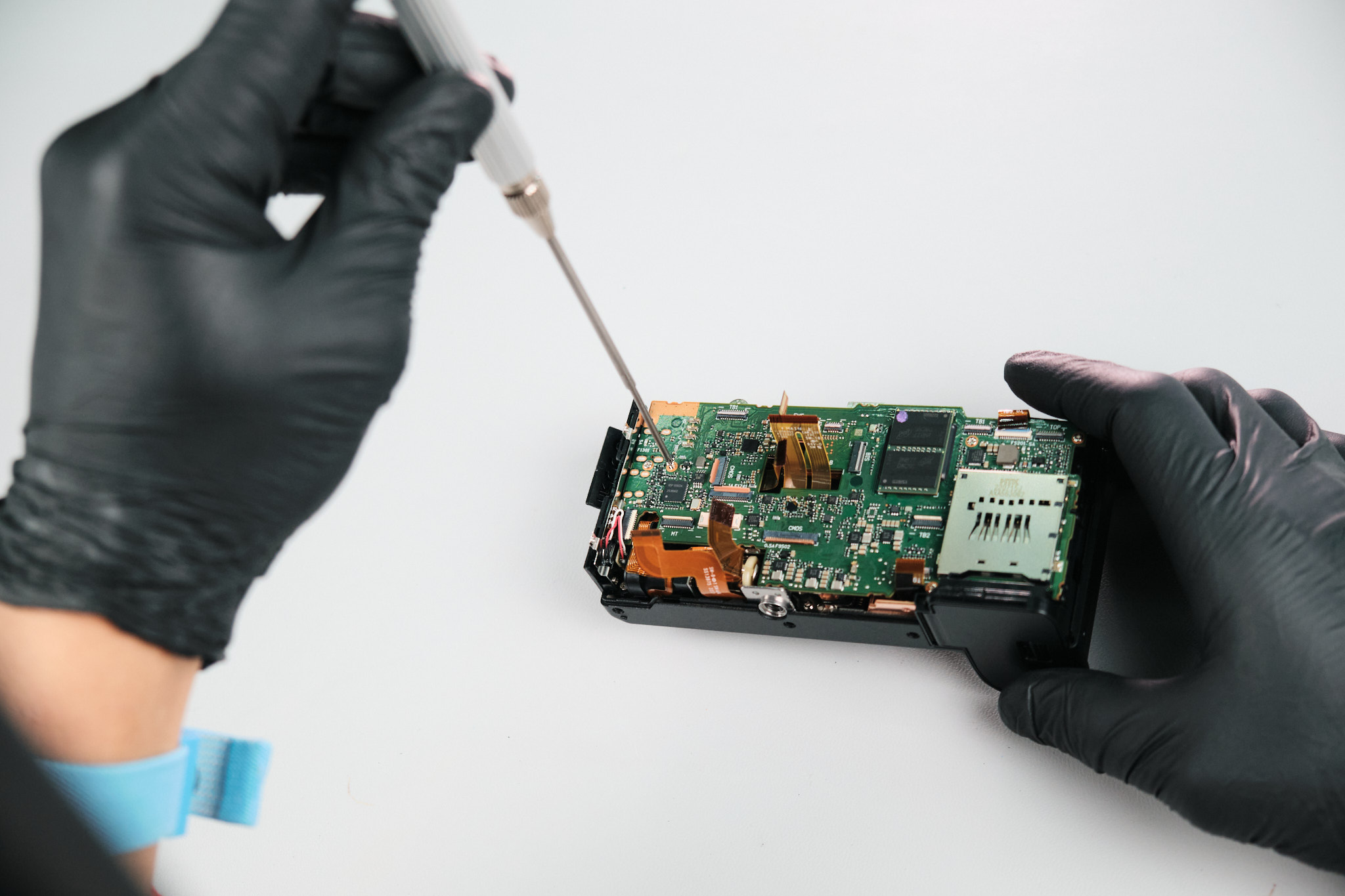
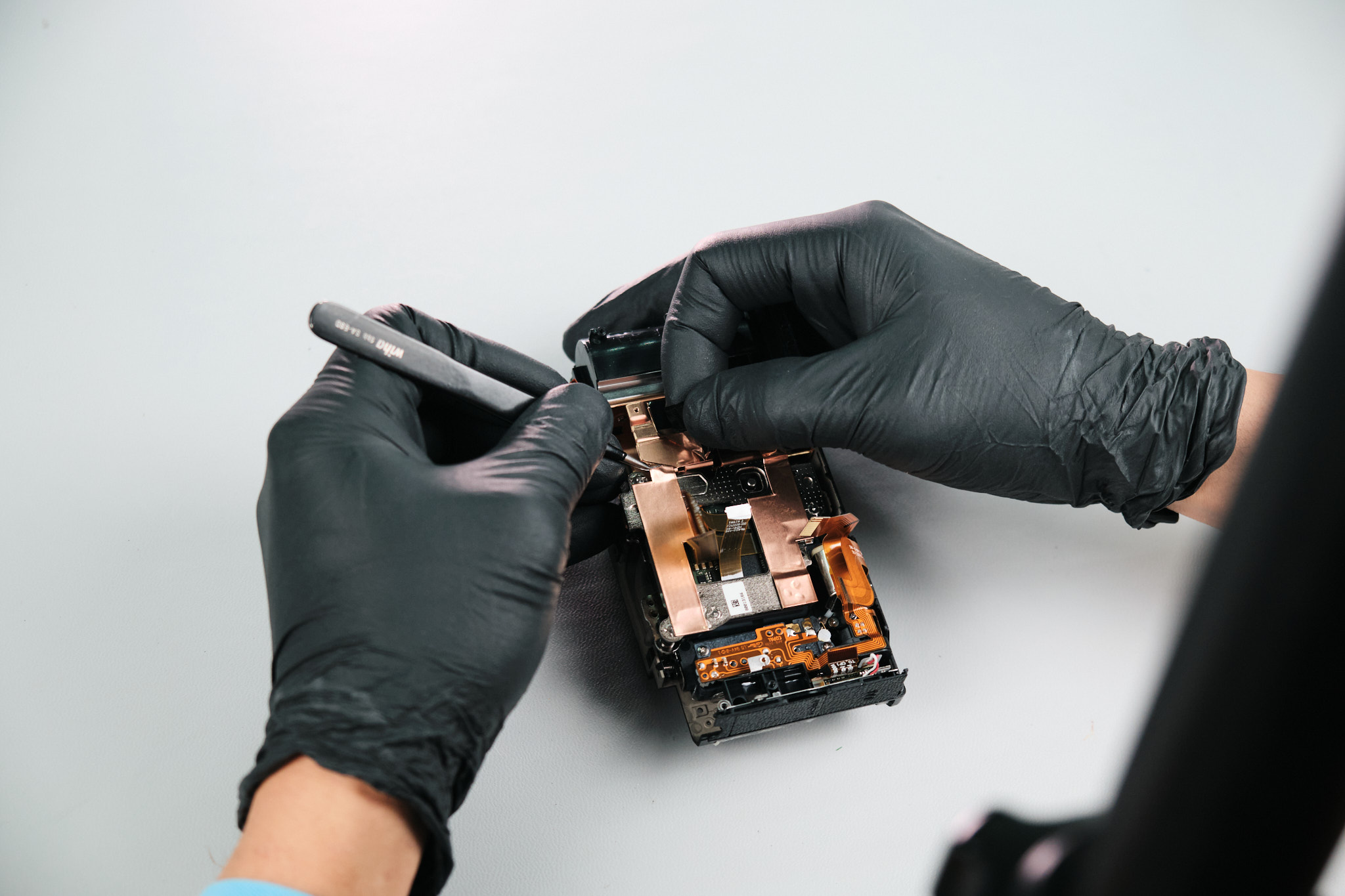
Like all Fuji cameras we work with, the top panel needed to be detached to access the sensor. One silver screw was unfastened from the circuit board, followed by the disconnection of five ribbon cables.
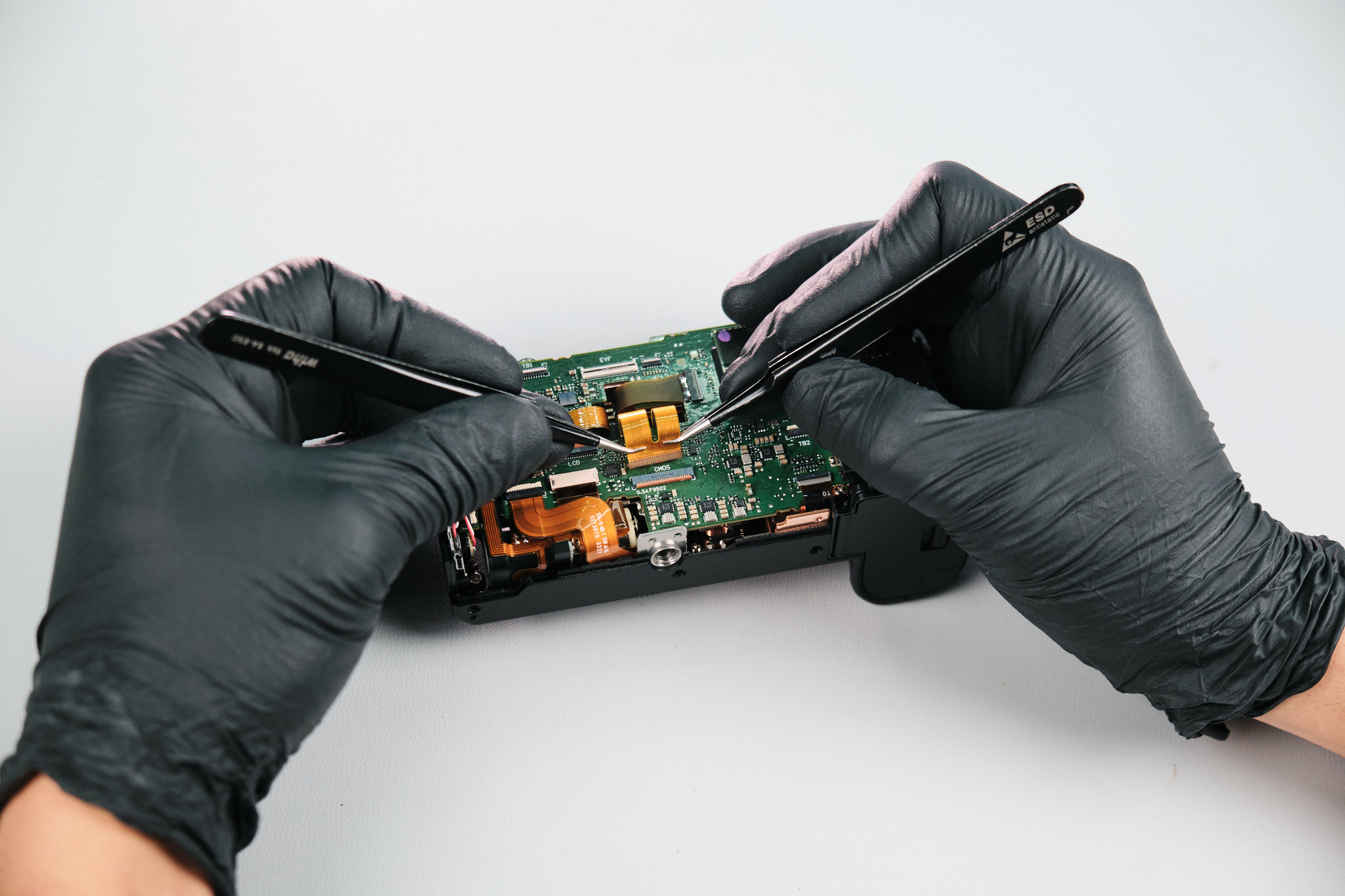
Next, seven more ribbon cables were disconnected from the circuit board.
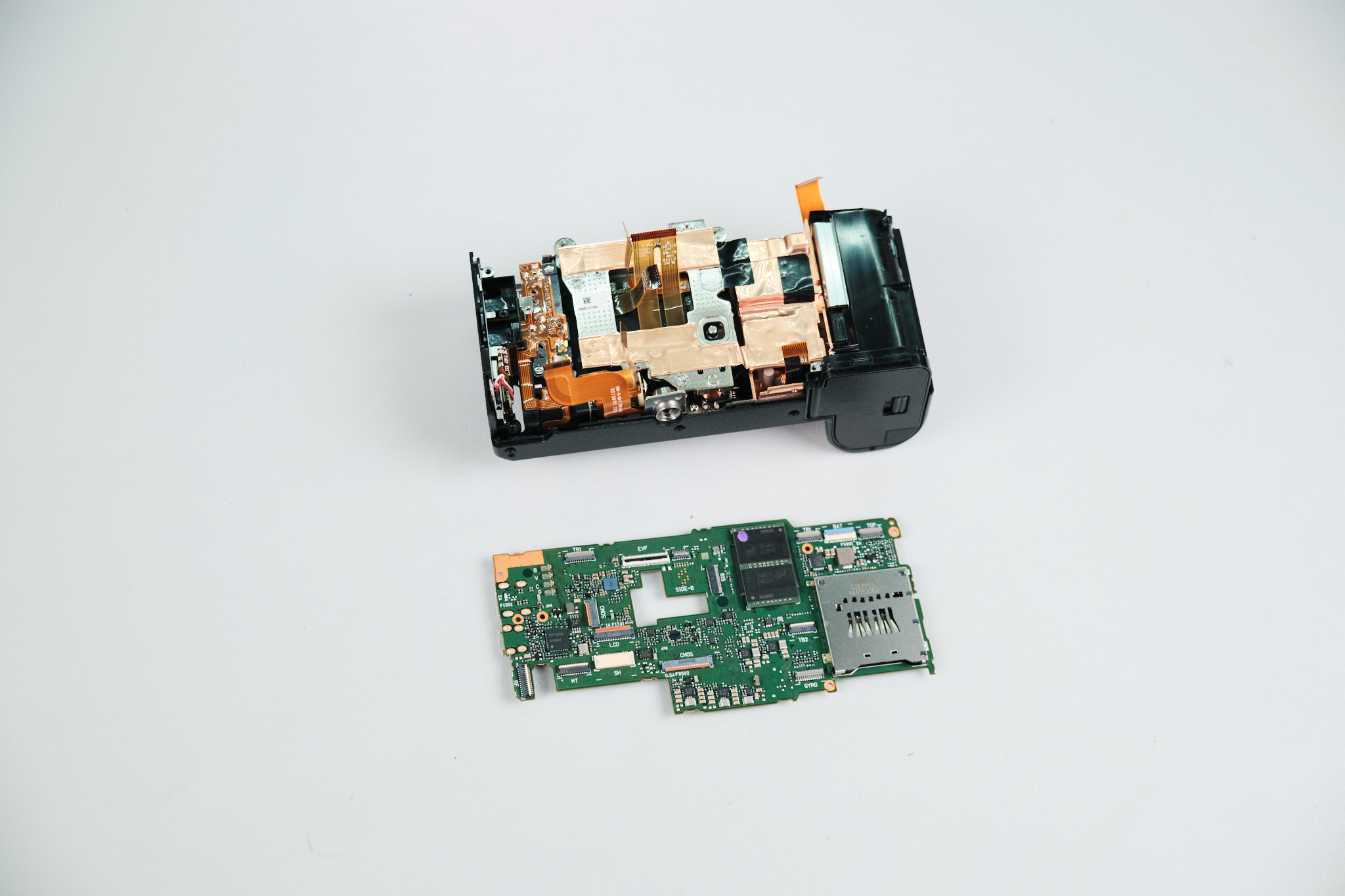
Removing the Fujifilm X-S20 Circuit Board Screws
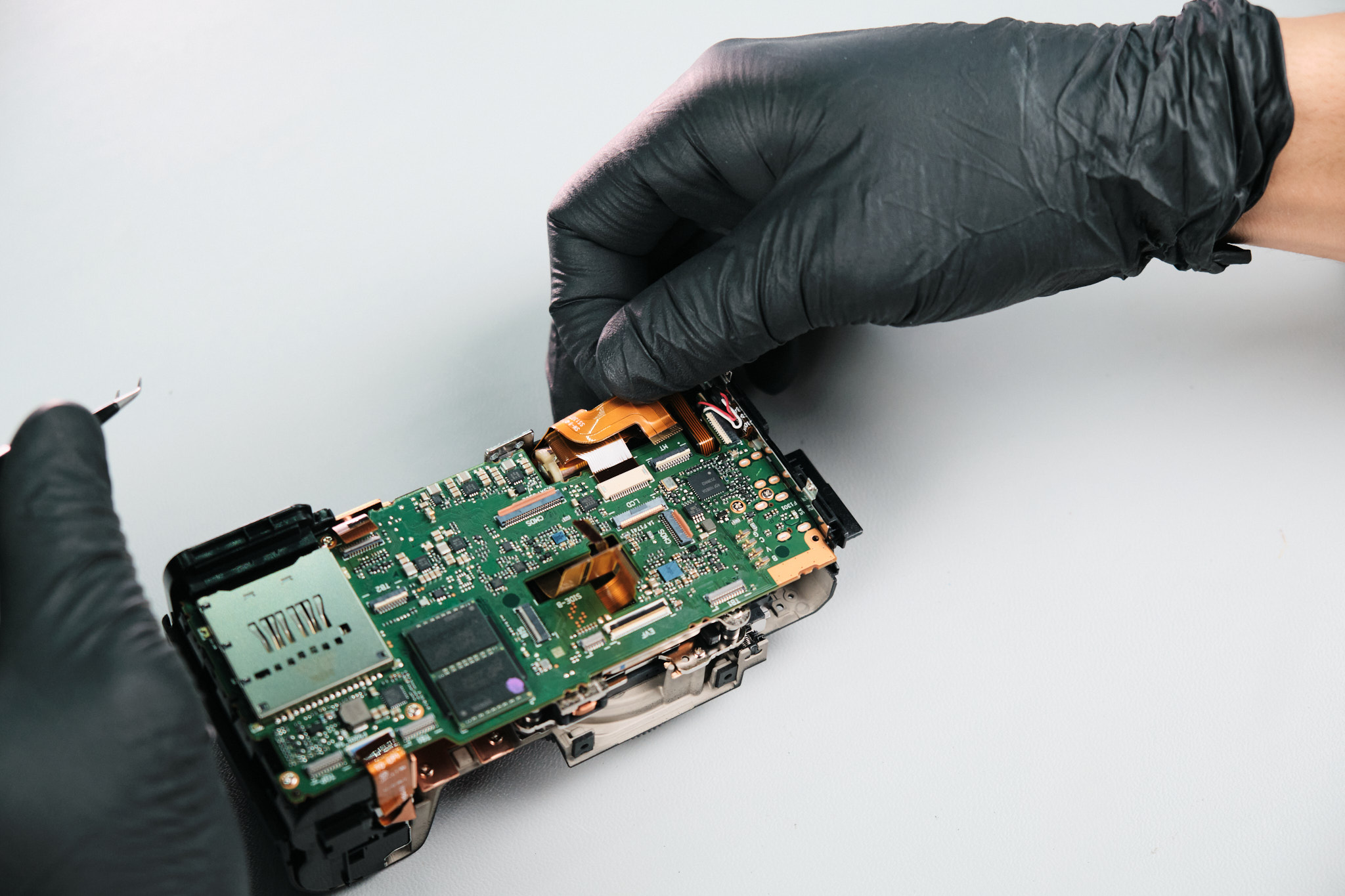
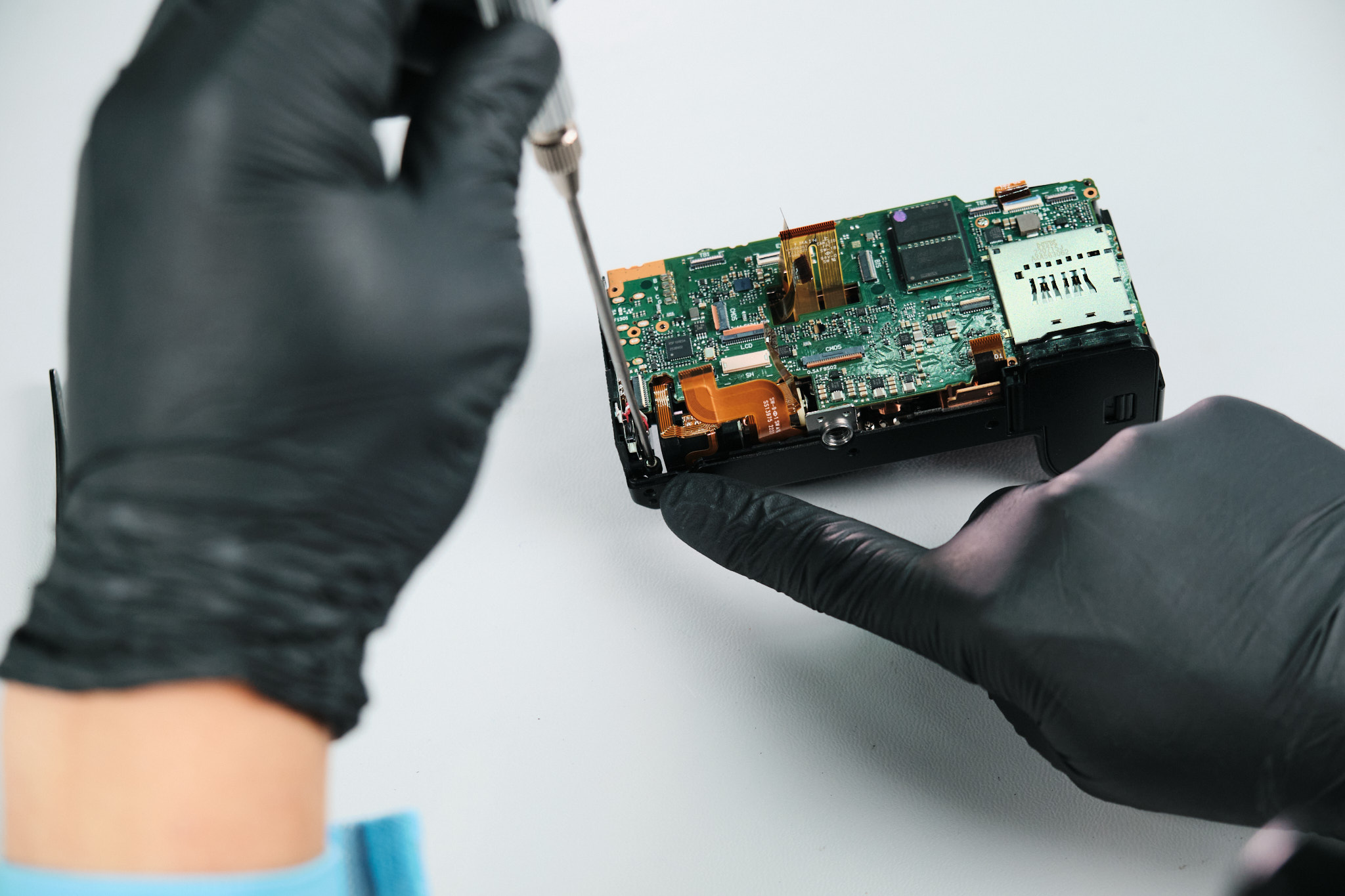
We unfastened six screws from the circuit board.
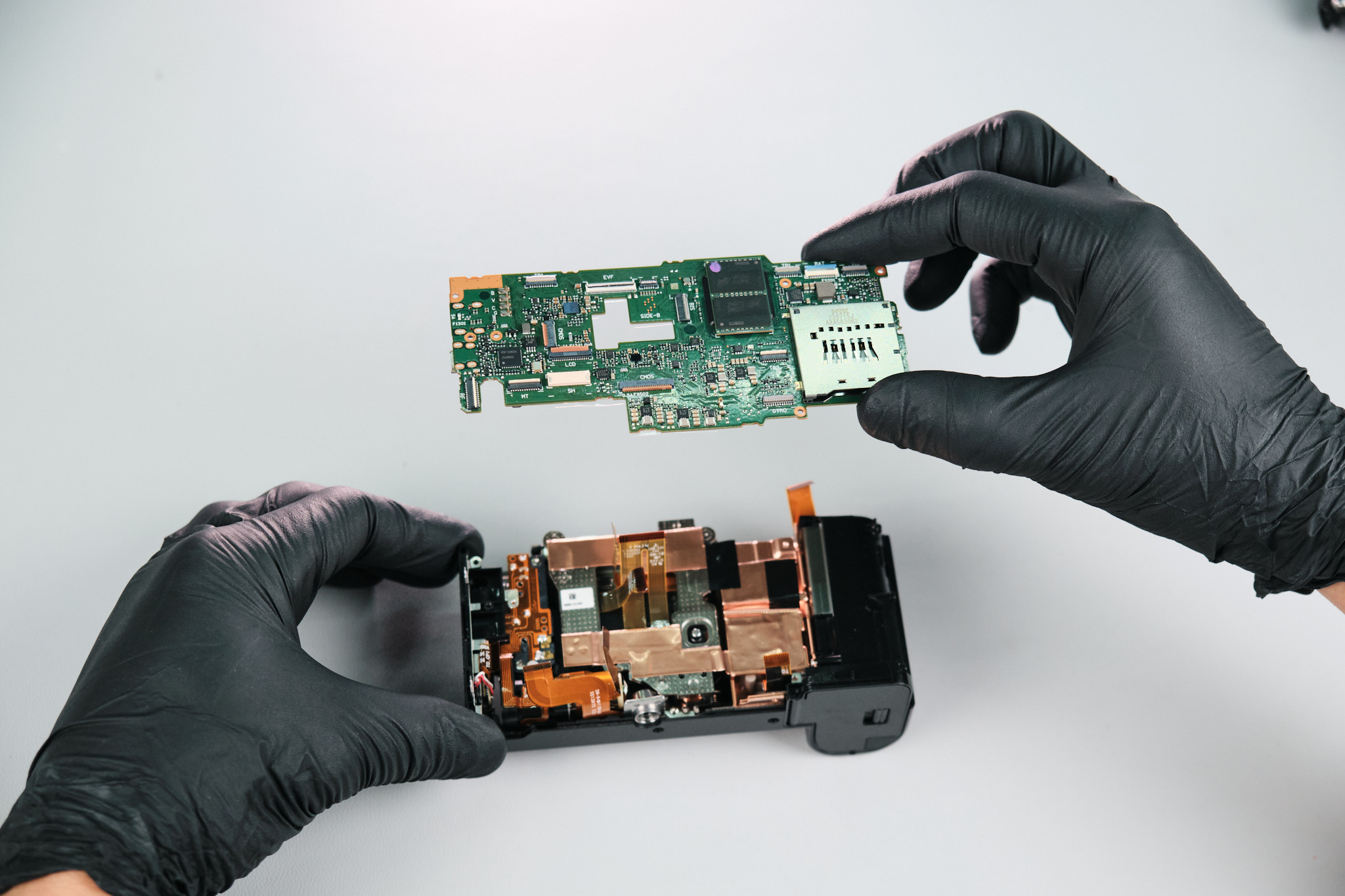
Removing the Fujifilm X-S20 Camera Sensor
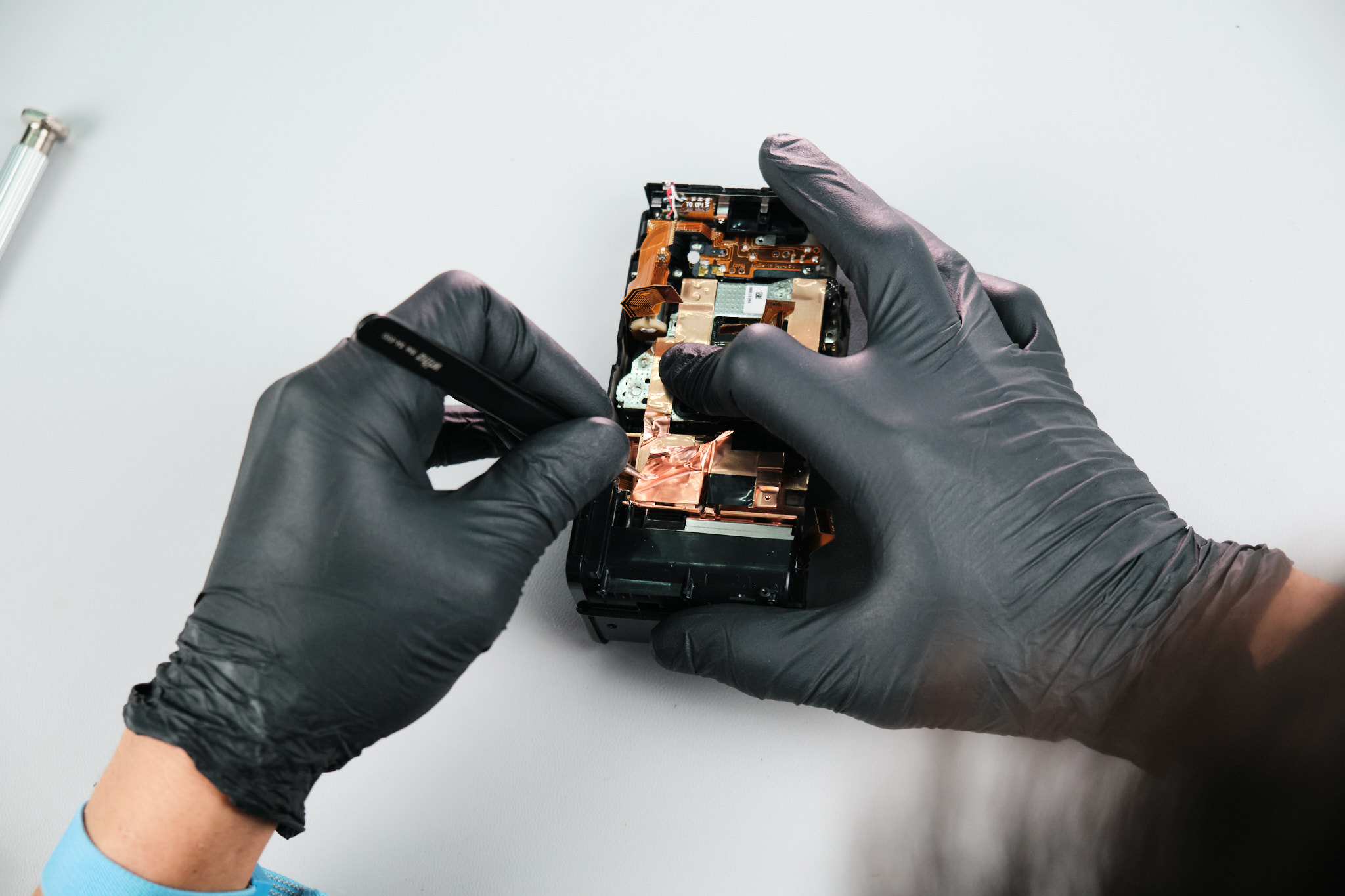
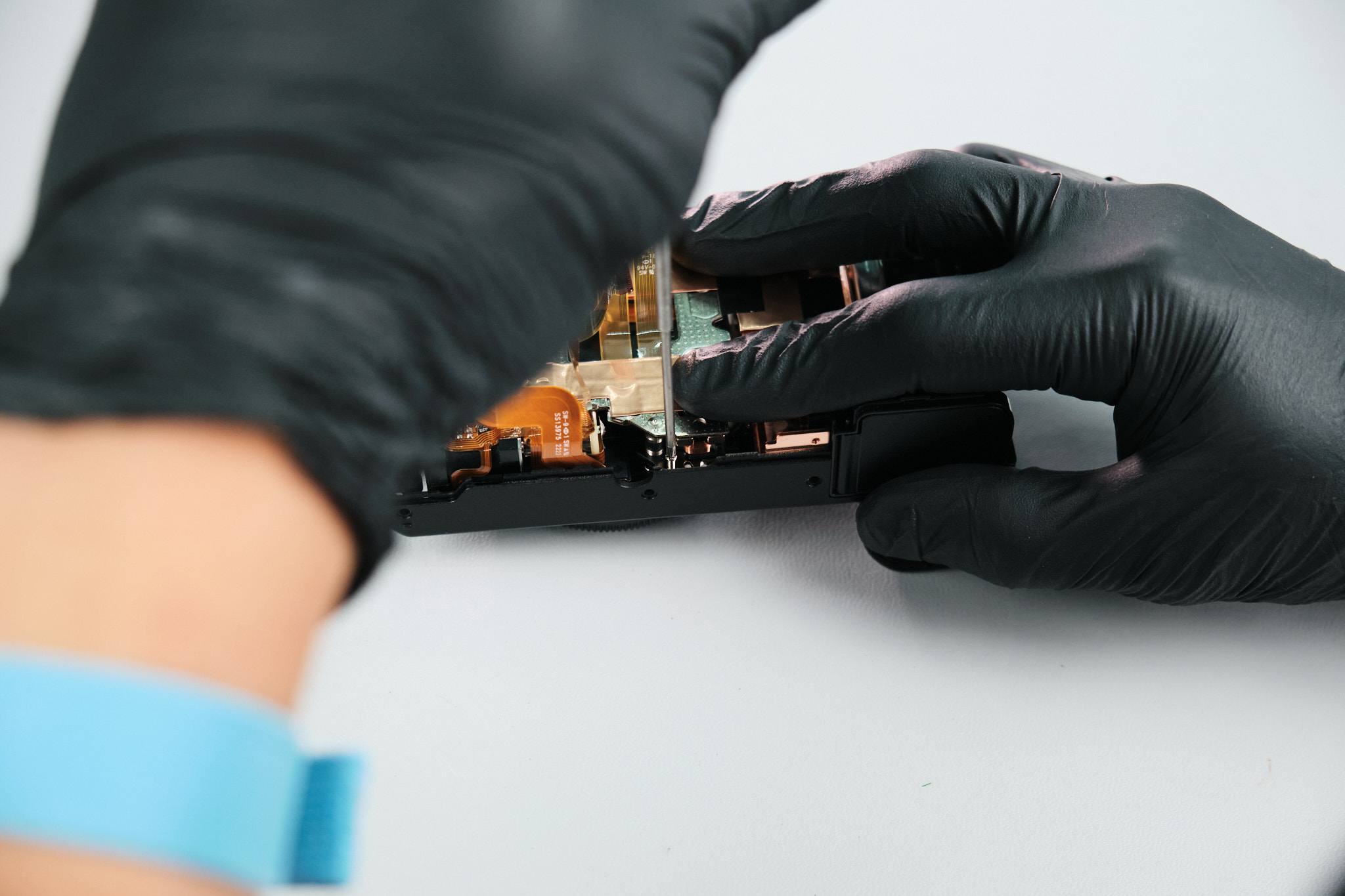
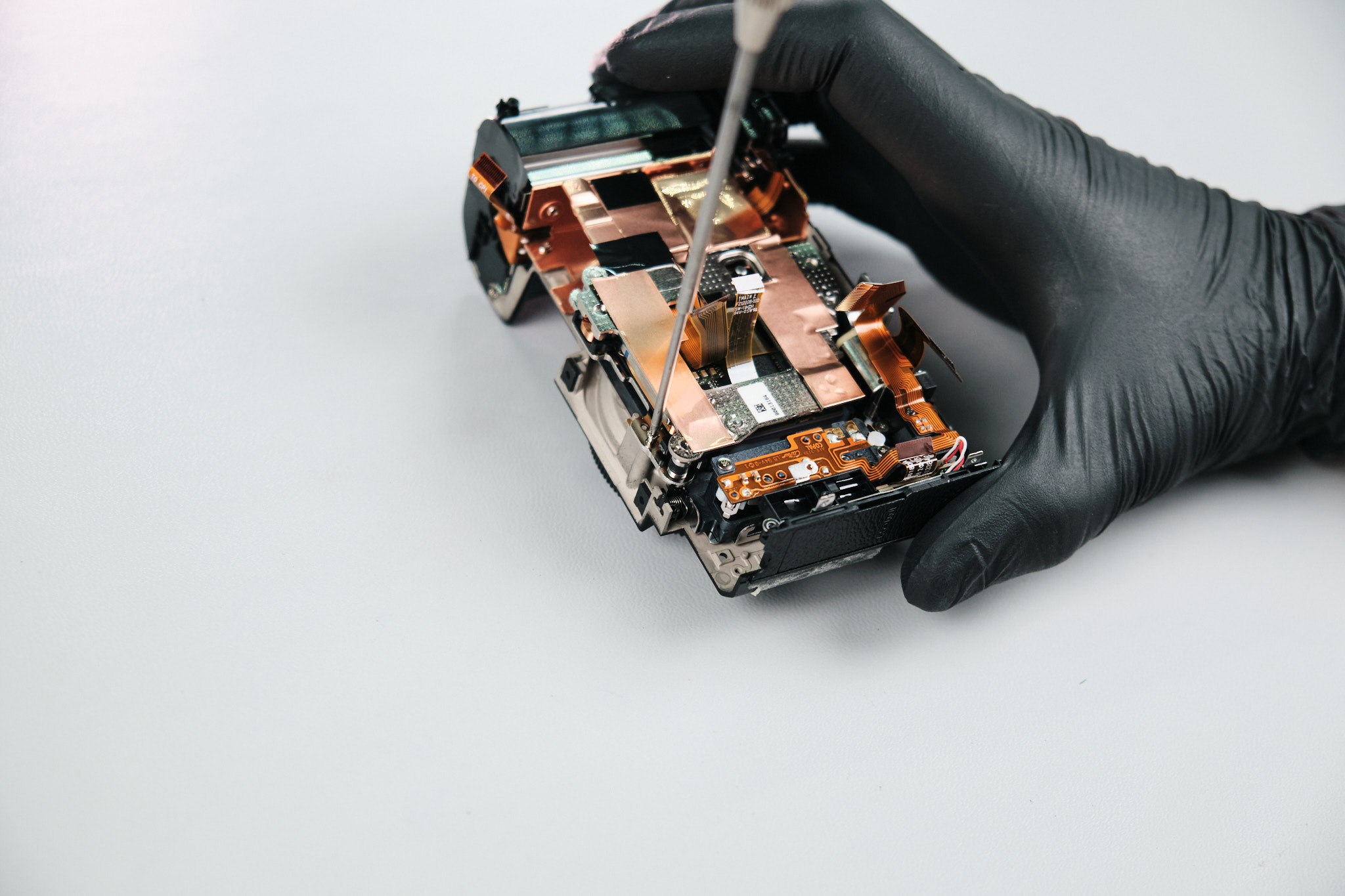
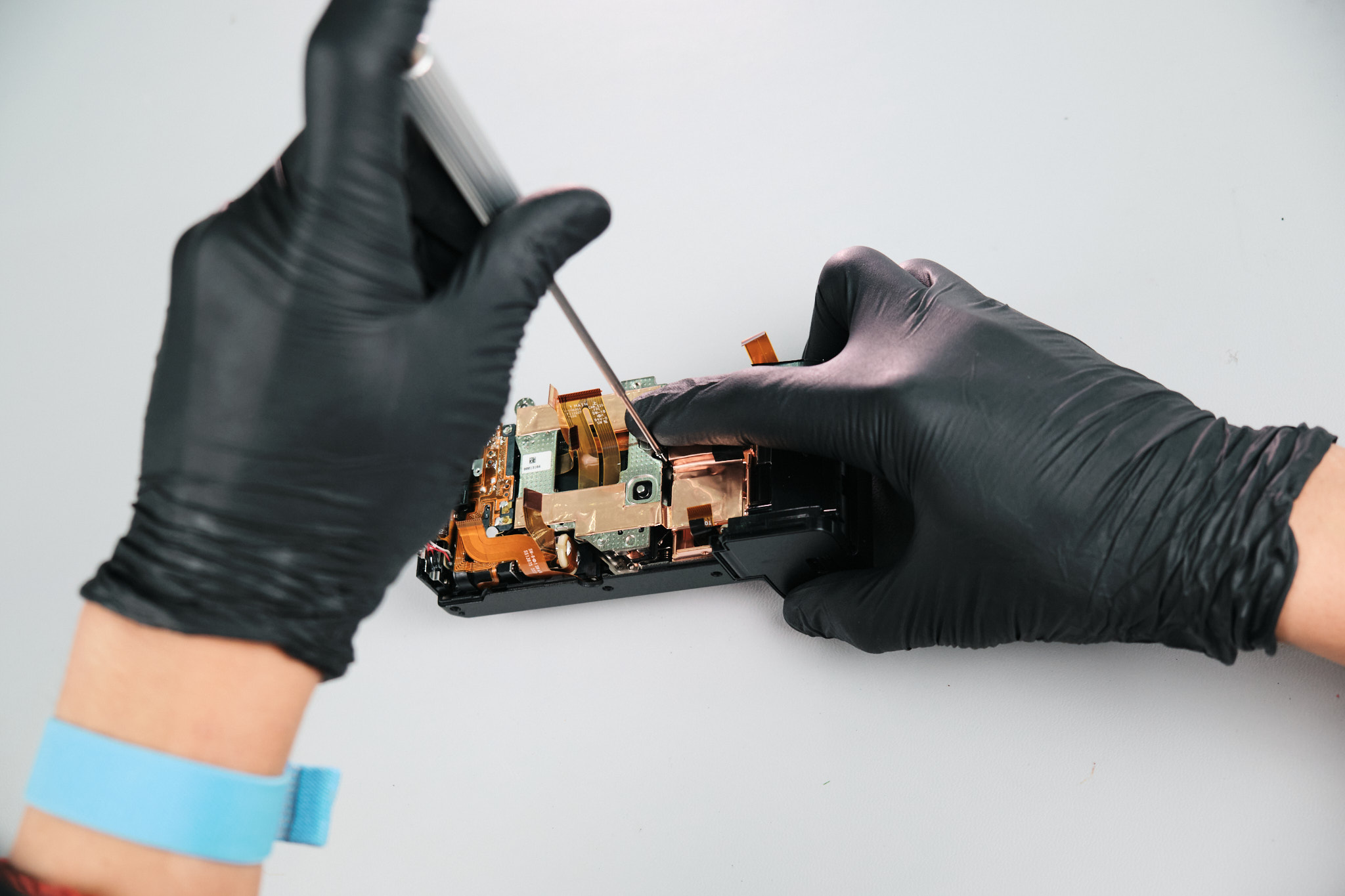
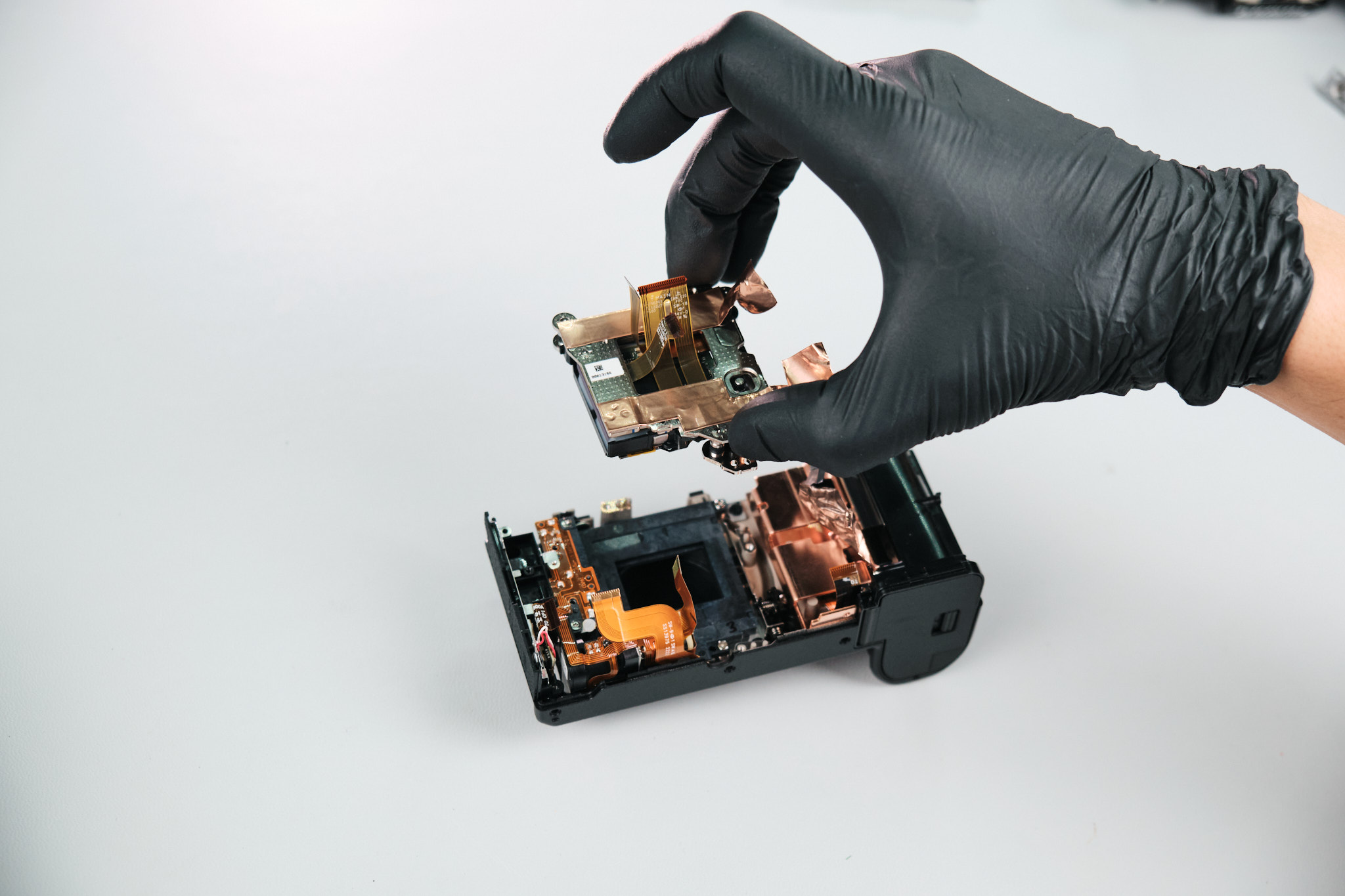
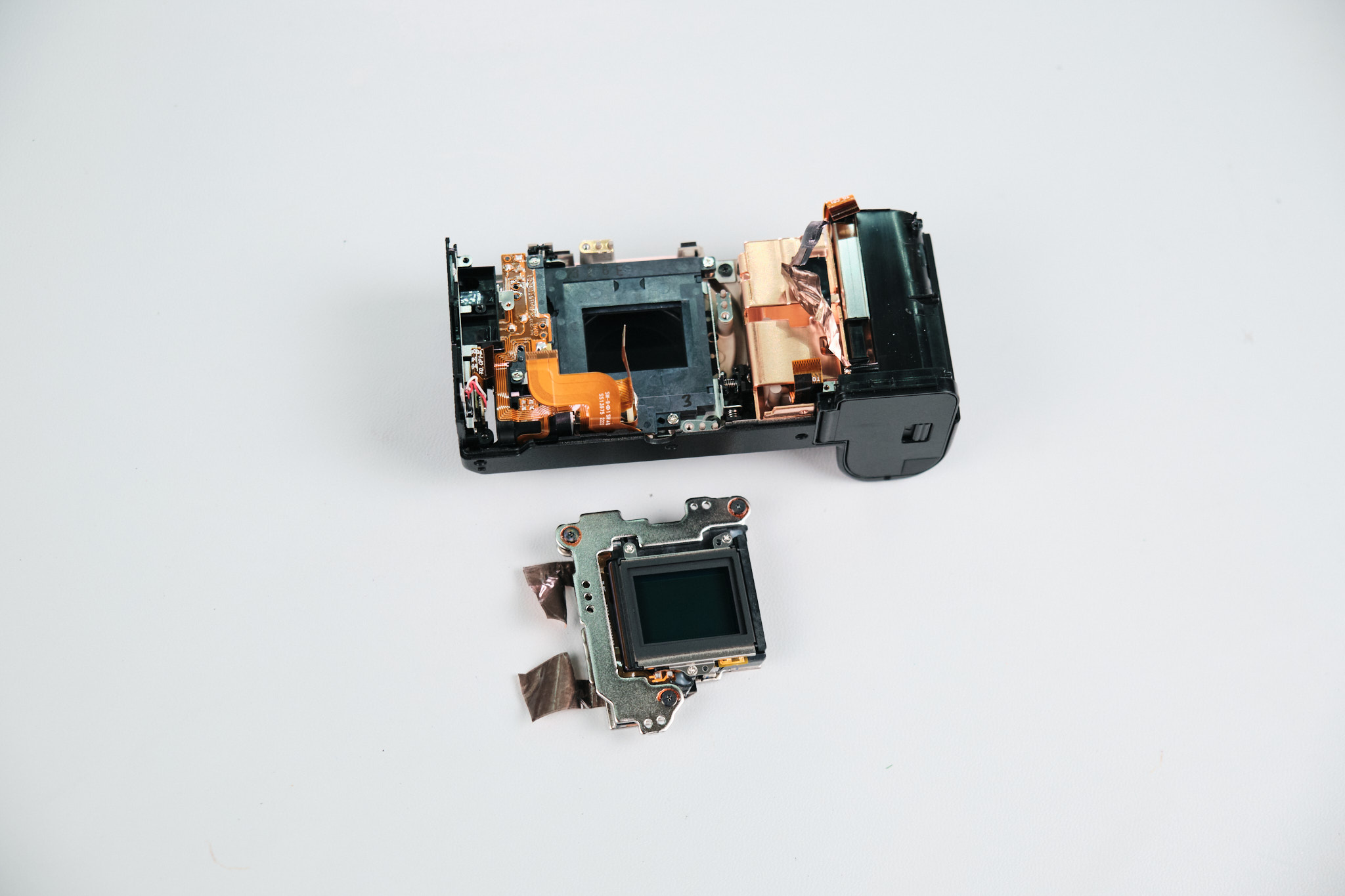
The X-S20 uses sensor shims for focus calibration. Three screws were extracted, and copper heat transfer tape was peeled back for the sensor’s removal.
The sensor is out, and the camera is ready for a full-spectrum conversion!
Final Thoughts on the Fujifilm X-S20 Teardown
The Fujifilm X-S20 was relatively easy for us to disassemble. Since the camera has a pretty small build, it doesn’t have too many parts to keep track of, according to our camera technician, Jared.
Thanks for reading. If you’re interested in more camera teardowns, we feature a new one every month. Be sure to sign up for our newsletter so you don’t miss them!
Frequently Asked Questions
How Do You Start Disassembling The Fujifilm X-S20?
The Fujifilm X-S20 teardown starts by removing four Philips screws from the base of the camera. After that, the disassembly continues around the port side, right-hand palm grip, LCD screen area, thumb grip, and hidden body screws.
Where Are The Hidden Screws On The Fujifilm X-S20?
The Fujifilm X-S20 has hidden screws under the right-hand palm grip, under the LCD screen vinyl cover trim, beneath the thumb grip, and under the X-S20 decal. These screws need to be removed before the rear panel can come off.
How Is The Fujifilm X-S20 Rear Panel Removed?
The rear panel is held not only by screws but also by clips. After the screws are removed, the teardown releases the L clips with tweezers, then disconnects two ribbon cables from the circuit board to remove the rear panel completely.
How Is The Fujifilm X-S20 Circuit Board Removed?
The Fujifilm X-S20 circuit board is accessed after the rear panel is removed. The teardown disconnects multiple ribbon cables from the circuit board, including five initial ribbon cables and seven additional ribbon cables, before removing six circuit board screws.
How Is The Fujifilm X-S20 Camera Sensor Removed?
The Fujifilm X-S20 sensor is reached near the end of the teardown. The camera uses sensor shims for focus calibration, and the sensor is removed after three screws are extracted and the copper heat transfer tape is peeled back.